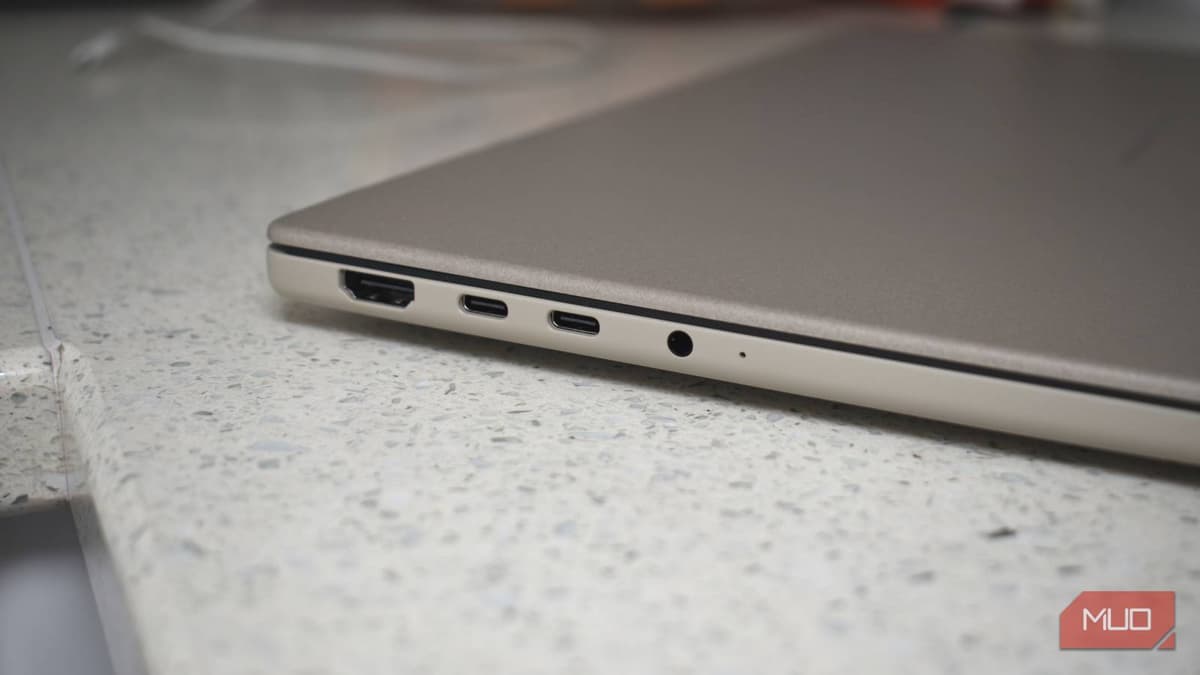
Your Laptop's USB Port Is Probably Slower than Advertised — Here's How to Verify It
Companies Mentioned
Why It Matters
Knowing the true capability of each USB port helps professionals avoid data‑transfer delays, protect hardware investments, and make informed purchasing decisions in a market saturated with misleading specifications.
Key Takeaways
- •USB naming mixes generations; speeds range 5 Gbps to 80 Gbps
- •Many laptops combine fast and slow ports without clear labeling
- •Windows, macOS, Linux provide built-in tools to view port capabilities
- •Cable quality can halve advertised transfer rates
- •Labeling ports and cables prevents costly performance bottlenecks
Pulse Analysis
The explosion of USB standards over the past decade has created a paradox of choice for laptop users. While USB‑C promises a universal connector, the underlying protocols—USB 2.0, USB 3.2 Gen 1/2/2x2, USB4, and multiple Thunderbolt generations—deliver wildly different bandwidths. Enterprises that rely on rapid data movement, such as video editing studios or AI research labs, can see transfer times swing by an order of magnitude if they inadvertently plug into a legacy port. Understanding the spec sheet is only half the battle; real‑world performance is shaped by controller firmware, thermal throttling, and the often‑overlooked cable quality.
Operating systems now expose enough detail for savvy users to pinpoint each port’s capabilities. Windows’ Device Manager lists controller types, macOS’s System Report enumerates USB descriptors, and Linux’s lsusb command reports speeds in megabits per second. By pairing these tools with a simple file‑copy benchmark—moving a known‑size dataset and measuring throughput—users can validate whether a port lives up to its advertised rating. This diagnostic approach is especially valuable for IT departments deploying standardized workstations, ensuring that every machine meets the performance baseline required for cloud‑sync, backup, or high‑speed peripheral connections.
Cable selection often proves the hidden weak link. A USB‑C cable that looks identical to a Thunderbolt‑5 lead may only support USB 2.0 data rates, slashing transfer speeds to roughly 40 MB/s. Active cables become necessary beyond one meter to preserve signal integrity at 40 Gbps or higher. Professionals can mitigate these risks by adopting a color‑coded labeling system: one hue for certified high‑speed data cables, another for power‑only leads, and a third for mixed‑use adapters. As USB4 Version 2.0 and Thunderbolt 5 roll out, offering up to 80 Gbps, clear identification will become a competitive advantage for businesses seeking to future‑proof their hardware ecosystems.
Your laptop's USB port is probably slower than advertised — here's how to verify it
Comments
Want to join the conversation?
Loading comments...