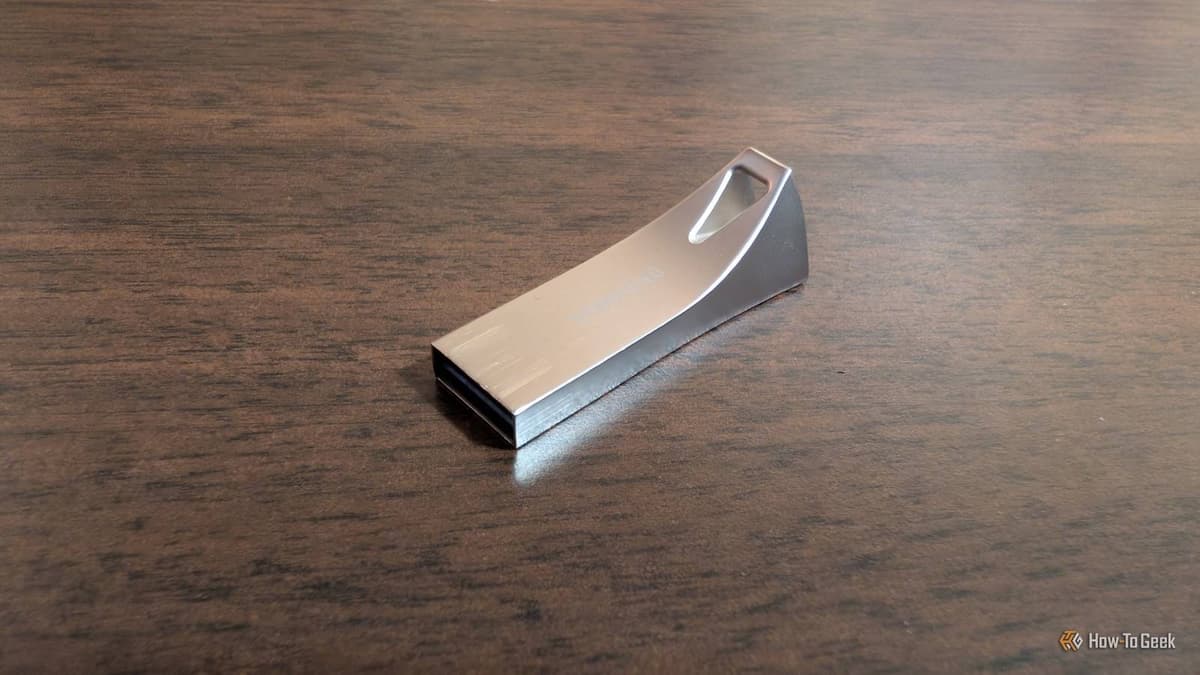
Your Linux Boot Drive Can Save You Hours of Frustration (if You Know How to Use It)
Why It Matters
A reusable Linux boot drive reduces IT downtime and eliminates the need to recreate installation media, delivering cost‑effective, on‑the‑spot recovery for both professionals and hobbyists.
Key Takeaways
- •Keep installer USB as live Linux repair drive for quick fixes
- •Use Ventoy to load multiple OS ISOs on one USB, avoiding re‑flashing
- •Add persistence with Rufus for a portable Linux environment that saves data
- •Load cross‑platform diagnostic tools to create a universal troubleshooting kit
Pulse Analysis
Modern IT teams and power users increasingly rely on portable recovery solutions to keep systems running. A Linux boot USB, when left intact, serves as an instant rescue platform that can mount damaged file systems, repair GRUB bootloaders, and back up critical data without touching the host OS. This capability shortens mean time to repair (MTTR) and avoids costly service calls, especially for small businesses that lack dedicated support staff.
Beyond a single‑use installer, utilities like Ventoy transform a modest flash drive into a multi‑boot hub. By installing Ventoy once, users can copy dozens of ISO images—ranging from Ubuntu and Fedora to Windows 11 and specialized diagnostic distros—onto the same stick. The boot menu lets technicians select the appropriate environment on the fly, eliminating repetitive flashing and streamlining deployment in data centers, field service, or remote work scenarios.
When paired with Rufus’s persistence feature, the USB evolves into a full‑featured, portable Linux workstation. Applications, configurations, and scripts persist across reboots, providing a consistent toolkit across laptops, servers, or shared lab machines. Adding cross‑platform utilities such as Wireshark, nmap, and hardware stress testers creates a digital Swiss‑army‑knife that works on Windows, macOS, and Linux hosts. This unified approach not only cuts hardware costs but also empowers teams to resolve issues faster, reinforcing operational resilience in an increasingly hybrid computing landscape.
Your Linux boot drive can save you hours of frustration (if you know how to use it)
Comments
Want to join the conversation?
Loading comments...