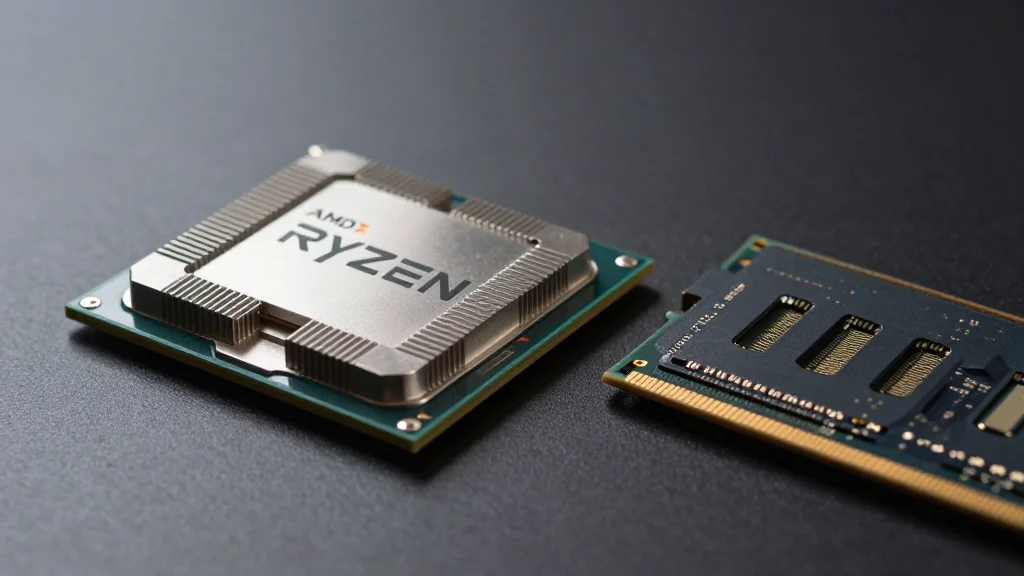
ZenTimings Provides a Detailed View of RAM Timings on Ryzen Systems
Why It Matters
By exposing hidden memory parameters, ZenTimings gives Ryzen enthusiasts and IT professionals the data needed to fine‑tune performance and troubleshoot stability without guessing, a capability previously limited to BIOS screens or generic monitors.
Key Takeaways
- •ZenTimings displays full DRAM timings, voltages, and clock speeds.
- •Read‑only; changes must be made in BIOS or Ryzen Master.
- •Supports Ryzen, Threadripper, EPYC on Windows 10/11 and legacy OSes.
- •Includes real‑time FCLK, MCLK, UCLK monitoring and screenshot sharing.
- •Updated to fix telemetry window and app conflicts.
Pulse Analysis
AMD’s Ryzen architecture relies heavily on the interplay between DRAM timings, Infinity Fabric clock (FCLK), and memory controller (MCLK) to extract performance. Until now, most users have had to infer these values from BIOS screens or generic monitoring tools that hide the granular timing parameters. ZenTimings fills that gap by exposing every timing slot that the BIOS can adjust, along with associated voltages and clock domains, in a single Windows interface. The read‑only design respects Ryzen’s requirement for a reboot after any timing change, while still giving enthusiasts a clear snapshot of the current configuration.
Compared with all‑purpose utilities such as HWiNFO or CPU‑Z, ZenTimings offers a depth of timing detail that those tools simply aggregate. It lists hidden subtimings—tRCD, tRP, tRAS, and even secondary parameters like tRFCsb—allowing overclockers to pinpoint bottlenecks before committing to a BIOS tweak. The application also monitors real‑time FCLK, MCLK, and UCLK frequencies, plus memory voltage rails, which is valuable for validating stability after manual tuning. Its downside is the inability to edit values on the fly; users must still rely on BIOS menus or AMD’s Ryzen Master for any adjustments, limiting its role to diagnostics rather than active tuning.
Looking ahead, the open‑source community could extend ZenTimings with scripting hooks that export the read‑only data to custom dashboards or integrate with automated testing rigs. As AMD continues to refine its memory controller in upcoming generations, having a transparent view of timing interactions will become even more critical for performance‑focused builds. For system integrators and power users, ZenTimings already reduces the guesswork involved in troubleshooting memory‑related crashes or sub‑optimal frame rates, making it a practical addition to any Ryzen‑centric toolkit.
ZenTimings provides a detailed view of RAM timings on Ryzen systems
Comments
Want to join the conversation?
Loading comments...