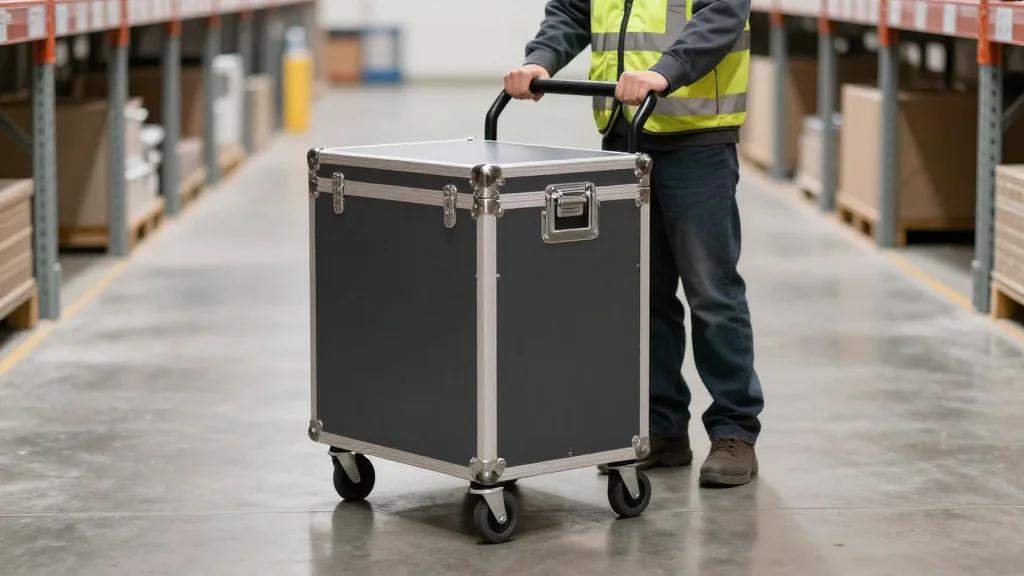
How to Choose the Right Laptop Computer Cart Complete Facility Checklist for Power, Mobility & Ergonomics
Why It Matters
An optimal cart eliminates unnecessary travel, boosting productivity and accuracy while protecting equipment, which directly impacts operational costs and employee retention in labor‑intensive environments.
Key Takeaways
- •Align cart choice with specific workflow tasks and facility layout
- •Verify laptop size, mounting, and cable management for secure operation
- •Ensure integrated mobile power supports full‑shift use of peripherals
- •Prioritize industrial casters and ergonomic height adjustment to reduce fatigue
- •Choose durable frames and integrated scanners/printers for long‑term ROI
Pulse Analysis
The shift toward mobile workstations reflects a broader industry push for real‑time data access on the shop floor. In warehouses and manufacturing plants, workers traditionally shuttle between fixed terminals and the point of work, wasting time and increasing error rates. By mounting laptops on rugged carts, organizations create a portable command center that travels with the operator, delivering instant inventory updates, quality‑check data, and label printing without the latency of returning to a stationary desk.
Choosing the right cart starts with a granular workflow analysis. Decision‑makers must map tasks—picking, labeling, cycle counts, or quality inspections—and identify required peripherals such as barcode scanners, label printers, or tablets. Compatibility with the existing laptop model is non‑negotiable; secure mounts, tilt adjustments, and cable management protect hardware during constant movement. Power strategy is equally vital: integrated battery packs or on‑cart chargers must sustain a full shift, especially when multiple devices draw energy simultaneously. Mobility hinges on industrial‑grade casters and a compact footprint, while ergonomic features like adjustable height and screen angles mitigate fatigue and comply with OSHA guidelines.
Durability and integration drive long‑term ROI. Carts built from steel frames and wear‑resistant components survive the bumps and dust of high‑traffic floors, reducing maintenance cycles and replacement costs. Embedding scanners and printers eliminates the need for workers to backtrack to fixed stations, cutting travel time and improving data accuracy. Future‑proof designs that accommodate additional peripherals or upgraded laptops protect the investment as technology evolves. Companies that align cart selection with workflow, power, ergonomics, and durability unlock measurable gains in throughput, labor efficiency, and employee satisfaction.
How to Choose the Right Laptop Computer Cart Complete Facility Checklist for Power, Mobility & Ergonomics
Comments
Want to join the conversation?
Loading comments...