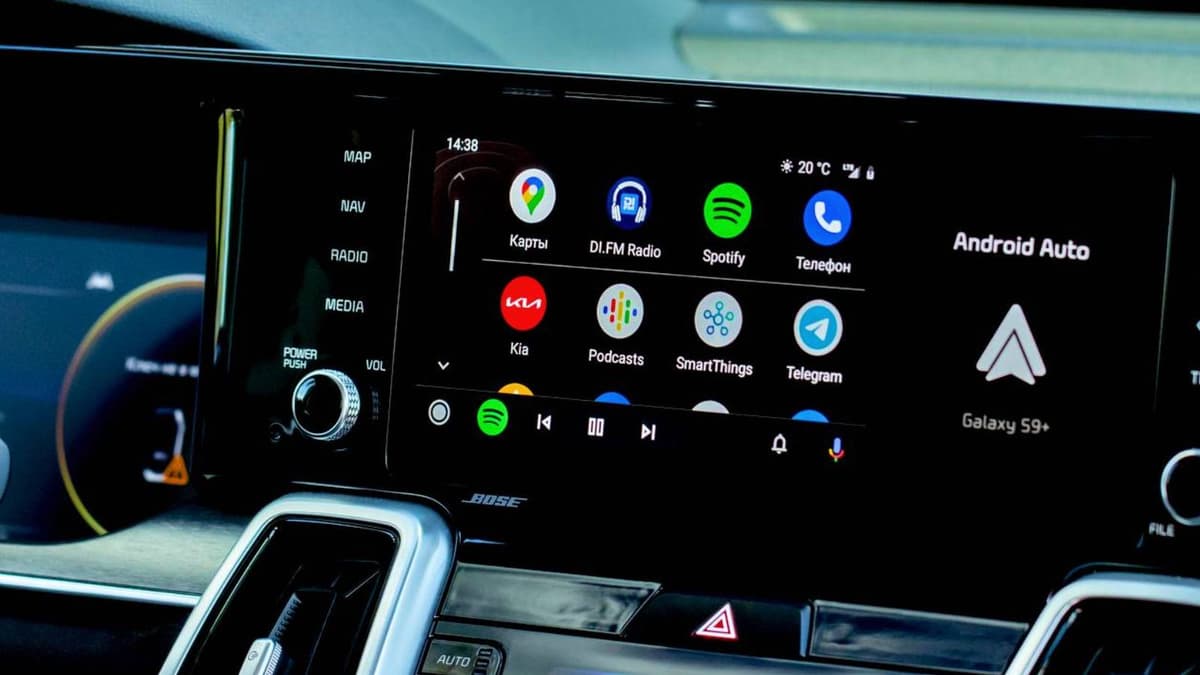
I Fixed My Android Auto Lag and the Cause Was Embarrassingly Simple
Companies Mentioned

Why It Matters
A stable Android Auto connection improves driver safety and reinforces the value proposition of connected‑car ecosystems, influencing consumer satisfaction and OEM reputation.
Key Takeaways
- •Use a certified USB‑3.1 Gen 2 cable for reliable Android Auto
- •Keep cable length under three feet to reduce signal loss
- •Close background apps and disable battery‑saver while driving
- •Clear Android Auto cache and install updates weekly
Pulse Analysis
Android Auto operates as a projection protocol, streaming a high‑resolution video feed from the phone to the vehicle’s head unit. This design demands a data‑rich link; a standard charging cable, built for power rather than bandwidth, cannot sustain the 10 Gbps rates of USB‑3.1 Gen 2. As a result, signal degradation manifests as map lag, audio dropouts, or outright disconnects—issues that directly affect the driver’s experience and the perceived reliability of the infotainment platform.
Beyond the cable, the phone itself becomes a bottleneck when multitasking. Navigation, music streaming, and cellular connectivity compete for CPU cycles and RAM, especially if background apps like social media or email sync remain active. Battery‑saver modes can further throttle performance, exacerbating latency. By closing unnecessary applications and disabling power‑saving features during drives, users allocate more resources to the Android Auto projection, delivering smoother transitions and quicker response times.
Routine maintenance is equally critical. Cache bloat in the Android Auto app or Google Play Services can corrupt the handshake between device and car, leading to sluggish UI behavior. Clearing these caches, restarting the phone, and promptly applying system updates ensure the latest performance optimizations and security patches are in place. Pairing these practices with a high‑quality, short‑length USB‑C cable—such as Anker’s Powerline II—creates a robust, low‑latency connection that meets the expectations of today’s connected‑car market.
I fixed my Android Auto lag and the cause was embarrassingly simple
Comments
Want to join the conversation?
Loading comments...