
Companies Mentioned
Why It Matters
As AI permeates core consumer apps, giving users granular control helps mitigate privacy concerns, reduce unwanted automation, and maintain trust, prompting platforms to offer more transparent opt‑out mechanisms.
Summary
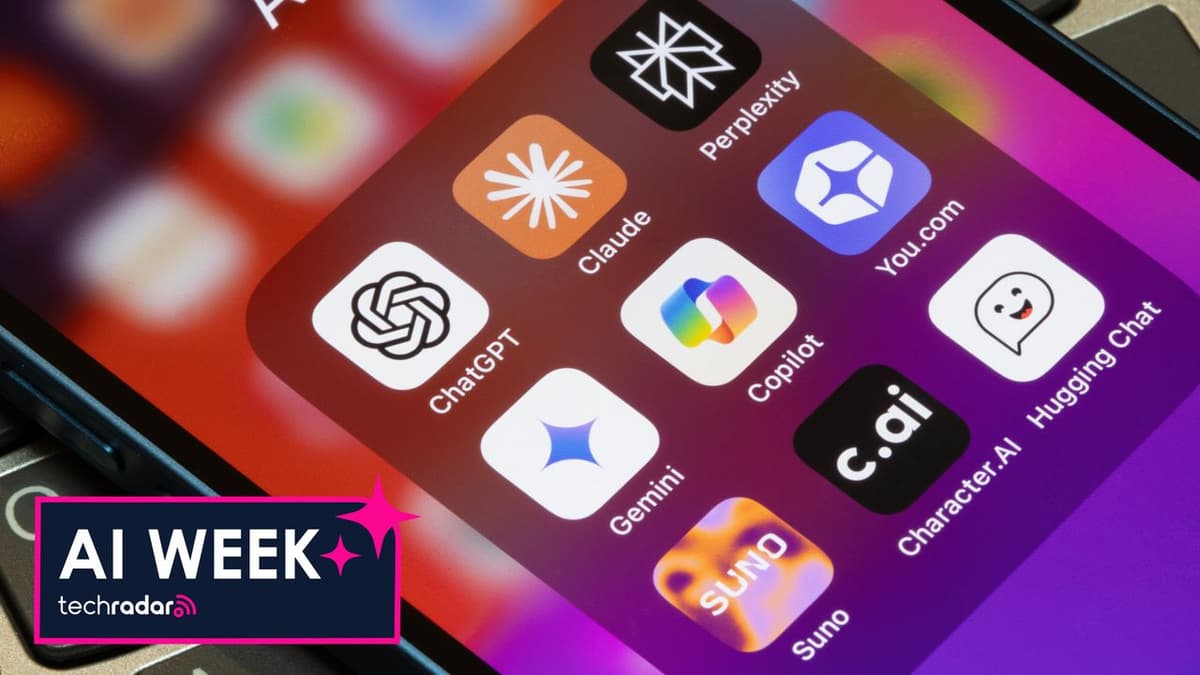
TechRadar contributor Becca Caddy outlines how users can limit or disable AI-driven features across a range of popular platforms, from Pinterest and Google Search to Gmail, Android, iOS, Samsung Galaxy, Microsoft Copilot, and Facebook. The guide provides step‑by‑step instructions for turning off specific AI functions such as GenAI interests, Google Gemini, Apple Intelligence, and Copilot, while noting that many services only reduce rather than fully eliminate AI content. It also advises checking privacy or personalization settings when dedicated AI toggles are absent. The article highlights the growing demand for user choice as AI becomes embedded in everyday digital experiences.
How to turn off AI in the apps you use every day
Comments
Want to join the conversation?
Loading comments...