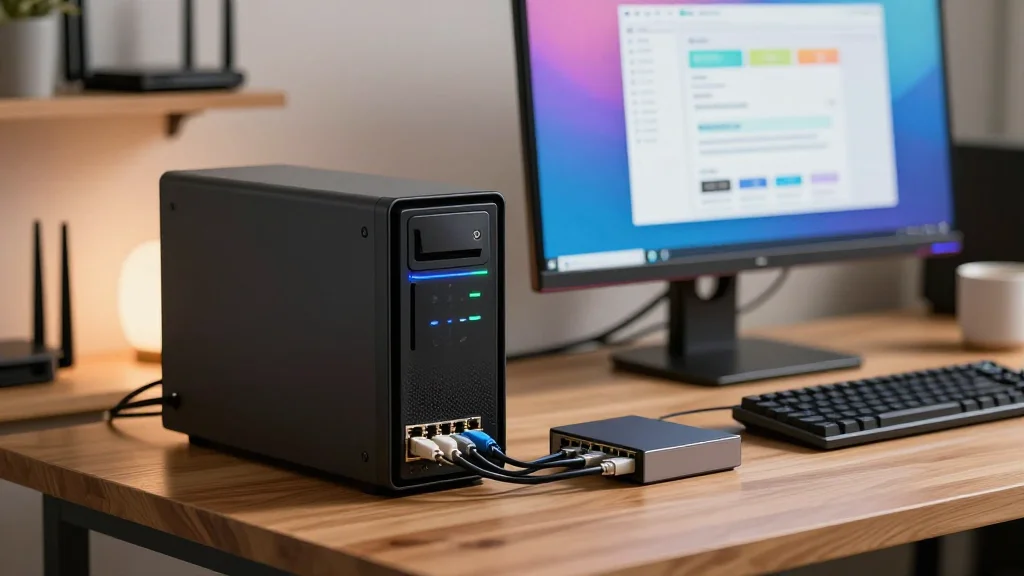
My AI Learning Journey – Part 5 – A GUI for the LLM at Home
Key Takeaways
- •Open WebUI runs via Docker Compose on port 3000
- •Ollama must expose TCP port 11434 for container access
- •Use host.docker.internal and extra_hosts to link container to host
- •OWUI adds web UI, search, and document integration beyond Ollama
Pulse Analysis
Running large language models at home has moved from command‑line experiments to full‑featured web interfaces, thanks to projects like Open WebUI. By leveraging Docker Compose, users can isolate the UI layer while reusing an existing Ollama installation, preserving resources and avoiding duplicate containers. The key technical hurdle is exposing Ollama’s TCP endpoint (default 11434) to the Docker network, which is solved by setting OLLAMA_HOST to 0.0.0.0 and configuring the host firewall to allow traffic only from the container’s IP address. This approach balances accessibility with security, ensuring the LLM remains reachable without opening it to the broader internet.
The docker‑compose.yml provided by the author demonstrates best practices for persistence and portability. Mounting the backend data directory outside the container (./data) means the entire UI state can be transferred to a new host simply by copying that folder, while the container itself can be rebuilt or upgraded independently. The extra_hosts directive maps host.docker.internal to the host gateway, enabling seamless API calls from OWUI to the locally running Ollama service. Such modularity is essential for hobbyists and small teams who need reproducible environments without complex orchestration tools.
Beyond a clean interface, Open WebUI extends Ollama’s capabilities with built‑in web search, document ingestion, and optional connections to commercial LLM APIs. This hybrid model lets users keep sensitive data on‑premise while tapping external models for tasks that require broader knowledge, mitigating data‑leak concerns. As the AI ecosystem evolves, self‑hosted stacks like this empower organizations to retain control, reduce cloud spend, and experiment with emerging prompt‑engineering techniques in a secure, cost‑effective manner.
My AI Learning Journey – Part 5 – A GUI for the LLM at Home
Comments
Want to join the conversation?