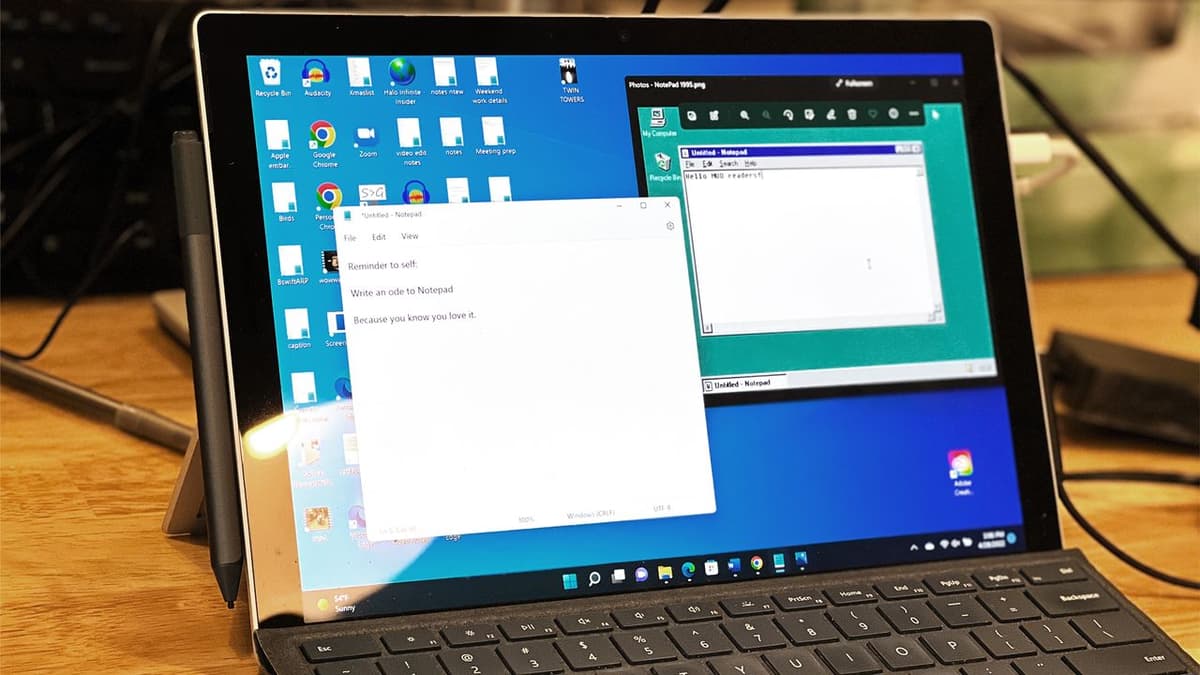
Windows 11's Notepad Gets Support for Tables and Bolstered AI Powers – and Not Everyone's Happy
•November 26, 2025
0
Companies Mentioned

Why It Matters
The update blurs the line between lightweight editors and full‑featured word processors, influencing user workflows and Microsoft’s positioning of its productivity stack. It also showcases how AI is being embedded into core OS tools, raising performance and privacy considerations.
Key Takeaways
- •Notepad preview adds table creation via toolbar.
- •AI Write, Rewrite, Summarize now stream results live.
- •Streaming requires Copilot+ PC and Microsoft account login.
- •Critics fear feature bloat may hurt performance.
- •Microsoft signals Notepad evolving toward Word-like capabilities.
Pulse Analysis
Microsoft’s decision to embed table creation directly into Notepad marks a strategic shift for the once‑bare‑bones editor. Historically confined to plain‑text editing, Notepad now mirrors a subset of Word’s layout tools, allowing users to insert and modify tables via a visual grid. This move reflects a broader trend of consolidating everyday productivity functions within the operating system, reducing the need to launch separate applications for simple formatting tasks. By integrating these capabilities, Microsoft aims to keep casual users within the Windows ecosystem while offering a more versatile text‑editing experience.
The AI enhancements—Write, Rewrite, and Summarize with streaming results—represent the next phase of on‑device intelligence. Streaming delivers text incrementally, letting users intervene or accept output in real time, which can accelerate drafting and editing workflows. However, the feature is gated to Copilot+ PCs that leverage a dedicated neural processing unit, and it requires a signed‑in Microsoft account, limiting accessibility for many users. This selective rollout underscores Microsoft’s emphasis on hardware‑accelerated AI while balancing cloud‑based services and privacy concerns.
Reactions have been mixed. Power users appreciate the added functionality, but purists warn that Notepad risks becoming bloated, compromising its hallmark speed and simplicity. The evolution also hints at Microsoft’s long‑term vision: phasing out legacy tools like WordPad and positioning Notepad as a lightweight bridge between plain‑text editing and full‑featured word processing. As the preview expands, the industry will watch how the balance between feature richness and performance impacts adoption across both consumer and enterprise environments.
Windows 11's Notepad gets support for tables and bolstered AI powers – and not everyone's happy
0
Comments
Want to join the conversation?
Loading comments...