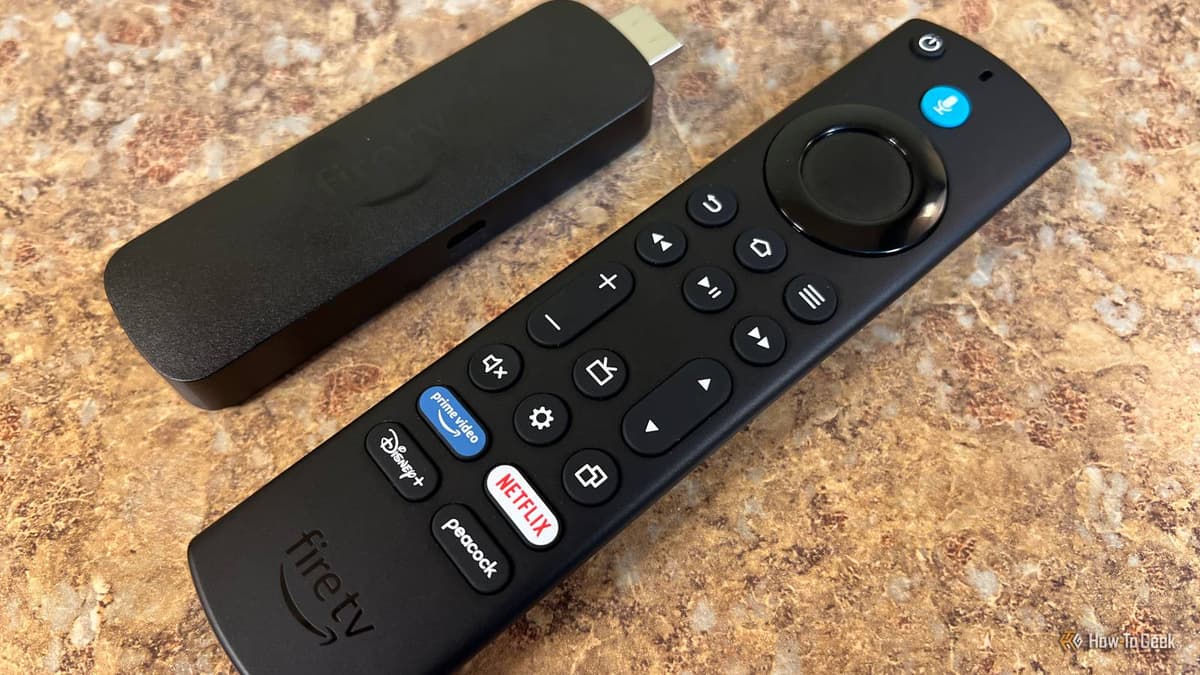
Your Fire TV Collects More than Just Watch History, Here’s How to Stop It
Companies Mentioned
Why It Matters
Limiting Fire TV’s telemetry curtails Amazon’s ad profiling and protects user privacy, a growing concern as streaming devices become ubiquitous. The changes also improve the viewing experience by eliminating intrusive autoplay and UI clutter.
Key Takeaways
- •Disable Device Usage, App Usage, and interest‑based ads in Privacy Settings
- •Turn off audio autoplay in Featured Content to cut UI noise
- •Use Alexa app to auto‑delete or manually clear voice recordings
- •Regularly review privacy settings; changes don’t affect streaming functionality
Pulse Analysis
Streaming devices have become the de‑facto living‑room hub, and with that convenience comes a hidden data economy. Amazon’s Fire TV line, like many competitors, captures granular telemetry—app launch times, session lengths, crash logs, and even voice interactions—to refine recommendation engines and sell more targeted ads. While this data fuels personalized experiences, it also raises privacy red flags, especially under tightening regulations such as the California Consumer Privacy Act and the EU’s GDPR. Understanding what is collected is the first step toward regaining control.
Fortunately, Fire TV offers a straightforward privacy menu that lets users opt out of most tracking without sacrificing core functionality. Disabling Device Usage Data, App Usage Data, and interest‑based ads stops the device from reporting detailed behavior back to Amazon’s servers. Turning off video and audio autoplay under Featured Content not only reduces data signals but also declutters the home screen, creating a calmer viewing environment. These tweaks are reversible, ensuring that streaming services, watchlists, and user accounts continue to operate seamlessly.
For users who rely on Alexa voice commands, the responsibility shifts to the Alexa ecosystem. Voice recordings are stored in the Alexa account rather than the TV, so managing them requires the Alexa app’s privacy settings—where recordings can be auto‑deleted or manually purged. By combining device‑level opt‑outs with diligent Alexa data management, consumers can significantly lower their digital footprint while still enjoying the convenience of a smart TV platform. This layered approach reflects a broader industry trend: giving users granular control to balance personalization with privacy.
Your Fire TV collects more than just watch history, here’s how to stop it
Comments
Want to join the conversation?
Loading comments...