Video•Jan 11, 2026
Build an App with Arduino App Lab - Arduino Uno Q Part 2
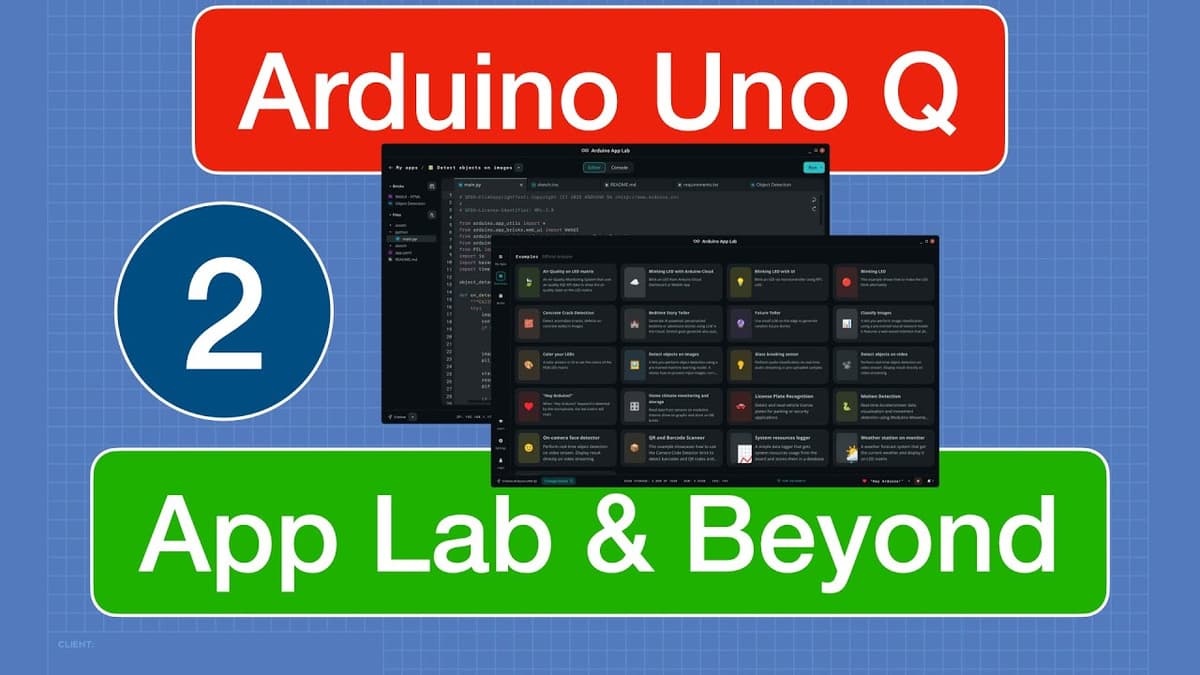
The video walks viewers through Arduino App Lab, a nascent IDE for the Arduino Uno Q that blends Python on the board’s micro‑computer with C++ on its microcontroller. It explains the board’s dual‑processor architecture—QRB2210 running Debian Linux and STM32U585 running Zephyr RTOS—and how the Arduino router bridge enables RPC calls and data exchange between the two environments.
Key insights include the limited, buggy nature of App Lab version 0.3.2, such as missing editor features, non‑functional paste commands, and inability to edit YAML files or add custom libraries directly. The presenter demonstrates workarounds, shows how to copy example apps, manage bricks, and access the board’s file system via SSH or the built‑in shell, emphasizing that all app files reside on the Uno Q itself.
Notable examples feature the “blink LED” app copy, the process of creating new files and folders (with quirks like underscore‑only folder names), and a step‑by‑step construction of a potentiometer‑controlled LED app. The tutorial highlights the router bridge’s provide, call, and notify functions, illustrating how C++ reads a potentiometer, notifies Python, which computes a blink interval and calls back to C++ to drive the LED.
The implications are clear: developers must treat App Lab as a provisional tool, backing up code externally and possibly using alternative editors for a smoother workflow. Understanding the bridge architecture unlocks powerful hybrid applications that leverage the micro‑computer’s Python capabilities for logic, networking, or AI while retaining the microcontroller’s real‑time I/O performance.