
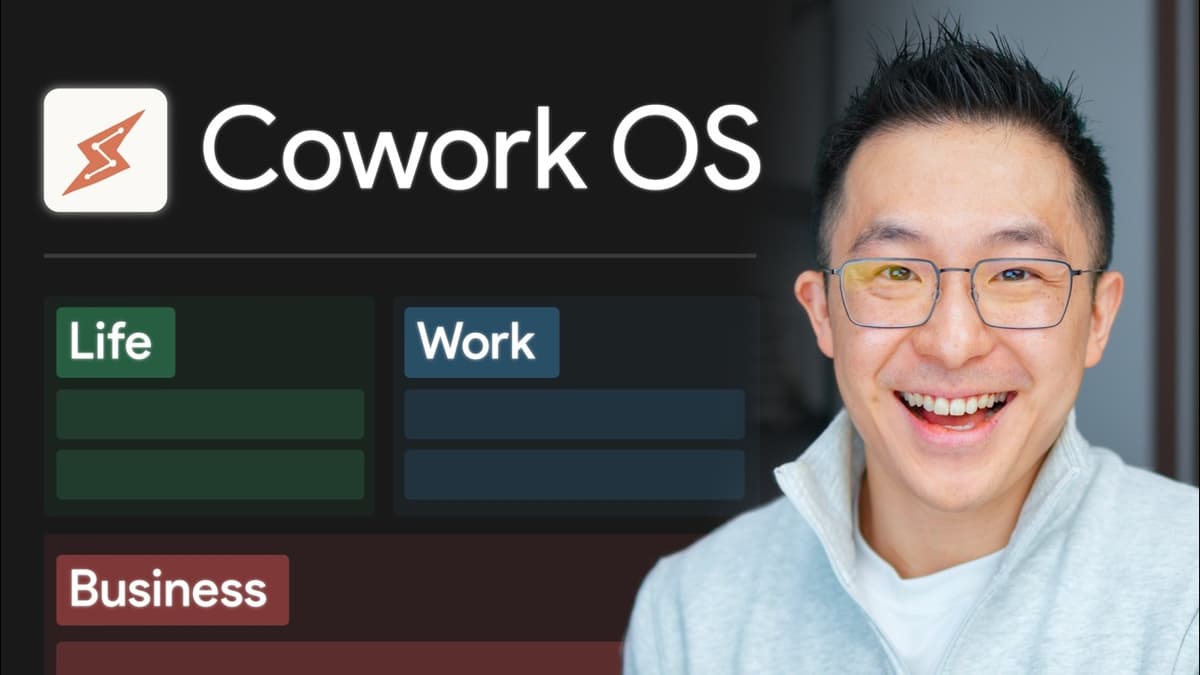
Claude Cowork for Beginners: Build Your Own Jarvis
The video walks viewers through building a Claude‑powered personal assistant called Co‑Work, using only plain‑text markdown files. By creating a root folder with a claw.md instruction manual, a memory.mmd log, and a voice‑principles.md profile, users can set up a hierarchical system that guides the AI’s behavior across all tasks. Key insights include the separation of global and workstation‑specific rules, persistent memory via the memory.mmd file, and token‑saving references that load only when needed. The root claw.md acts like a constitutional layer, while each workstation (e.g., Email HQ, Personal Finances) adds its own claw.md to stack on top, allowing the assistant to remember active projects, tone of voice, and domain‑specific conventions. The presenter demonstrates the setup with a tongue‑in‑cheek “hung‑over” scenario, showing Co‑Work draft a newsletter, process credit‑card statements, and generate an email using the user’s voice profile. He also corrects a mis‑categorized expense, illustrating how a single correction updates future memory. Templates and a free toolkit are provided for rapid replication. For businesses and knowledge workers, this low‑code framework makes advanced AI assistants accessible without heavy API costs. It enables consistent, context‑aware output across email, finance, and content creation, turning a simple folder of markdown files into a scalable productivity hub.

NotebookLM Changed Completely: Here's What Matters (in 2026)
The video outlines NotebookLM’s 2026 overhaul, noting that the tool has overtaken Google’s Gemini in both usage and buzz. After a series of rapid updates, NotebookLM now positions itself as a production‑grade AI assistant rather than a simple Q&A chatbot,...