
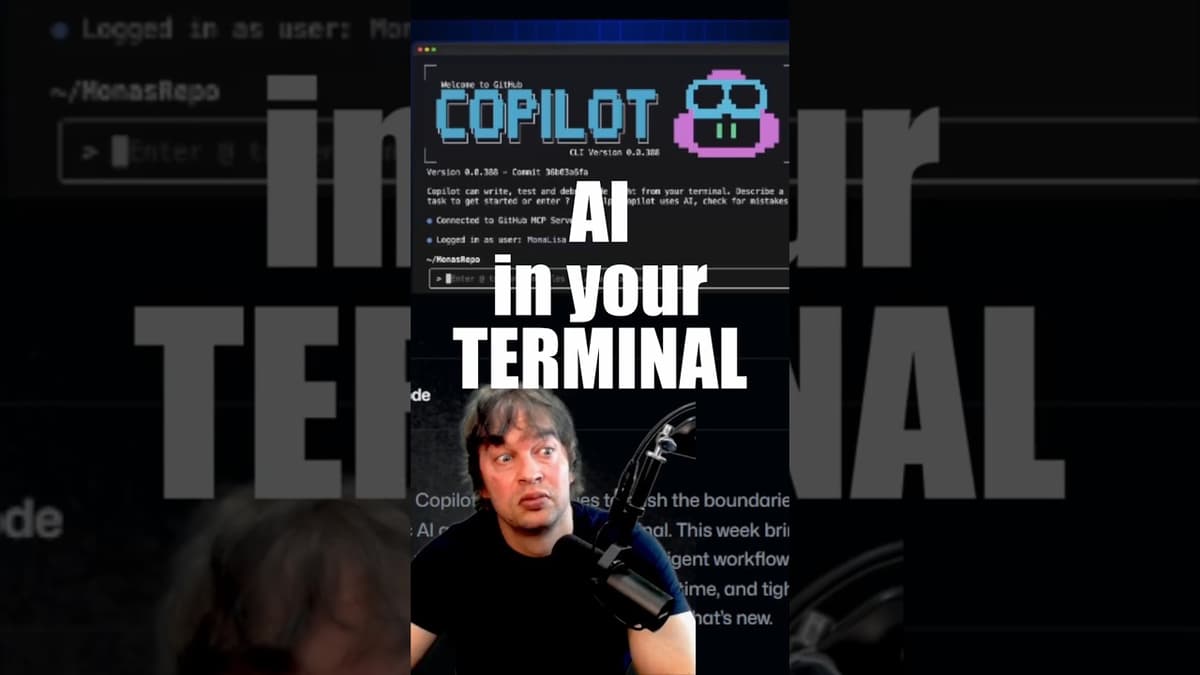
COPILOT EXPLAINED in the Terminal
The video walks through GitHub Copilot’s command‑line interface, highlighting its free tier that grants roughly fifty chat requests each month and showing how the tool can be installed as a single binary— even inside a Docker container— making it accessible to DevOps, SRE and platform engineers. Key functionality includes the init command, which generates a Copilot instruction file that outlines the entire codebase, sharpening the model’s context. Users can define custom agents in the .github/agents folder and augment them with modular "skills" that load only when needed, conserving token usage while enabling scripted actions. The presenter demonstrates a practical use case: creating a local Kubernetes cluster. By invoking a skill that bundles scripts and assets, the agent automatically runs the necessary steps, after which natural‑language commands via the /mcp shortcut query the cluster (e.g., listing namespaces). This showcases how the CLI bridges conversational AI with concrete infrastructure tasks. For businesses, the Copilot CLI offers a low‑cost, extensible way to embed AI‑driven automation into existing workflows, reducing manual scripting effort and accelerating cloud‑native operations without vendor lock‑in.
INGRESS VS Gateway API - Whats the Difference?
The video compares Kubernetes Ingress with the newer Gateway API, highlighting their core functions and architectural differences. Both solutions rely on controllers deployed via kubectl or Helm to monitor resources—Ingress watches Ingress objects, while Gateway API controllers monitor Gateway resources—and...

HomeLab Migration From Ingress NGINX to Gateway API
The video walks through a step‑by‑step migration of a home‑lab Kubernetes cluster from the traditional NGINX Ingress controller to the emerging Gateway API, using the open‑source K‑Gateway implementation. The presenter first removes a YAML‑based cert‑manager installation and reinstalls it via Helm,...
How to Use CERT-MANAGER with Gateway API
The video walks through enabling TLS for services exposed via the Kubernetes Gateway API by leveraging cert-manager and Let’s Encrypt. It starts by provisioning a local Kind cluster, installing cert-manager through its Helm chart, and configuring a Cloudflare DNS record...