
Recent Posts
Social•Feb 21, 2026
Build Resilient Models: Separate Data, Use Named Ranges
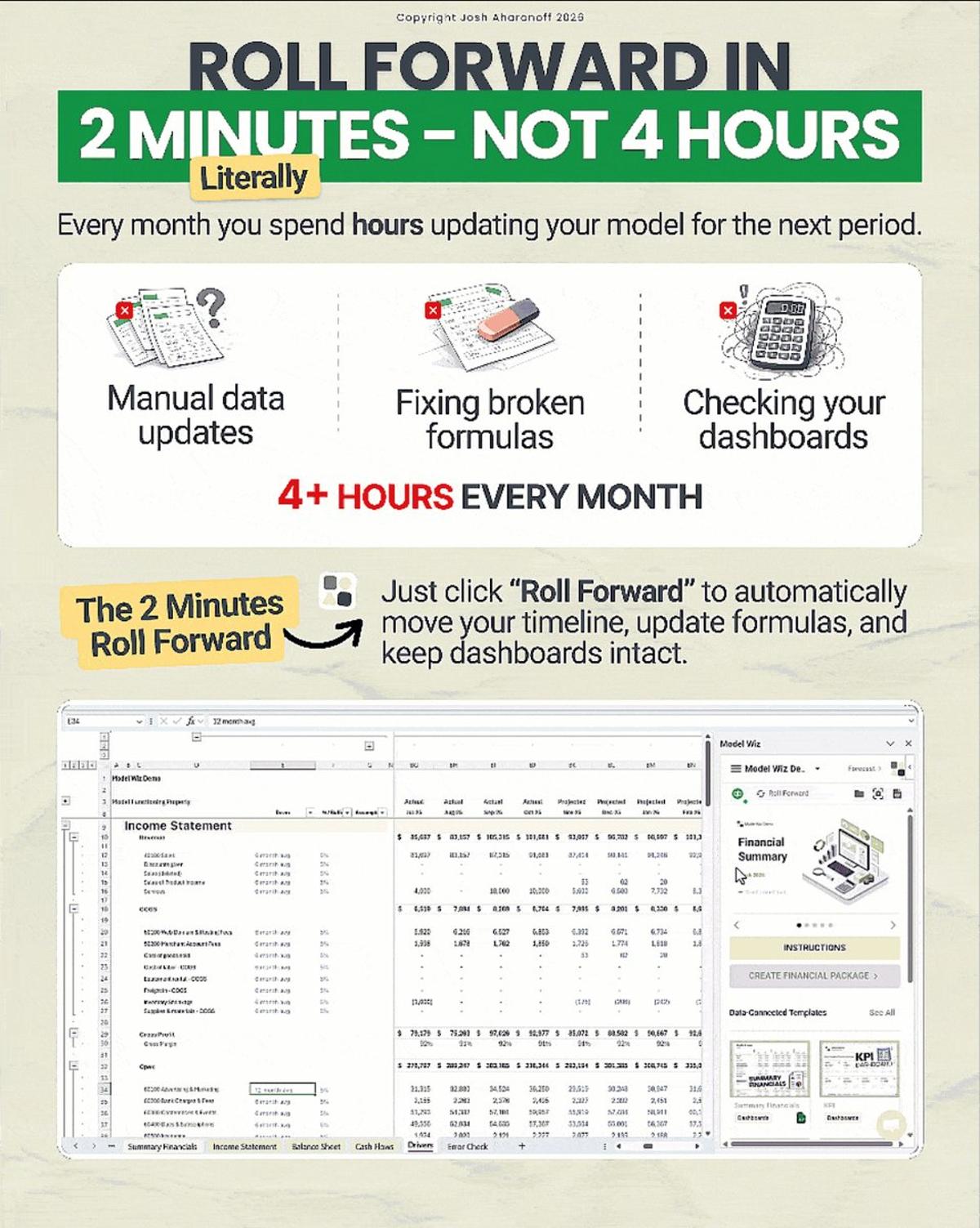
I used to lose an entire day just updating last month's numbers. Not because the model was complicated. Because I hadn't built it to survive the roll forward. Most models break the same way every month. A new account shows up that your formulas don't recognize. Someone inserts a row and half your references shift. The dashboard pulls from the wrong period and nobody catches it until the board meeting. After rebuilding the same things over and over, I started doing a few things differently. → Keep your raw data on its own tab. Never mix imports with formulas. When you paste new data into a tab full of calculations, you're asking for trouble. I keep one tab that's only for QBO exports. Everything else references that tab. When I update the data, the model updates itself. → Use named ranges instead of cell references. Formulas that point to B14:B87 break the moment someone adds a row. Named ranges don't care where the data moves. Define them once and your formulas stay intact no matter how the structure shifts. → Build your formulas to expect new accounts. SUMIF and XLOOKUP don't break when new line items show up. VLOOKUP with a hardcoded range does. I stopped writing formulas that assume the data stays the same. It never does. → Lock your periods in one place. If your current month is referenced in 40 different formulas, you're updating 40 cells every roll forward. I use one cell that says "December 2024" and everything else points to it. Change it once, the whole model follows. These changes cut my roll forward time in half. But I still wanted it faster. At Model Wiz we handle all of this with one button. Click Roll Forward and it moves the timeline, detects new accounts, preserves your formulas, and keeps your dashboards intact. Two minutes and you're done. What's the most annoying part of your roll forward?
By YourCFOGuy
Social•Feb 16, 2026
Eight Formulas Cut Reporting From Hours to Minutes
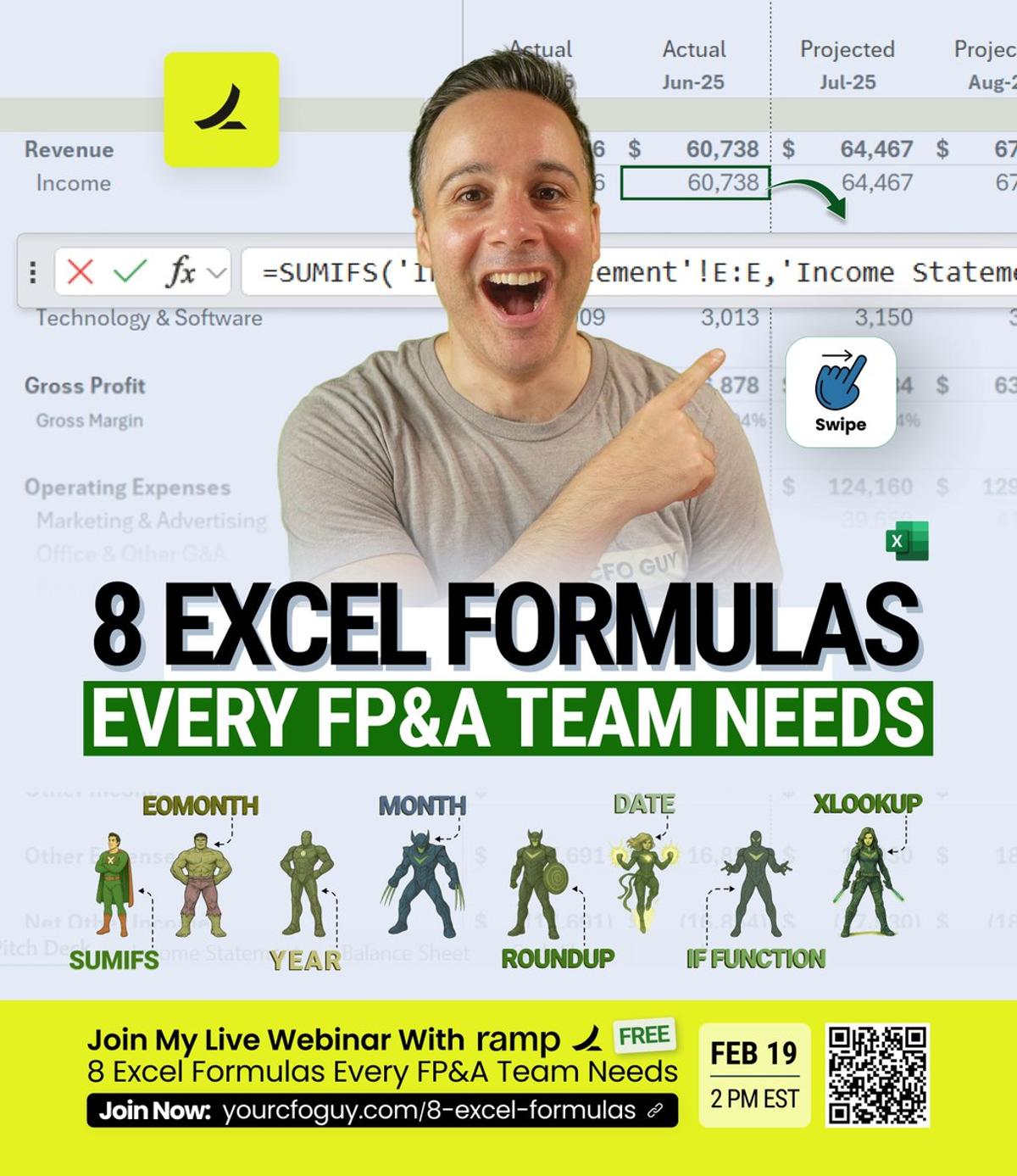
They told me their reports take 6 hours. I showed them 8 formulas. Now it takes 10 minutes. Join my free masterclass with Ramp on February 19th 👉 https://t.co/Aw0QFfIbL0 I've seen this pattern dozens of times. Smart FP&A teams. Good analysts. Solid finance...
By YourCFOGuy
Social•Feb 13, 2026
Add 30% Detail to Make Financial Models Credible
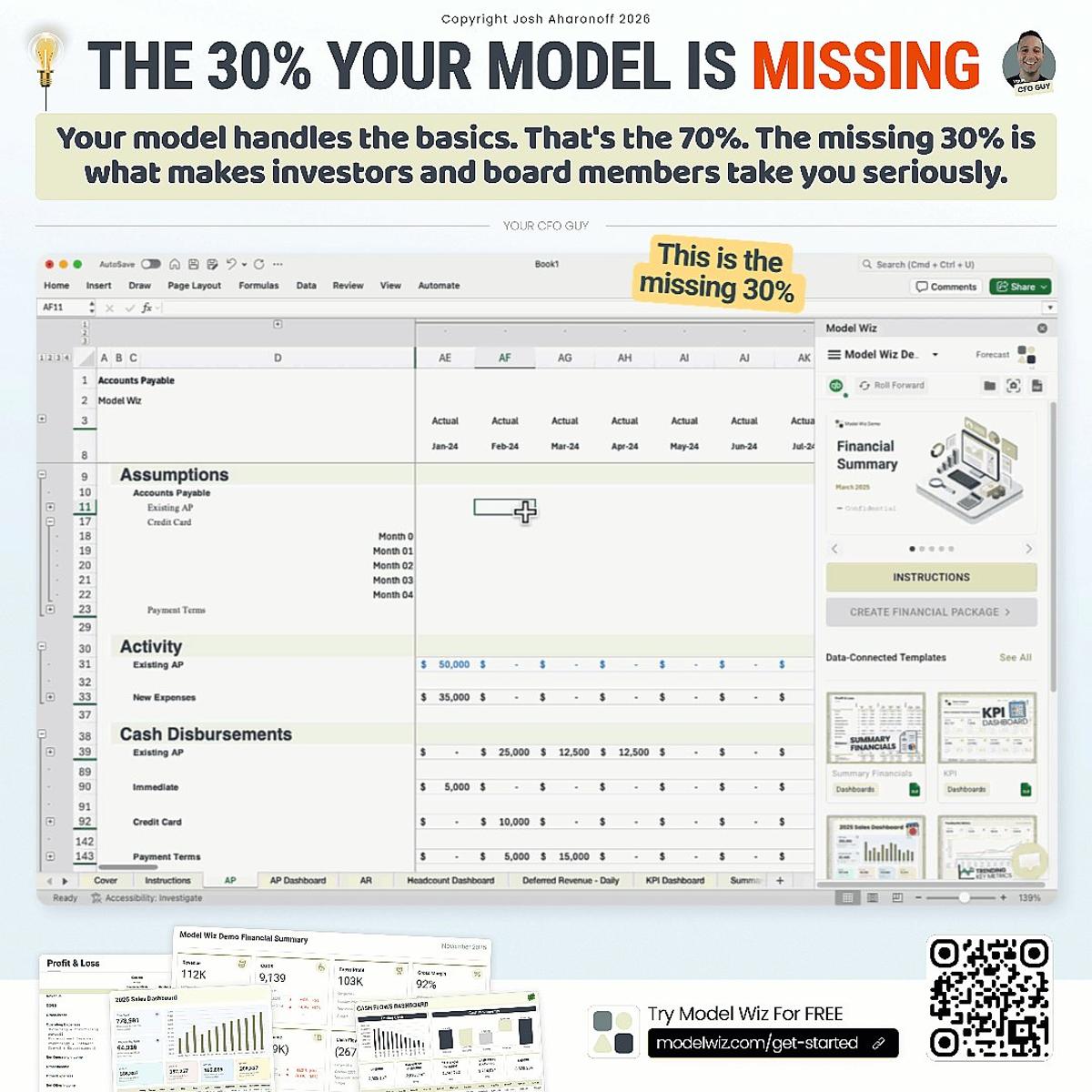
Your Model is 70% There. Here's What's Missing. Most VPs of Finance I work with have a solid financial model. P&L looks good. Balance sheet ties out. Cash flow makes sense. But when the board starts asking harder questions, the model falls short. "What...
By YourCFOGuy

Social•Feb 11, 2026
Add Three Essential Tabs to Prevent Model Errors
Your financial model has vulnerabilities. You just don't know where yet. Get the financial model template from this video https://t.co/k8GYiP9Ubg After building hundreds of financial models and training hundreds of people across the globe, I keep seeing the same three tabs missing. Without them,...
By YourCFOGuy