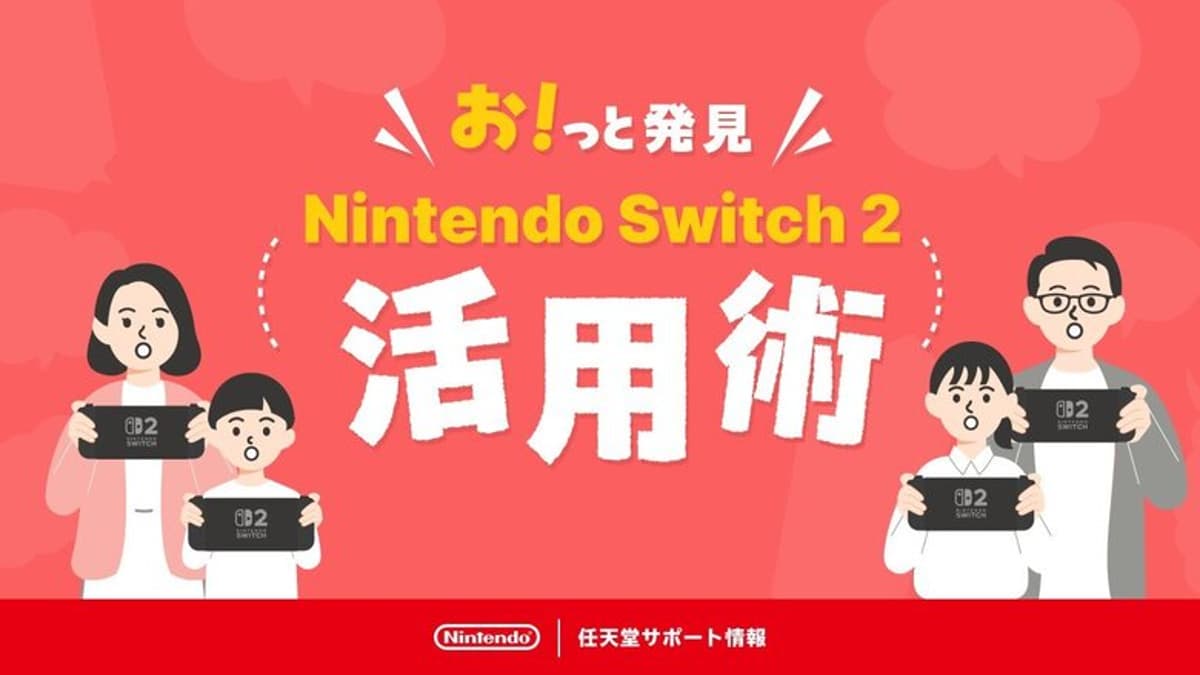
Nintendo Opens Switch 2 Website Focused on Lesser-Known System Tips and Tricks
Companies Mentioned
Why It Matters
The guide helps owners extract more value from their Switch 2, boosting satisfaction and reinforcing Nintendo’s reputation for user‑centric hardware support. It also serves as a low‑cost engagement tool that can drive longer console usage and brand loyalty.
Key Takeaways
- •Quick Settings open by holding HOME button one second
- •Disable manual unlock to wake from sleep with single press
- •Customizable button mapping for personalized controls
- •Battery‑percentage display and 90% charge limit improve longevity
Pulse Analysis
Nintendo’s Switch 2 entered a crowded handheld market where competitors emphasize raw specs, yet Nintendo continues to differentiate through software polish and user experience. As the console rolls out globally, many owners focus on headline features—OLED screen, improved battery life, and enhanced graphics—while overlooking subtler system settings that can refine daily interaction. By curating a centralized tips hub, Nintendo addresses a common gap: the disconnect between hardware potential and consumer awareness, a gap that can erode perceived value if left unfilled.
The newly launched website, presently only in Japanese, aggregates a range of hidden options that range from UI tweaks to battery‑preservation strategies. Users can access Quick Settings with a one‑second HOME press, toggle a system lock PIN for added security, and switch between Light and Dark themes to suit ambient lighting. Notably, the “Stop Charging Around 90 %” feature extends battery health, echoing best practices seen in smartphones and laptops. Such granular controls empower power users and casual gamers alike, encouraging longer play sessions without sacrificing device longevity.
Strategically, the move signals Nintendo’s intent to deepen ecosystem engagement without major hardware revisions. By offering free, easily digestible content, the company nurtures a community of informed users who are more likely to recommend the console and explore its broader software library. The site also sets a precedent for future multilingual expansions, hinting that Nintendo may roll out localized guides as the Switch 2 gains market traction. In an era where software updates drive console relevance, a tips portal becomes a subtle yet effective tool for sustaining consumer enthusiasm and reinforcing Nintendo’s brand as both innovative and user‑friendly.
Nintendo opens Switch 2 website focused on lesser-known system tips and tricks
Comments
Want to join the conversation?
Loading comments...