The 'USB-C' Label on Flash Drives Is a Trap: How Manufacturers Hide Ancient USB 2.0 Speeds
•February 19, 2026
0
Companies Mentioned


Why It Matters
Consumers risk overpaying for sub‑par performance, while enterprises seeking reliable portable storage may suffer data transfer bottlenecks. Accurate labeling and informed buying protect budgets and productivity in a fast‑moving tech market.
Key Takeaways
- •USB‑C drives cost more than USB‑A
- •Many USB‑C sticks still use USB 2.0 speeds
- •Look for USB 3.2 Gen 1/2 labeling
- •Dual‑port drives offer versatility without price premium
- •Higher capacity drives usually faster due to better NAND
Pulse Analysis
The surge of USB‑C flash drives has created a perception of universal speed, but manufacturers often mask older USB 2.0 hardware behind the new connector. This practice exploits the visual appeal of USB‑C while delivering transfer rates that barely exceed 20 MB/s, far below the expectations set by modern laptops and smartphones. For professionals who rely on rapid data movement—such as video editors or field engineers—this mismatch can translate into lost time and increased frustration, especially when the device’s packaging highlights only the connector type, not the underlying protocol.
Understanding the true USB specification is essential. Drives that truly support USB 3.2 Gen 1 (5 Gbps) or Gen 2 (10 Gbps) provide a noticeable performance jump, but real‑world speeds still vary based on capacity, NAND quality, and controller firmware. Larger capacity sticks typically house higher‑grade memory and larger write caches, yielding faster sustained writes. Independent benchmarks, like those compiled by SSDTester, reveal the gap between advertised maximum read speeds and actual write performance, allowing buyers to avoid overstated claims. Checking both read and write figures before purchase is now a best practice for savvy consumers.
The most pragmatic solution is a dual‑port USB‑A/‑C drive. Products such as the PNY Duo Link V3 deliver up to 1,000 MB/s read and 800 MB/s write while maintaining a price comparable to single‑port models, eliminating the need for adapters and future‑proofing against evolving port standards. As the industry moves toward USB4 and Thunderbolt convergence, versatile drives that support multiple connectors and genuine high‑speed protocols will dominate the market. Buyers should prioritize verified USB 3.2 compliance, capacity‑related performance, and reputable brand reputation to ensure they receive true value from their portable storage investments.
The 'USB-C' label on flash drives is a trap: How manufacturers hide ancient USB 2.0 speeds
Goran Randam Jovanović · Feb 19 2026, 1:30 PM EST
Ever since he got his first smartphone, the legendary Nokia 6600, back in 2005, Goran became obsessed with technology. This obsession had only gotten worse after he received his first gaming PC a couple of months later.
He fell in love with video games in the early ‘90s, shortly after embarking on his gaming journey with the Sega Master System II and SNES.
Since then, he has built dozens of PCs, played thousands of games, and authored hundreds of articles about PC hardware, gaming hardware, and video games.
He knows everything there is to know about the PC‑gaming and PC‑hardware space, and while his console‑gaming knowledge isn’t as comprehensive, he considers himself a console veteran.
Goran has almost a decade of experience writing about tech and video games for numerous web publications including TechSpot, TechPowerUp, and EsportsHeadlines. He has been writing for How‑To‑Geek since December 2022.
When he isn’t gaming or deciding which component of his PC to upgrade next, you can find him strolling around Novi Sad while listening to music and contemplating what to play next.
USB‑C drives are usually pricier than USB‑A models
In the world of USB flash drives, USB‑C models are more expensive than those only sporting a USB‑A port. There are some outliers, like the Samsung BAR Plus drive, which is a high‑end USB‑A option, but in most other cases, USB‑A‑only sticks are dime a dozen.
In general, you should avoid USB‑A thumb drives unless they’re from a trusted brand such as Samsung or SanDisk and support the USB 3.2 standard. Amazon Basics USB‑A drives are also a solid (and affordable) option.
On the other hand, we’ve got USB‑C thumb drives that cost more but also feature higher read and write performance. For the money, you’re getting much faster transfer speeds, which are around 20 MB/s in the worst case—far from great, but still much higher than what a budget USB‑A thumb drive would offer. But not all USB‑C thumb drives are the same.
Samsung Fit Plus USB 3.1 Flash Drive
If you need a well‑rounded flash drive with good durability and fast performance, the Fit Plus is a great choice.
USB 3.2 support is a must on any USB‑C thumb drive
But if you’re looking for a quality and reliable USB‑C thumb drive, finding one with USB 3.2 Gen 1 support is only the beginning.
Aside from USB 3.2 Gen 1 or Gen 2 support, you should also check the advertised transfer speeds and look for real‑world tests to see just how fast the thumb drive actually is. Vendors usually only list the maximum read speed in the official specs, which is often several times higher than the maximum write speed.
Another thing to remember is that lower‑capacity flash drives are slower than higher‑capacity ones. In some cases, smaller thumb sticks are equipped with lower‑grade memory controllers. In others, higher‑capacity models come with higher‑quality NAND chips, resulting in faster performance. Higher‑capacity thumb drives also have larger write caches, which can also result in higher bandwidth.
When it comes to USB flash‑stick reviews, SSDTester has a solid database of over 500 flash drives, many of which are available to purchase from major online retailers such as Amazon, Newegg, or Best Buy. The site includes a search box and lists real‑world read and write speeds, so you can quickly check a drive’s specs before pulling the trigger.
The best option is to get a dual USB‑A and USB‑C drive
In general, dual USB‑A and USB‑C flash drives are the most versatile option because you can use them with any device that sports USB ports without having to use a USB adapter.
Better still, dual USB‑A and USB‑C drives sport similar prices to USB‑A‑only or USB‑C‑only drives, which means you’re getting two ports without paying a hefty premium.
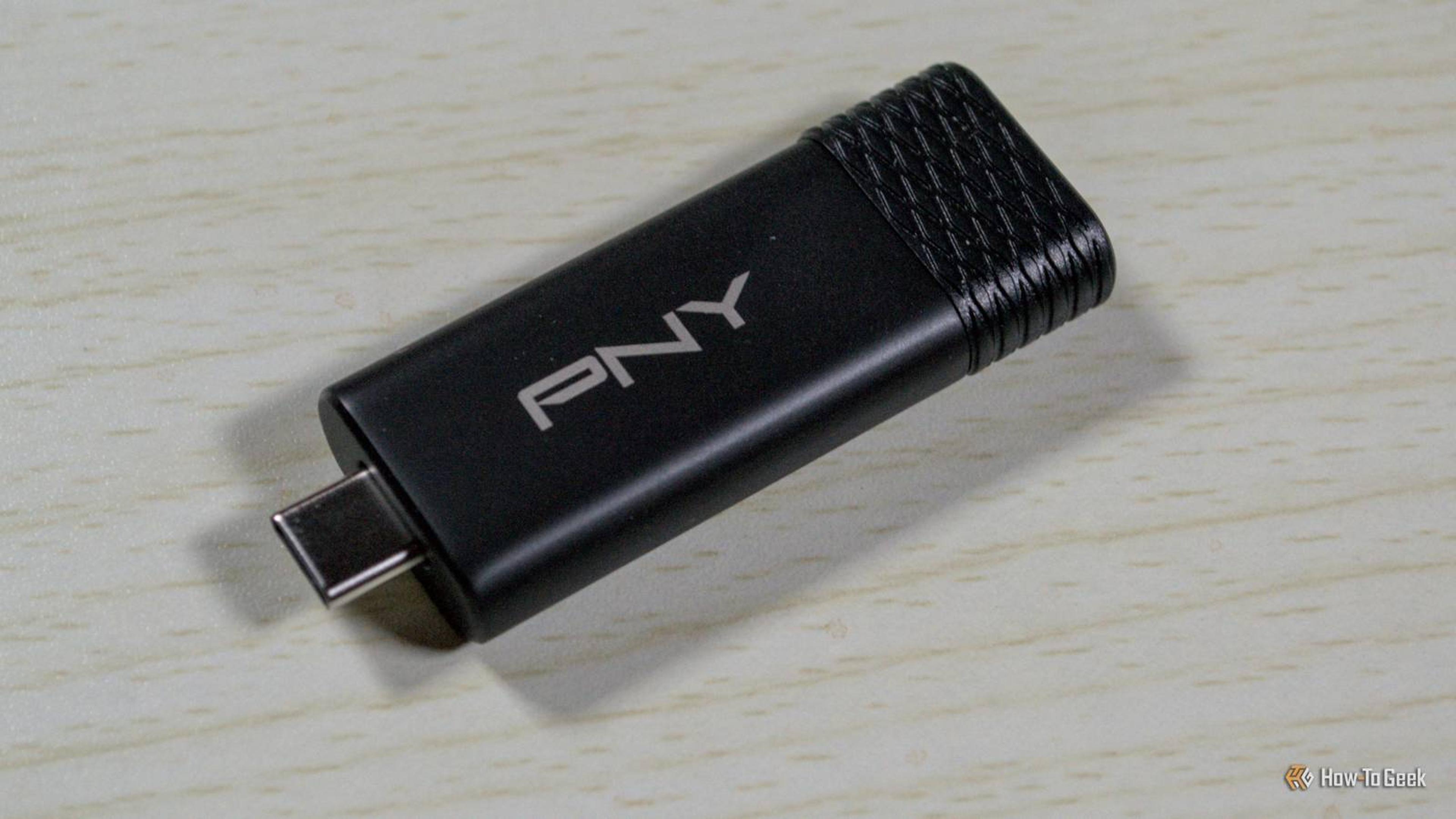
PNY Duo Link V3
Rating: 9 / 10
Capacity: 256 GB, 512 GB, 1 TB, 2 TB
Brand: PNY
The PNY Duo Link V3 flash drive offers both USB‑C and USB‑A plugs. With USB 3.2 Gen 2 speeds, you can expect up to 1,000 MB/s read and 800 MB/s write speeds from this flash drive. Coming in 256 GB, 512 GB, 1 TB, and 2 TB storage sizes, this all‑metal flash drive makes it easy to bring large amounts of fast storage with you anywhere.
Transcend ESD310 USB SSD
The Transcend ESD310 USB SSD is blisteringly fast while being extremely compact and relatively affordable. It’s miles ahead of regular USB flash drives, and comes with dual USB‑C and USB‑A ports.
0
Comments
Want to join the conversation?
Loading comments...