
How to Connect an AI Agent to a Live Cypress Test Session
Cypress now lets developers attach an AI agent to a live local test session by pairing Chrome DevTools MCP with Cypress open. The agent gains direct access to the test runner, DOM, console logs, network traffic and command history, enabling it to diagnose failures without manual description. In a demo, the AI identified a failing to‑do deletion test, reviewed the git diff, applied the necessary code change and the test passed automatically. This workflow mirrors the CI‑triage experience offered by Cypress Cloud MCP, but works during local development.
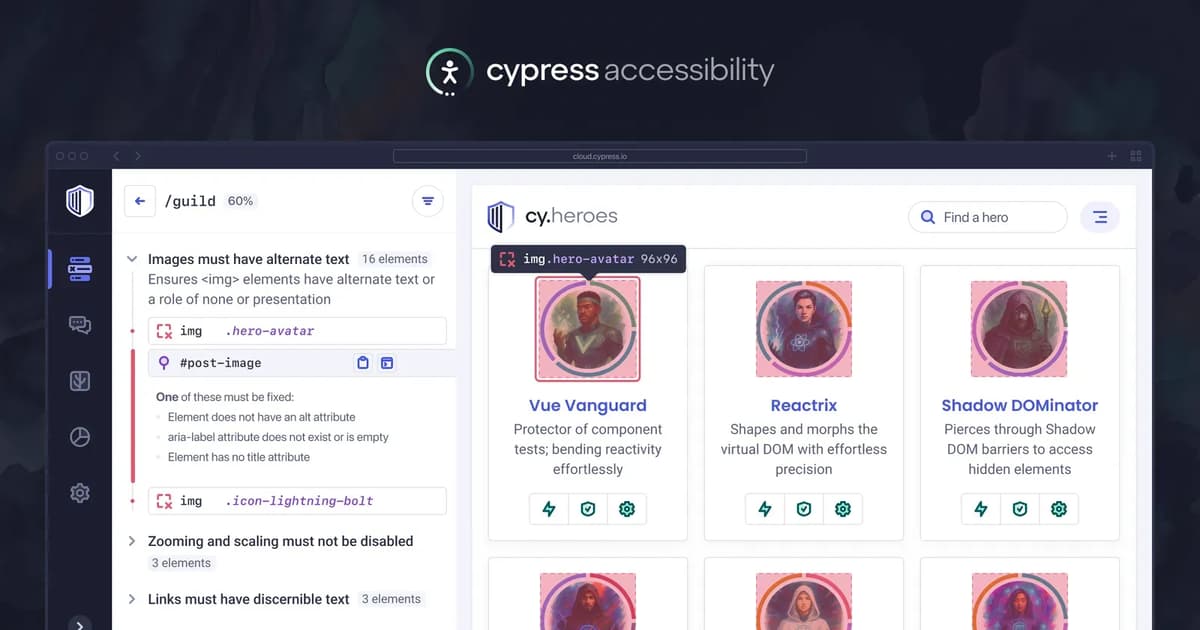
Cypress Accessibility and AI Agents
Cypress has released a new guide on leveraging AI agents to streamline accessibility testing. The guide explains how Cypress Cloud’s Model Context Protocol (MCP) surfaces thousands of accessibility snapshots for LLM analysis, enabling automated triage, remediation planning, and in‑browser debugging...
How the Cypress Cloud Errors Tab Helps You Triage Faster
Cypress Cloud’s Errors tab has been revamped to speed up test failure triage. The update adds direct Test Replay links on each error, correctly flags flaky test attempts, and expands all error groups by default. These changes let developers see...

Cloud MCP Now Includes Cypress Accessibility
Cypress announced that its Cloud Model Context Protocol (MCP) now integrates Cypress Accessibility, allowing AI agents to pull high‑level accessibility reports directly from Cypress Cloud. The feature auto‑triages issues, suggests fixes, and validates that changes don’t introduce new problems. It...

Cypress AI Skills: Get More From Your AI Coding Assistant
AI coding assistants can generate Cypress tests, but often produce low‑quality code with generic selectors and flaky patterns. Cypress AI Skills, an open‑source instruction set, steer these assistants toward project‑specific conventions by providing custom guidance. Two starter skills—cypress‑author for authoring...
Cypress Test Replay Now Captures Canvas Elements by Default
Cypress Test Replay now records canvas elements by default for every project in Cypress Cloud, eliminating the placeholder graphics that previously appeared during debugging. The change requires no Cypress version upgrade; it works with any installation of Cypress 15.5.0 or...

Write Cypress Tests in Plain English: AI-Powered Test Automation Is Now in Beta
Cypress has moved its AI‑driven `cy.prompt` command from experimental to beta, shipping in version 15.13.0 and enabled by default. The beta adds positional element targeting, text‑based `cy.contains` matching, visible generated code on failures, and self‑healing selectors that reveal whether AI...

Cloud MCP: Give Your AI Assistant Access to Your Test Runs
Cypress has launched the beta of Cloud Model Context Protocol (MCP), a remote server that links AI coding assistants directly to Cypress Cloud test data. By exposing real‑time run statuses, failure details, stack traces, and flaky test reports, MCP eliminates...

Introducing Studio AI: Stronger Validation, Less Friction
Cypress introduced Studio AI, an extension to Cypress Studio that automatically generates assertion suggestions by analyzing visible DOM changes during recorded test steps. The feature, called Smart Recommendations, offers code snippets, explanations, and before‑after snapshots, using stable selectors and filtering...
How cy.prompt Generates cy.contains, cy.press, and Handles Sensitive Data
Cypress’ cy.prompt command now interprets quoted text as cy.contains calls, generating exact‑match regular expressions instead of generic selectors. The update also extends not.exist assertions to work with text‑based targeting and introduces cy.press for native keyboard actions. Additionally, cy.prompt automatically redacts...
Fix Cypress CI Failures Caused by No Spec Files Found
Cypress 15.11.0 introduces the --pass-with-no-tests CLI flag, allowing test runs that find zero spec files to exit with a zero status code instead of failing the CI pipeline. The failure previously occurred when configuration patterns like specPattern or --spec matched no files, often due to mis‑configured...