
How Did Apple Make This Work??
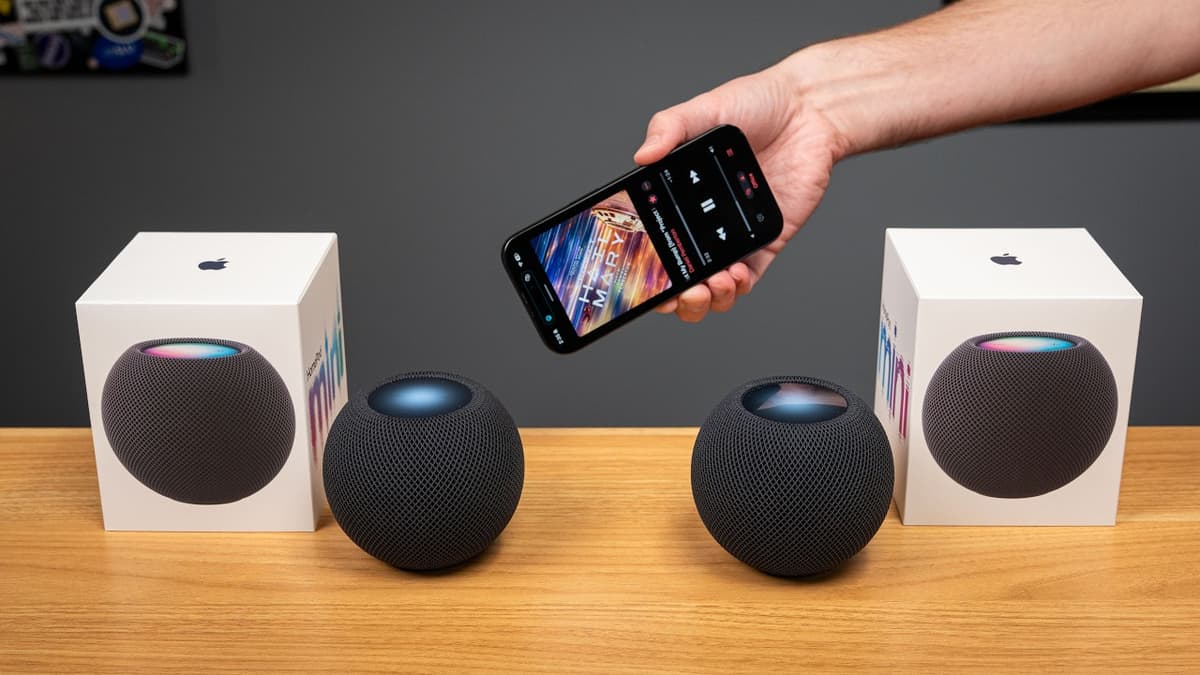
The video explores how Apple’s HomePod mini speakers achieve wireless stereo pairing without a physical cable. The presenter walks through the initial setup frustrations—requiring an iPhone or iPad, not a Mac—and then shifts focus to the underlying technology that synchronizes audio across two units. Using macOS’s Wireless Diagnostics and Wireshark, the author captures network traffic and identifies a stream of Precision Timing Protocol version 2 (PTPv2) messages, specifically a gPTP (generalized PTP) implementation. The protocol exchanges Sync, Follow‑Up, Delay Request, and Delay Response packets, allowing the speakers to lock their clocks with nanosecond‑level precision over a Wi‑Fi network. Key observations include a noticeable 1‑2 second audio buffer that smooths playback, the necessity of a dedicated iOS device for initial provisioning, and the fact that the speakers continuously broadcast timing frames on the 5 GHz band. Sample packet logs show timestamps and IPv6 addresses, confirming that one speaker acts as the master clock while the other follows. The findings illustrate Apple’s reliance on high‑precision timing protocols to deliver seamless multi‑room audio, but also highlight the trade‑off of added latency and the requirement for a robust, low‑congestion Wi‑Fi environment. This approach sets a benchmark for consumer‑grade wireless audio synchronization and may influence future smart‑speaker designs.
How Did They Make It This Small??
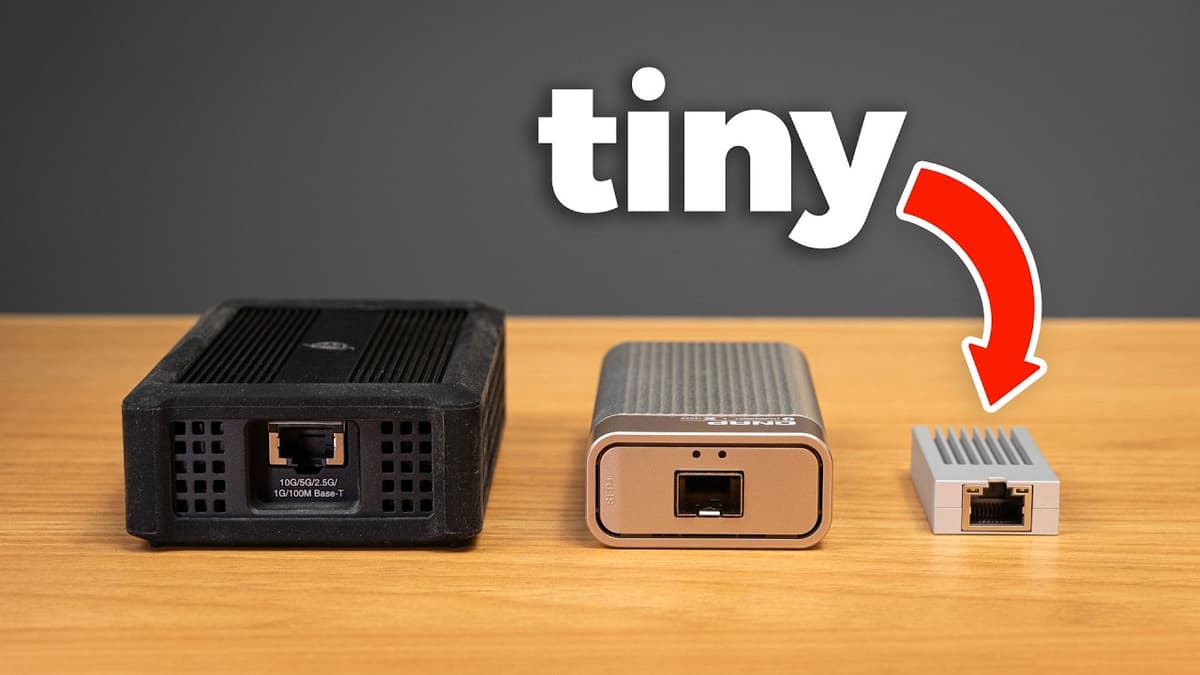
Jeff Geerling reviews a new USB‑C 10 Gbps Ethernet adapter from WisdPi, positioning it as a smaller, cheaper alternative to traditional Thunderbolt dongles for high‑speed networking on laptops. Testing on a Framework laptop with USB 3.2 Gen 2, a MacBook Pro, and a PC with a...

This Is No Joke: The SBC Hobby Is Dying
The video warns that soaring DRAM prices are choking the single‑board computer (SBC) hobbyist market. Eben Upton’s recent blog notes a seven‑fold increase in LPDDR4 memory costs, prompting Raspberry Pi to redesign the Pi 4 PCB to accommodate two 1.5 GB chips and...
How to Securely Erase an Old Hard Drive on macOS Tahoe
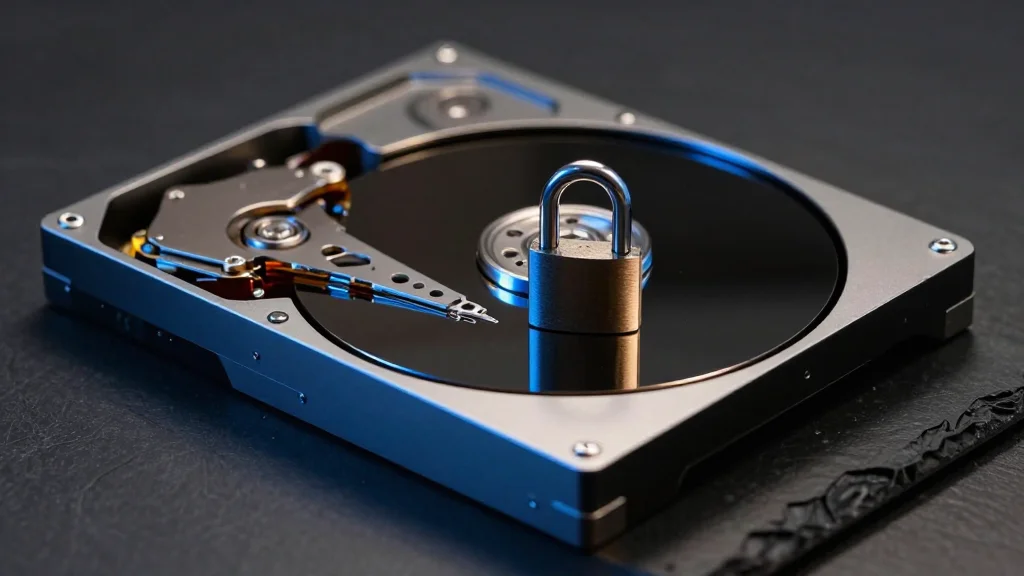
Apple’s macOS 26 Tahoe no longer offers the historic Security Options button in Disk Utility, effectively dropping the GUI‑based secure erase feature for spinning‑disk hard drives. The official user guide still references the option, creating confusion for users who need to meet...
Frigate with Hailo for Object Detection on a Raspberry Pi
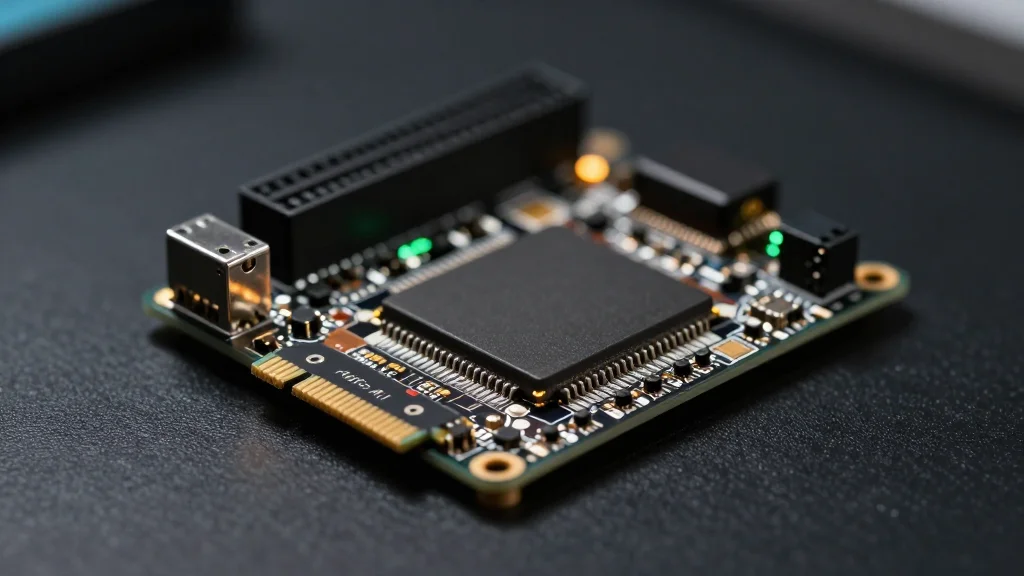
Jeff Geerling details how to pair Frigate NVR software with Hailo‑8 or Hailo‑8L AI coprocessors on a Raspberry Pi 5 or CM5. He outlines driver installation, Frigate configuration, and a PCIe driver tweak to resolve a max_desc_page_size error. After the fix, the...