
Recent Posts
Video•Feb 24, 2026
SECURE OpenClaw Setup Guide (ClawdBot Tutorial)
The video walks viewers through a hardened deployment of OpenClaw, an AI‑powered personal assistant, by recommending a virtual private server (VPS) rather than a local PC or generic cloud container. Hostinger’s one‑click Docker template is used to provision the service, after which the presenter shows how to purchase a suitable KVM plan, enable daily backups, and select a low‑latency region. Key insights focus on threat mitigation: over 42,000 unsecured OpenClaw instances have leaked credentials and generated unexpected API bills. The tutorial stresses isolating the bot on a VPS, safeguarding the OPENCLAW_GATEWAY_TOKEN and LLM API keys in a password manager, and imposing a $100 monthly spend limit while disabling automatic top‑ups. Daily snapshots provide a safety net for configuration errors or bot crashes. Notable examples include a user who accidentally posted an entire file system to a group chat and another who accrued hundreds of dollars in API fees due to a retry loop. The presenter demonstrates creating an Anthropic Claude API key, setting spend thresholds, and linking Telegram via BotFather, emphasizing that each token functions as a password and must never be shared. The overall implication is that businesses can harness OpenClaw’s powerful automation—terminal commands, file manipulation, messaging—without exposing internal assets or incurring runaway costs. By following the VPS‑centric, backup‑enabled, and spend‑controlled workflow, organizations gain a reproducible, auditable, and financially predictable AI assistant deployment.
By Metics Media
Video•Feb 23, 2026
Bluehost AI Website Builder Tutorial 2026 - Step by Step for Beginners
The video walks viewers through building a complete website using Bluehost’s AI‑powered site builder, targeting users with no coding or design experience. It starts with creating a Bluehost account, selecting the beginner plan (10 sites, free domain after 12‑month commitment), and...
By Metics Media
Video•Feb 20, 2026
N8n Hostinger Setup 2026 - Step by Step
The video walks viewers through a step‑by‑step deployment of the n8n workflow automation platform on a Hostinger virtual private server, emphasizing a low‑cost, one‑click installation that becomes production‑ready by the end. Dan begins by urging users to sign up through an...
By Metics Media
Video•Feb 18, 2026
WordPress Ecommerce Website Tutorial 2026 - Step by Step
The video walks viewers through creating a fully functional e‑commerce website on WordPress in 2026, aimed at users with little or no technical background. It outlines every stage—from securing hosting to publishing a live store—using only free or low‑cost tools. Khaled...
By Metics Media
Video•Feb 16, 2026
How to Run OpenClaw for Free with Kimi 2.5 (Full Setup)
A step-by-step guide shows how to run OpenClaw for free using the Kimmy 2.5 model by deploying the stack on a low-cost VPS (Hostinger) and connecting a free NVIDIA Moonshot API key. The presenter walks through creating the VPS, capturing...
By Metics Media
Video•Feb 10, 2026
Hostinger Website Builder Tutorial (2026) - Make a Website in Minutes
The video is a step‑by‑step walkthrough of Hostinger’s Website Builder, showing how even users with no prior experience can launch a fully functional site in minutes. Hostinger’s AI‑assisted builder, domain registration, and integrated email are highlighted, with the presenter guiding...
By Metics Media
Video•Feb 6, 2026
OpenClaw VPS Setup Tutorial (Step-by-Step) - Clawdbot Setup
The video walks viewers through a complete, step‑by‑step deployment of OpenClaw—a free AI‑assistant platform—on a Hostinger virtual private server (VPS). Dan selects the KVM2 plan, applies a 10 % affiliate discount, and lets Hostinger’s one‑click installer provision the software automatically. After the...
By Metics Media
Video•Feb 2, 2026
How to Use Shopify: Tutorial for Beginners 2026
The video serves as a step‑by‑step tutorial for beginners aiming to launch a Shopify store in 2026, beginning with a free‑trial sign‑up link that grants three days of free access and a $1‑per‑month introductory rate. It walks viewers through creating an...
By Metics Media
Video•Jan 26, 2026
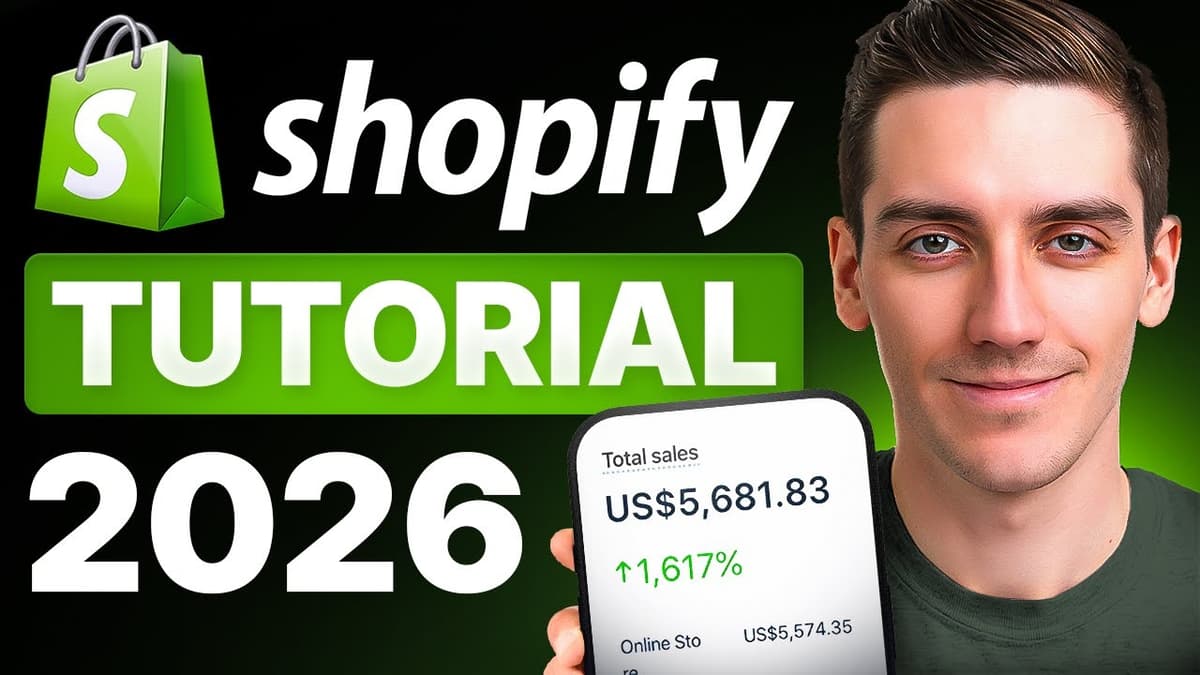
Shopify Tutorial for Beginners 2026 - Step by Step
The video is a step‑by‑step tutorial aimed at absolute beginners who want to launch an online store on Shopify. Dan walks viewers through signing up with a special referral link that unlocks a three‑month, $1‑per‑month plan after a three‑day free...
By Metics Media