
Unreal Engine 5 Tutorial - Dialogue System Part 1: State Trees
The video introduces a step‑by‑step tutorial for building a robust dialogue system in Unreal Engine 5 using state trees. It outlines the architecture: a Dialogue Component attached to the player controller manages conversation flow, while a Dialogue Participant component on NPCs or interactable objects tracks who is speaking. Participant information is stored in a primary data asset, allowing designers to edit names, icons, and other metadata without code. Key implementation details include a StartDialogue function that receives two participants, a state‑tree asset, and an entry‑point gameplay tag. Variables are promoted to the component, and the state tree is launched on the owning actor. A custom Blueprint Function Library fetches the dialogue component, and a Dialogue Evaluator (a state‑tree evaluator) captures this reference at tree start and clears it at tree stop, ensuring clean hand‑off between systems. The presenter demonstrates practical examples: creating a DA_Participant asset for a character named "Joe Bloggs," configuring tag containers for default and repeat‑visit entry points, and using the evaluator’s output pins to expose the dialogue system to tasks and transitions. He also shows how to auto‑assign a default entry tag when none is supplied, simplifying the start‑dialogue call. By leveraging state trees, tag‑based entry points, and data assets, developers gain a flexible, reusable dialogue framework that can serve multiple game genres. The approach minimizes hard‑coded logic, promotes designer‑friendly iteration, and integrates cleanly with UE5’s existing systems, accelerating production and reducing maintenance overhead.
Unreal Engine 5 Tutorial - Make Your Own Board Game Part 8: Landing on Spaces
The video continues Ryan Laly’s Unreal Engine 5 board‑game series, focusing on how to trigger actions when a pawn lands on or passes a board space. He replaces generic event dispatchers with explicit functions, wiring the pawn’s movement logic to call...
Unreal Engine 5 Tutorial - Online Multiplayer Lobby Part 4 (Finale): Loadouts
The video concludes the Unreal Engine 5 multiplayer lobby series by demonstrating how to transmit complex loadout information—from weapon choices to character class—between the lobby and the game session. The instructor builds a dedicated FPlayerLoadout struct, adds it to the...
Unreal Engine 5 Tutorial - Online Multiplayer Lobby Part 3: Copy Details
The video walks developers through adding true network replication to a player’s nickname in an Unreal Engine 5 online lobby, extending the previous tutorial that only copied the value locally. It shows that the nickname variable must be marked Replicated and that...
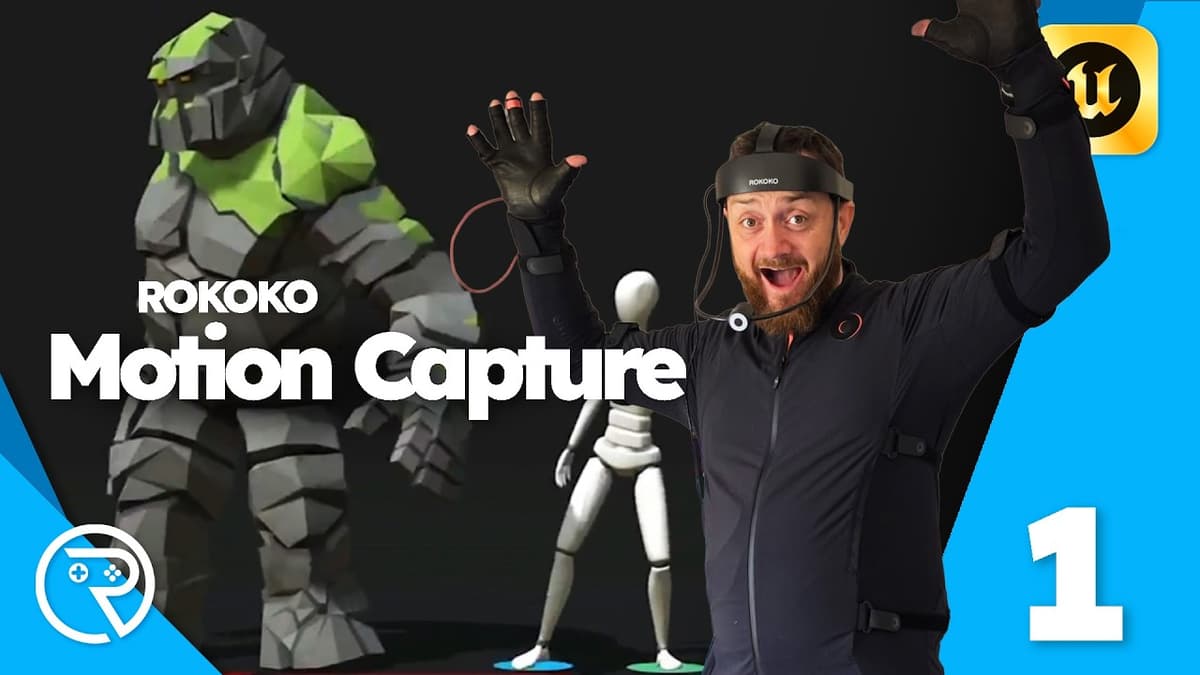
Unreal Engine 5 Tutorial - Rokoko: What Is It and How Do You Use It?
The video walks viewers through a complete workflow for using Rokoko’s motion‑capture suit with Unreal Engine 5, from hardware setup to importing animations. After pairing the battery‑powered suit to Wi‑Fi, the presenter shows how to create a scene in Rokoko Studio, calibrate...
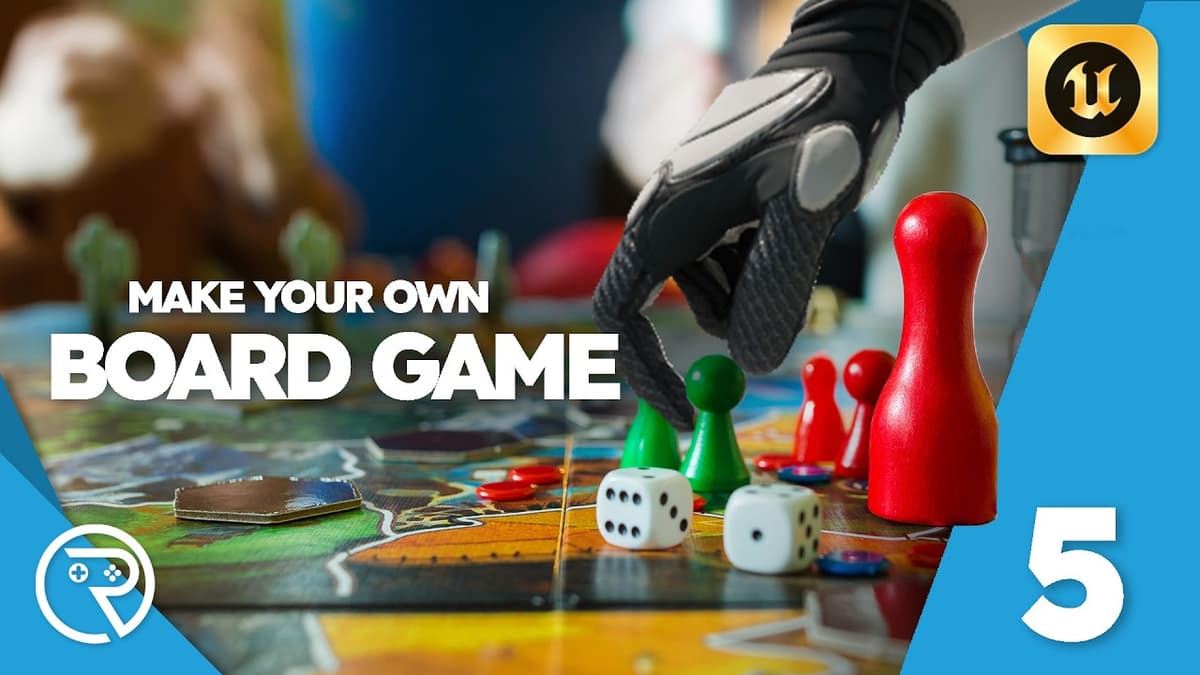
Unreal Engine 5 Tutorial - Make Your Own Board Game Part 5: Rolling Dice
The video walks through the fifth part of a Unreal Engine 5 board‑game tutorial, focusing on turning the visual dice roll into usable numeric results and making the system work in a multiplayer setting. It shows how to bind the dice’s...
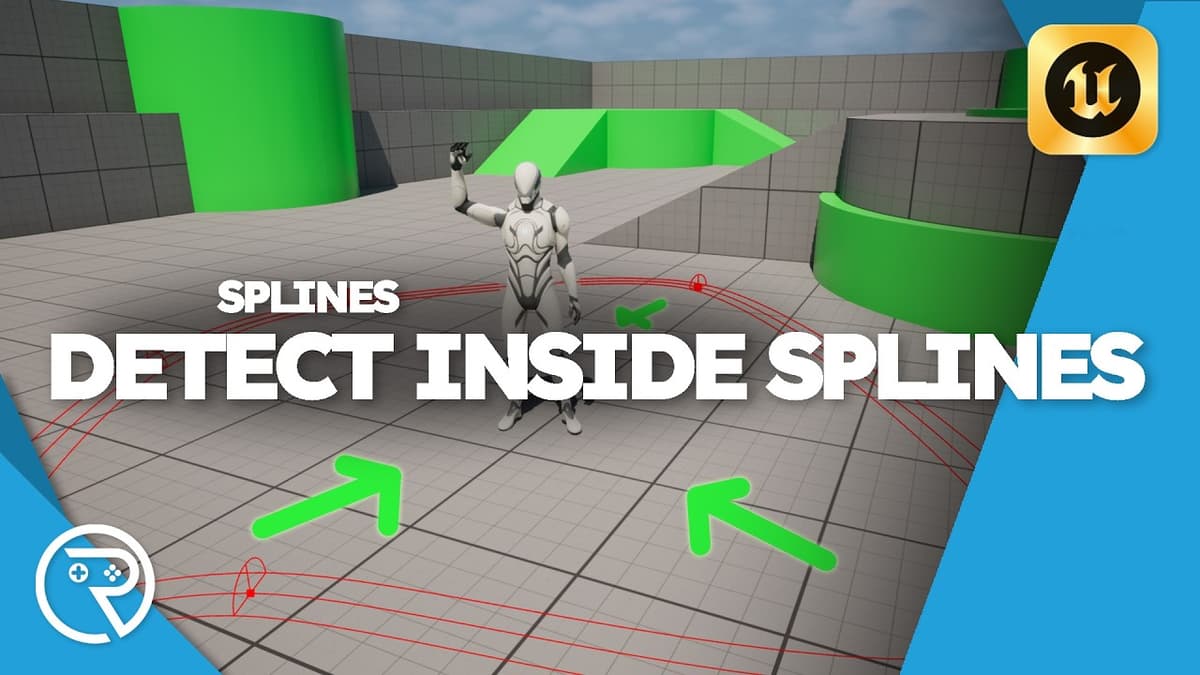
Unreal Engine 5 Tutorial - Detect if Inside a Spline Loop
The video walks through building a UE5 Blueprint that determines whether any actor—typically the player character—is located inside a closed‑loop spline. It starts by creating a new actor, adding a spline component, and enabling the ‘closed loop’ option to form...
Unreal Engine 5 Tutorial - Online Multiplayer Lobby Part 2: Seamless Travel
The tutorial walks through adding seamless map transitions to an Unreal Engine 5 online multiplayer lobby. It shows how to place a UI button, bind its OnClick event to an Execute Console Command node, and issue a ServerTravel command with...
Unreal Engine 5 Tutorial - Make Your Own Board Game Part 4: Rolling Dice
In this fourth installment of the Unreal Engine 5 board‑game series, the creator demonstrates how to embed a functional dice‑rolling mechanic into the turn‑based flow of a digital board game. The tutorial shifts the dice logic from the pawn to the...
Unreal Engine 5 Tutorial - Make Your Own Board Game Part 3: Spawning Pawns
In this third episode of the Unreal Engine 5 board‑game series, Ryan Ley walks viewers through adding the actual game pieces—pawns—to the board and building a simple top‑down camera to view the match. He creates a Pawn Blueprint (BP_PlayerPawn), assigns a mesh,...
Playtesting My Multiplayer Horror Game: Mimic
Indie developer Ryan Laley showcases a live playtest of his upcoming multiplayer horror title, Mimic, highlighting core gameplay and cooperative scares. The video provides direct wishlist links for Steam and Epic Games, encouraging early community sign‑ups. Laley also promotes private...

Unreal Engine 5 Tutorial - Make Your Own Board Game Part 2: Taking Turns
The video walks through part two of an Unreal Engine 5 board‑game series, focusing on building a turn‑taking system. It starts by creating a custom GameMode Blueprint, assigning it in the world settings, and explaining the GameMode’s role as the server‑side...

Mimic Playtesting
Indie developer Ryan Laley announced the release of his horror‑puzzle title Mimic on both Steam and the Epic Games Store. The game is positioned as a community‑driven experience, with the creator offering Patreon, Ko‑fi, and direct donation options for ongoing...

Unreal Engine 5 Tutorial - Make Your Own Board Game Part 1: Creating the Board
The video launches a new Unreal Engine 5 series that walks developers through building a digital board game from scratch, beginning with the construction of the game board itself. It reuses dice assets from a prior tutorial and introduces a simple...

Live Unreal Engine Support
The live stream served as an open‑floor Unreal Engine support session, fielding real‑time questions from developers about mechanics, performance, and workflow. Host — a seasoned Unreal engineer — walked viewers through a variety of on‑the‑fly demos, ranging from a rubber‑band‑style player tether...