
Effect Maker Tutorial: Visual Scripting 103 with @Haleycatpawz
Effect Maker, Google’s visual‑scripting platform for video creators, launches a tutorial series hosted by Haley Catpawz. The video walks users through building a Bouncy Ball effect and a Flying Airplane effect using drag‑and‑drop nodes. Direct links let viewers test each effect instantly, while the channel encourages subscriptions for future updates. The tutorial also points viewers to the Help Center and Creator Insider for deeper learning.
THE BRAND DEAL DESK: Price Like You Mean It
The video brings together creators, a marketer and a talent manager to demystify how influencers should price brand partnerships on YouTube. It stresses that creators must move beyond vanity metrics and build a rate card that reflects content type, audience...

Welcome to THE BRAND DEAL DESK
YouTube’s new series “The Brand Deal Desk” kicks off a five‑part guide for creators seeking genuine brand partnerships. Hosted by comedian‑creator Max Foch, creator‑entrepreneur Grace Andrews, and business‑focused YouTuber Aaron White, the show promises practical advice from both sides of...

NEW: Ask Studio
The video introduces Ask Studio, an AI‑powered assistant embedded in YouTube Studio that helps creators analyze channel data and generate content ideas without leaving the platform. Ask Studio works by pulling information from a creator’s channel and responding to either pre‑selected...
THE BRAND DEAL DESK: The Brand Deal Universe
The video, titled “The Brand Deal Universe,” brings together business‑YouTuber Erin White, creator‑comedian Max Fosh, entrepreneur Grace Andrews, and guest Talia Mar to demystify how creators secure and manage brand partnerships. They map the evolving ecosystem—from talent agencies and management firms...
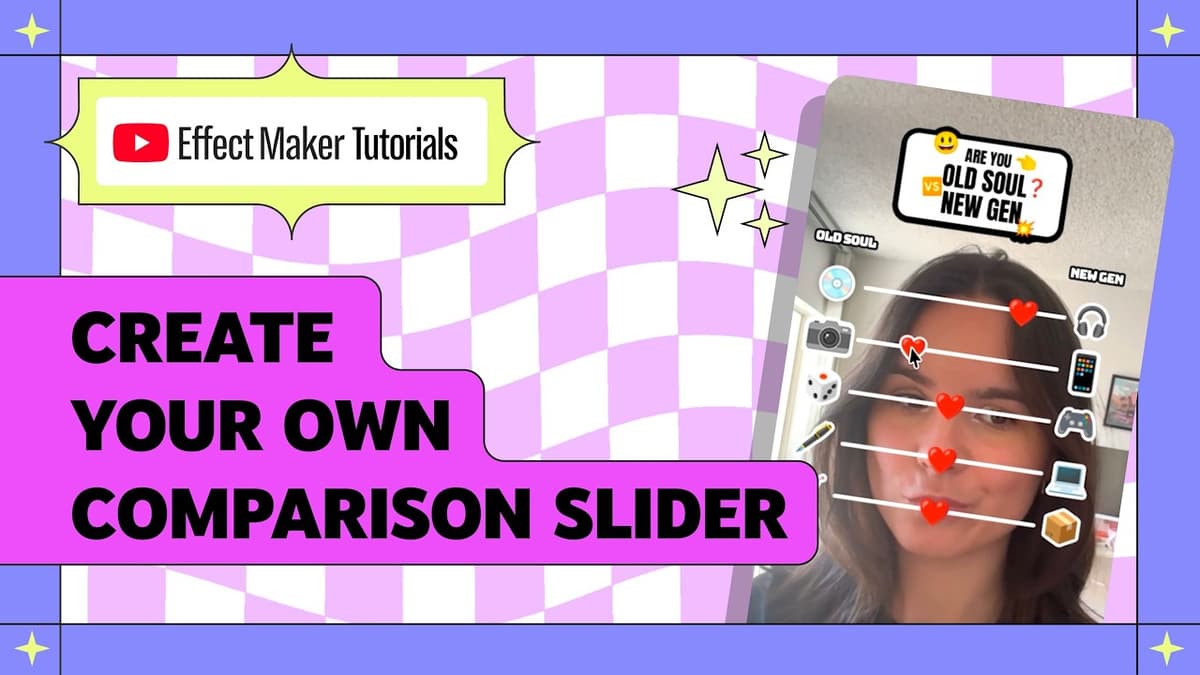
HOW TO: Create an Old Soul vs New Gen Slider Effect with @royer.louise
Liz Warrior walks viewers through the ‘old soul vs. new gen’ slider template in Effect Maker, showing how to build a five‑row interactive ranking that can be adapted to any binary comparison. The effect relies on a visual‑script drag trigger that...
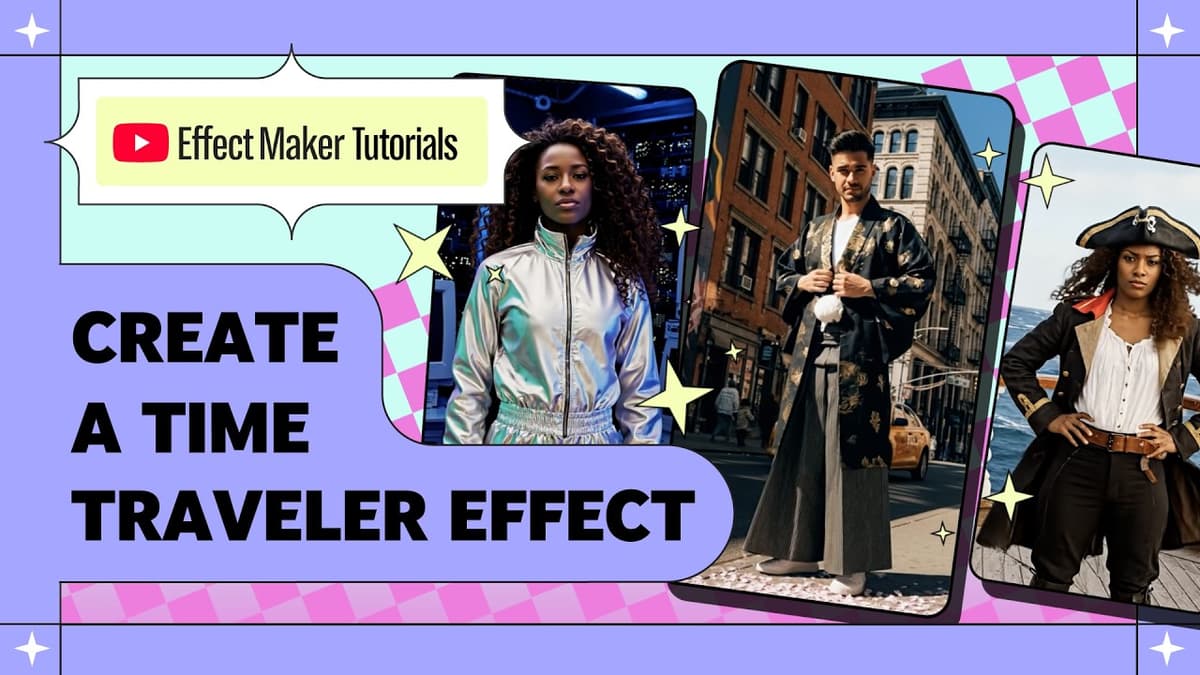
How to Create a Time Traveler Effect in Effect Maker with @Varunraikar
The video walks viewers through building an AI‑powered “time‑traveler” effect with YouTube’s Effect Maker, turning a selfie into a short clip that places the user in ancient Rome. Varun shows that the pre‑built AI video transformation template already contains an AI...
Expanding Effect Maker, Higher Res Thumbnails & More #shortsroundup
YouTube announced a suite of Shorts updates aimed at boosting creator flexibility and audience relevance. The rollout includes multilingual thumbnail support, larger thumbnail file limits, expanded channel‑level moderation tools, and a revamped Effect Maker for custom visual effects. Thumbnails can now...
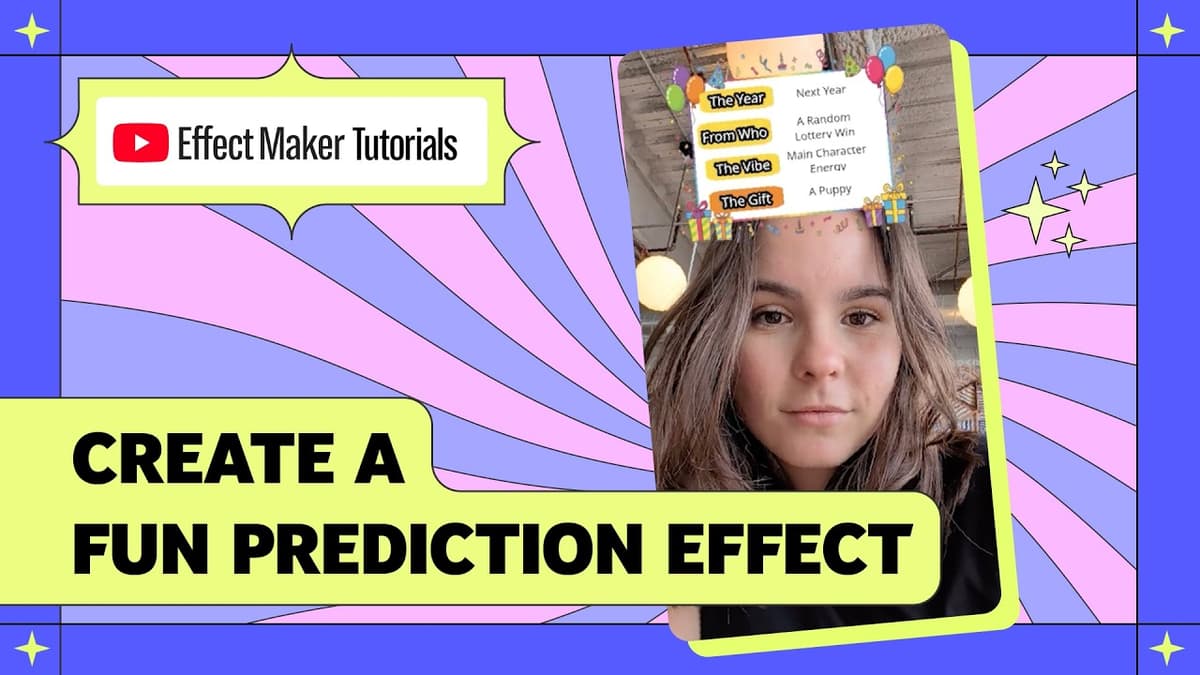
HOW TO: Create a Randomized Prediction Effect with @royer.louise
The video walks viewers through building a “future reveal” effect in TikTok’s Effect House, a template that randomly cycles through options and displays a personalized prediction. Wu explains the template’s hierarchy—card background, category frames, titles, and option text—paired with list variables...

How To Make an AI Randomizer Effect in Effect Maker with @Varunraikar
The video walks viewers through building an AI‑powered randomizer effect in Effect Maker that turns a user’s selfie into a spirit‑animal portrait, ready for YouTube publishing. Bun opens the AI randomizer template, explains the workspace layout—objects, assets, visual script, and...

YouTube for Artists Masterclass: Making Money on YouTube with AJ Ramos
The masterclass, led by AJ Ramos, head of artist partnerships for Latin music at Google‑YouTube, walks creators through the full suite of monetization tools available on the platform and explains how to start earning revenue from music videos, shorts and...

Understanding Changes in Watch Time
The video walks creators through diagnosing drops in YouTube watch time, emphasizing a systematic review of recent channel or content changes and the metrics available in YouTube Analytics. It highlights concrete levers—thumbnail redesign, topic selection, upload cadence, video length, and seasonal...

How to Create an AI Transformation Effect with Effect Maker with @Varunraikar
The video walks viewers through building an AI‑driven vapor‑wave portrait effect using Effect Maker’s AI transformation template. It begins by opening the browser‑based tool, selecting the template, and familiarizing users with the objects, assets, visual script, and preview panels that...

Effect Maker Tutorial: Visual Scripting 101 with @Haleycatpawz
The video walks viewers through building an interactive flashlight effect in YouTube’s Effect Maker using the Visual Script tool, a node‑based system that replaces traditional code. Heather explains the two port types—green triangular flow ports that dictate execution order and gray...