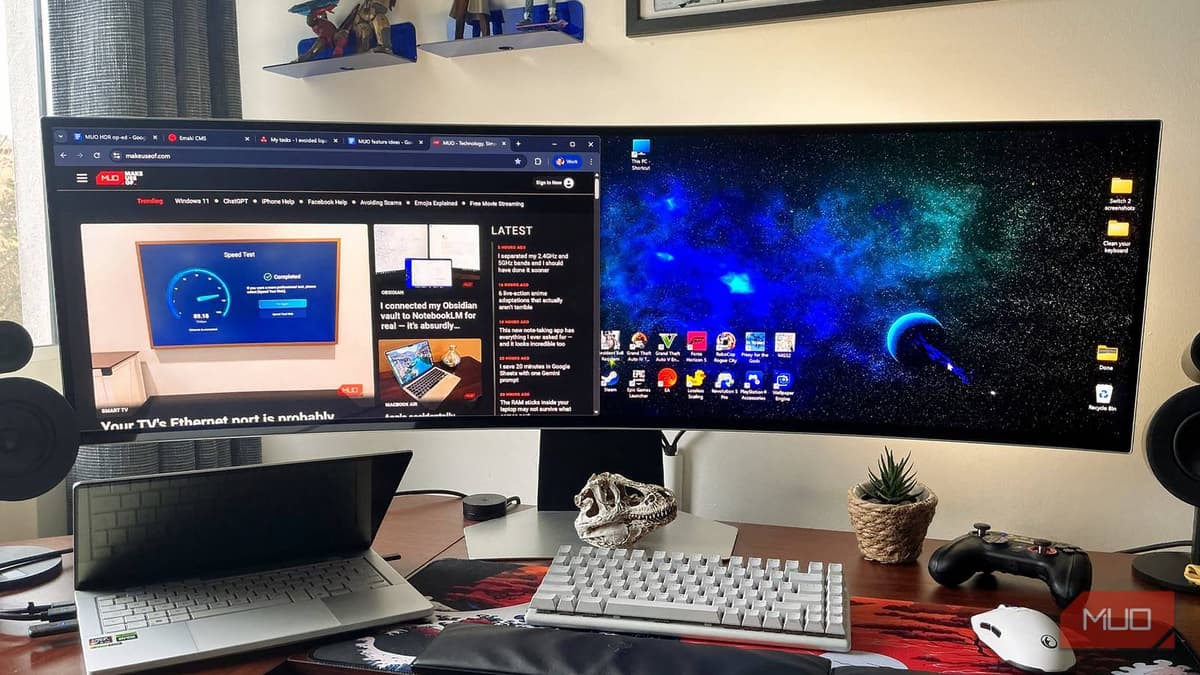
Windows 11 HDR Looks Bad for Browsing and Gaming, so I Fixed It with These Tweaks
Windows 11’s built‑in HDR handling often produces washed‑out colors and banding when displaying SDR content, prompting users to seek fixes. Microsoft’s free HDR Calibration app lets users adjust luminance settings, improving desktop and browser visuals. For gamers with Nvidia GPUs, the RTX HDR feature in the Nvidia Control Panel provides AI‑enhanced tone‑mapping that further refines HDR performance. Combining these tools delivers a noticeably better HDR experience across both productivity and gaming.
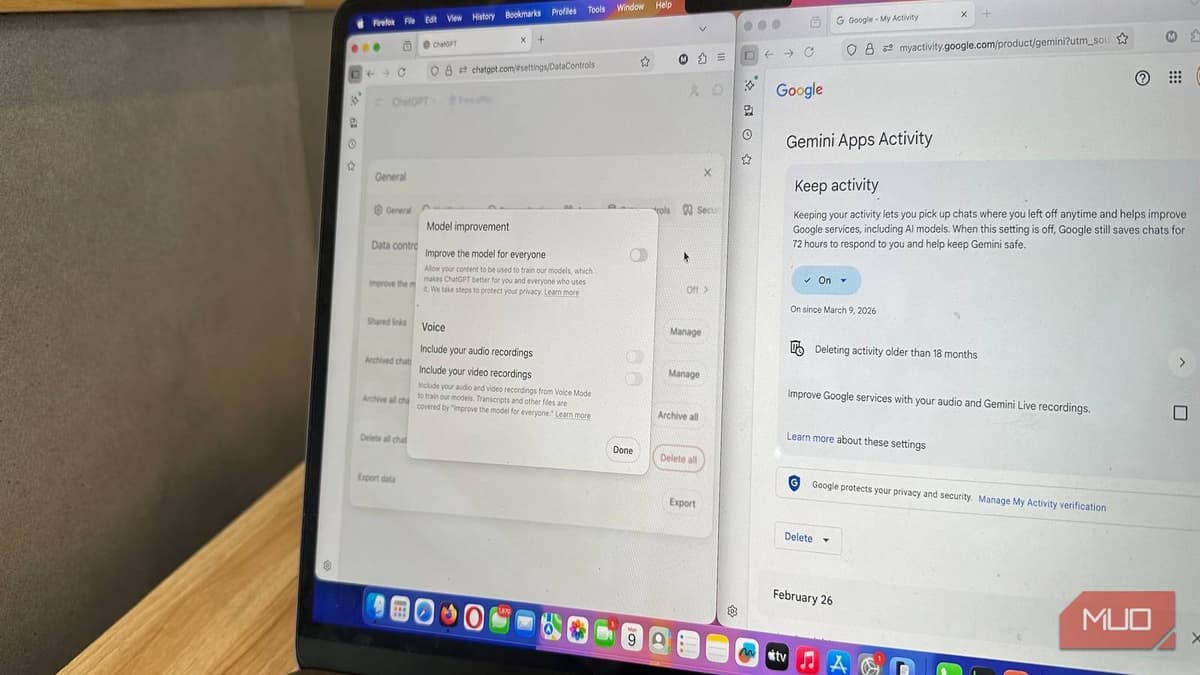
I Stopped My Data From Being Used to Train AI (You Might Want to Too)
The article outlines how users can opt out of having their data used to train major AI models such as ChatGPT, Gemini, Claude, Adobe, Figma, and LinkedIn. It details step‑by‑step settings changes and highlights caveats like feedback loops that may...
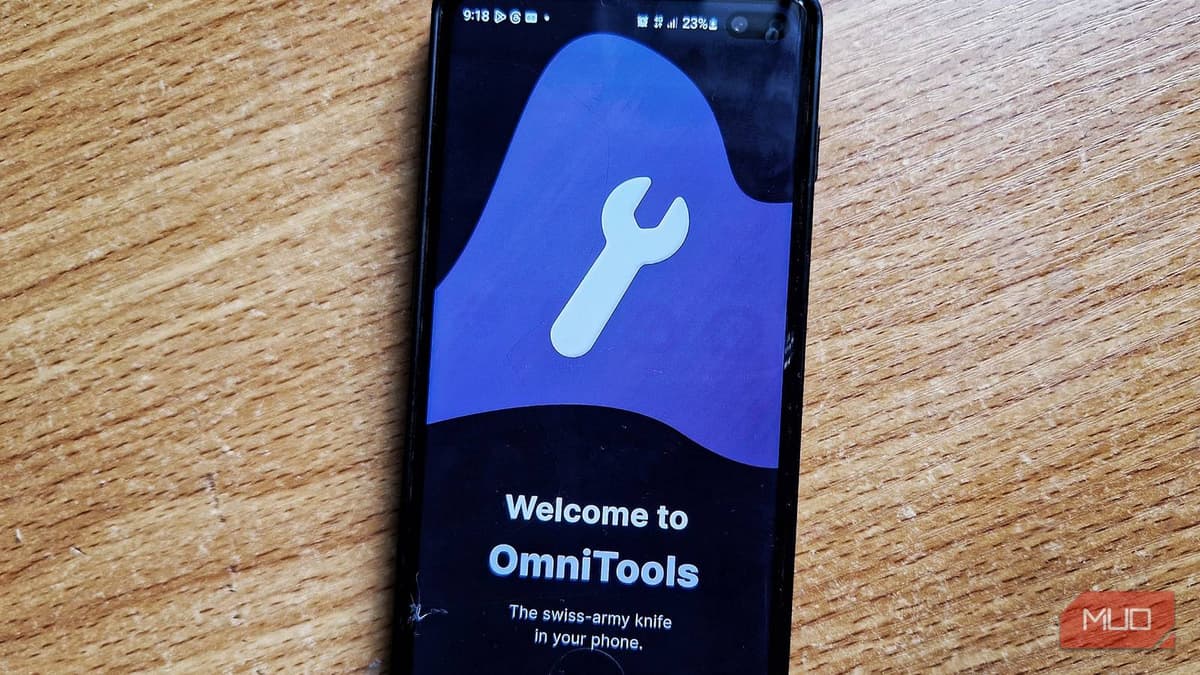
This All-in-One Android Utility Kit Saved Me From Installing 10 Separate Apps
OmniTools is a free Android utility suite that aggregates more than 50 everyday tools—ranging from finance calculators and unit converters to health metrics and home‑project estimators—into a single lightweight app. The app organizes its features into color‑coded categories and offers...
I Stopped Trusting Samsung’s Battery Health Screen After I Found the Real Number
Samsung’s battery diagnostics screen shows a static "Normal" label and a rounded capacity figure, masking the natural wear of the battery over time. Internally, the actual rated capacity is lower, and the display does not update as the cell degrades...