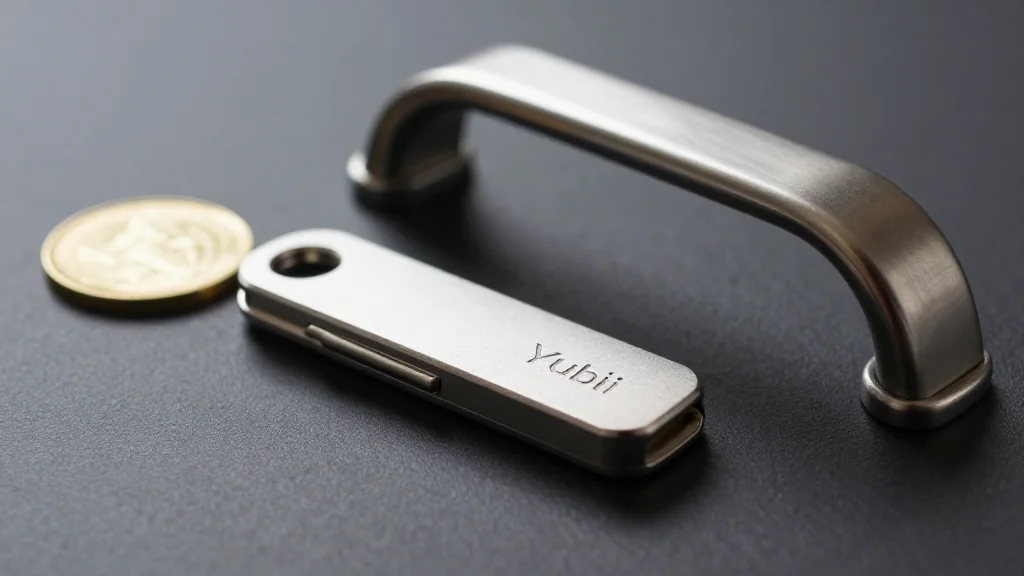
Security Keys: The Most Secure Way to Log In
Key Takeaways
- •Physical security keys block remote phishing and SIM‑swap attacks
- •Password‑less login uses FIDO2 passkeys stored on the key
- •Keep at least three keys: daily use, home safe, off‑site
- •Set a simple PIN; same PIN on all keys simplifies recovery
- •Combine keys with password managers for layered, anti‑phishing protection
Pulse Analysis
The security landscape has evolved beyond SMS codes and authenticator apps, which remain vulnerable to social engineering and SIM‑swap fraud. Physical security keys, built on the FIDO2 standard, generate cryptographic responses that never leave the device, eliminating the need for transmitted one‑time passwords. This hardware‑rooted approach not only thwarts credential theft but also supports emerging password‑less experiences, where a user’s identity is verified by a single tap of the key. Enterprises adopting these devices gain a robust defense against credential‑stuffing and phishing campaigns that plague traditional MFA methods.
From a usability perspective, modern keys offer two distinct flows: a classic MFA step after entering a password, and a true password‑less login where the key stores a passkey tied to a specific domain. Users simply insert or tap the key, touch its sensor, and, if required, enter a short PIN. Because the PIN never traverses the network, it can be simple yet effective. Best practice recommends owning multiple keys—one for everyday use, a backup in a home safe, and another stored off‑site—to prevent permanent lockout if a device is lost or damaged.
When paired with password managers, security keys become a linchpin for comprehensive credential protection. The manager’s vault is encrypted, and access is gated by the hardware key and PIN, creating a dual barrier that thwarts both remote attackers and physical theft. Organizations can enforce key‑based login for privileged accounts, reducing reliance on passwords and mitigating insider risk. However, adoption is limited by website support and the need to retire weaker MFA options. Companies should audit recovery processes, enforce key rotation, and educate users on secure storage to fully realize the benefits of this next‑generation authentication technology.
Security Keys: The Most Secure Way to Log In
Comments
Want to join the conversation?