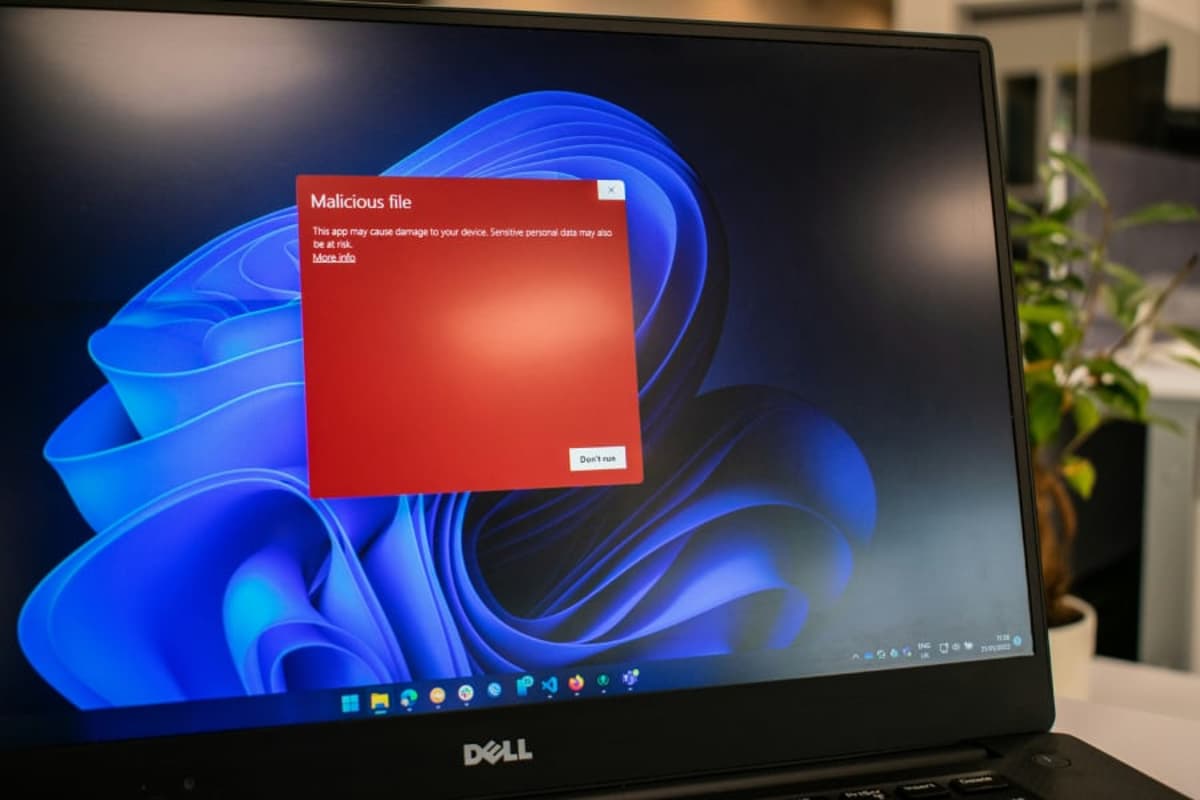
Fake CAPTCHA Scam Tricks Windows Users Into Installing Malware
•February 16, 2026
0
Why It Matters
The attack demonstrates how low‑tech user interaction can enable high‑impact, stealthy credential theft, forcing enterprises to shift from signature‑based tools to behavior‑centric detection.
Key Takeaways
- •Fake CAPTCHA mimics Cloudflare verification
- •Attack runs PowerShell via clipboard paste
- •StealC injects into svchost, stays memory‑resident
- •Exfiltrates browsers, wallets, Outlook, screenshots
- •Detect via PowerShell, injection, clipboard monitoring
Pulse Analysis
Fileless malware has become a preferred weapon for threat actors because it leaves few artifacts on disk. The fake CAPTCHA scam exemplifies this trend by turning a routine browser verification into a covert execution vector. By embedding malicious JavaScript on compromised sites, attackers lure victims into a familiar Windows Run dialog, where a pre‑loaded PowerShell command is pasted from the clipboard. This method sidesteps download warnings and exploits built‑in system utilities, a tactic that mirrors earlier "PowerShell Empire" and "Living off the Land" campaigns, but with a more convincing social‑engineering front.
Technically, StealC’s infection chain is a textbook case of in‑memory operation. After the PowerShell snippet contacts a remote server, it pulls Donut‑generated shellcode that is reflected into memory using VirtualAlloc and CreateThread calls. The payload then spawns a 64‑bit downloader, which injects the final stealer into svchost.exe, a legitimate Windows service that blends into normal process trees. Communication with the C2 server is disguised as RC4‑encrypted HTTP traffic, often masquerading behind common User‑Agent strings. Such layered obfuscation defeats many endpoint detection platforms that rely on file hashes or static analysis, underscoring the need for real‑time behavioral monitoring.
Defending against this breed of attack requires a multi‑layered approach. Organizations should enforce strict PowerShell logging, enable AMSI, and apply application control policies like WDAC or AppLocker to block unsigned scripts. Monitoring for anomalous clipboard activity, especially when originating from browsers, can surface the initial execution step. Additionally, threat‑hunt teams must watch for process‑injection patterns into svchost.exe and unusual outbound HTTP requests to unknown domains. By combining these controls with regular tabletop exercises that simulate fileless scenarios, enterprises can reduce exposure to credential‑stealing campaigns and improve overall resilience.
Fake CAPTCHA Scam Tricks Windows Users Into Installing Malware
0
Comments
Want to join the conversation?
Loading comments...