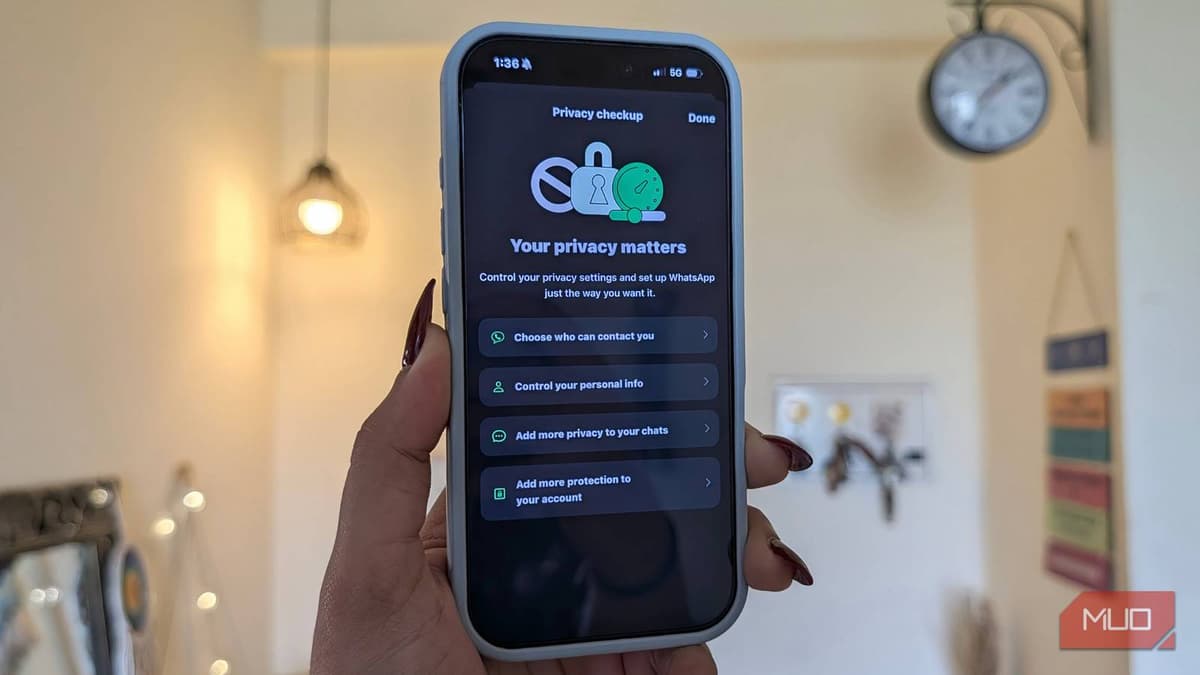
I Dug Through WhatsApp's Settings and Found some Surprisingly Useful Privacy Options
Why It Matters
These controls help protect over 2 billion users from account takeover, location tracking, and unwanted spam, reinforcing WhatsApp’s role as a trusted communication platform for both personal and business use.
Key Takeaways
- •Enable block unknown messages for spam protection
- •Protect IP address in calls hides location
- •Disable link previews prevents external site tracking
- •Android Strict Account Settings adds extra protection layer
- •Access settings via Profile → Privacy → Advanced menu
Pulse Analysis
WhatsApp’s privacy toolbox has quietly expanded, giving users granular control over how their data is handled during everyday interactions. By routing voice calls through its own servers, the "protect IP address" feature obscures a caller’s physical location, a crucial safeguard for professionals who discuss sensitive information. Disabling link previews further shields users from inadvertent data leaks, as the app no longer contacts external sites to fetch thumbnail information, eliminating a subtle tracking vector.
For Android power users, the Strict Account Settings toggle introduces an additional security tier designed for high‑risk profiles. When activated, it locks down certain functionalities, such as limiting backup options and tightening verification processes, which can deter sophisticated phishing attempts. While this may slightly affect performance, the trade‑off is worthwhile for journalists, activists, or executives who face targeted attacks. iPhone users enjoy the same core protections, ensuring cross‑platform consistency for businesses that rely on WhatsApp for internal coordination.
The broader implication is a shift toward more user‑centric privacy defaults in mainstream messaging apps. As regulatory scrutiny intensifies and consumers become savvier about digital footprints, platforms like WhatsApp must surface these settings more prominently. Enterprises can now embed WhatsApp into their communication workflows with greater confidence, knowing that a few taps can align the app with corporate security policies and data‑privacy standards. This evolution underscores the importance of proactive privacy management in a world where instant messaging is both a convenience and a potential vulnerability.
I dug through WhatsApp's settings and found some surprisingly useful privacy options
Comments
Want to join the conversation?
Loading comments...