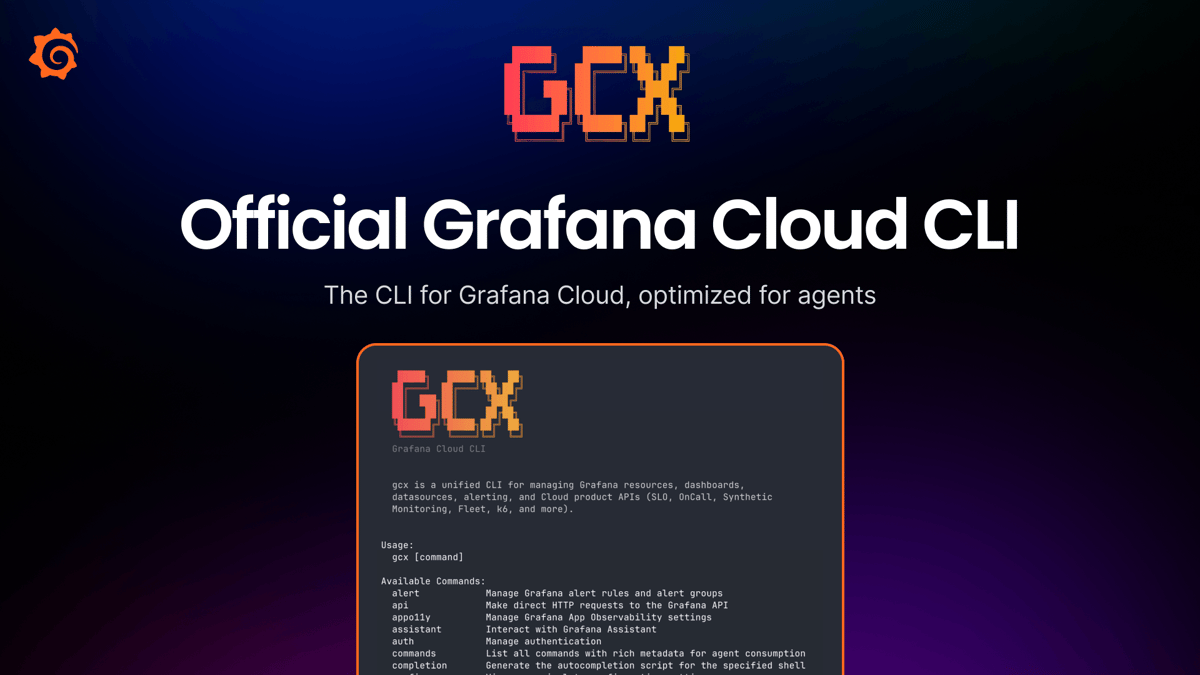
Get Observability in the Terminal, for You and Your Agents, with the Gcx CLI Tool
Why It Matters
Embedding full‑stack observability in the CLI gives AI‑driven coding assistants real‑time production context, cutting incident response time and reducing alert noise. This bridges the visibility gap between code generation and live system performance, a critical need as agentic tools become mainstream.
Key Takeaways
- •gcx adds Grafana Cloud observability directly to the terminal
- •Supports full lifecycle: instrumentation, alerts, SLOs, synthetic checks
- •Outputs JSON/YAML for reliable LLM parsing and automation
- •Auto-detects agentic tools like Claude Code, removing UI noise
- •Enables agents to query production metrics, reducing incident resolution time
Pulse Analysis
The rise of AI‑assisted coding tools such as Claude Code and Cursor has reshaped how engineers write software, but it also exposed a blind spot: agents lack direct insight into production environments. Grafana’s gcx CLI answers that gap by embedding the entire Grafana Cloud observability stack into the terminal, where developers already spend most of their time. By exposing instrumentation, alerting, SLOs, and synthetic checks as simple commands, gcx lets a developer or an LLM agent spin up full observability for a brand‑new service in minutes, turning what used to be a multi‑day ticket into a single interactive session.
Technically, gcx is built for machine consumption. Every command can emit structured JSON or YAML via the "--output" flag, and exit codes are stable and well‑documented, allowing large language models to parse responses reliably. The tool automatically detects when it is being driven by an agentic IDE and suppresses human‑centric UI elements like spinners, ensuring a clean, token‑efficient interaction. A built‑in catalog of commands and flags lets agents discover capabilities at runtime, while the "gcx skills" bundle provides ready‑made instructions for common observability workflows, from setting up OpenTelemetry to tuning noisy alerts.
For the broader DevOps market, gcx signals a shift toward code‑first, API‑driven observability that aligns with the growing prevalence of AI‑augmented development. Organizations that adopt the CLI can expect faster incident detection, lower on‑call fatigue, and tighter feedback loops between code changes and production performance. As more teams integrate LLM agents into their CI/CD pipelines, tools like gcx will become essential infrastructure, turning observability from a separate, often manual process into a seamless extension of the developer’s command‑line workflow.
Get observability in the terminal, for you and your agents, with the gcx CLI tool
Comments
Want to join the conversation?
Loading comments...