
Key Takeaways
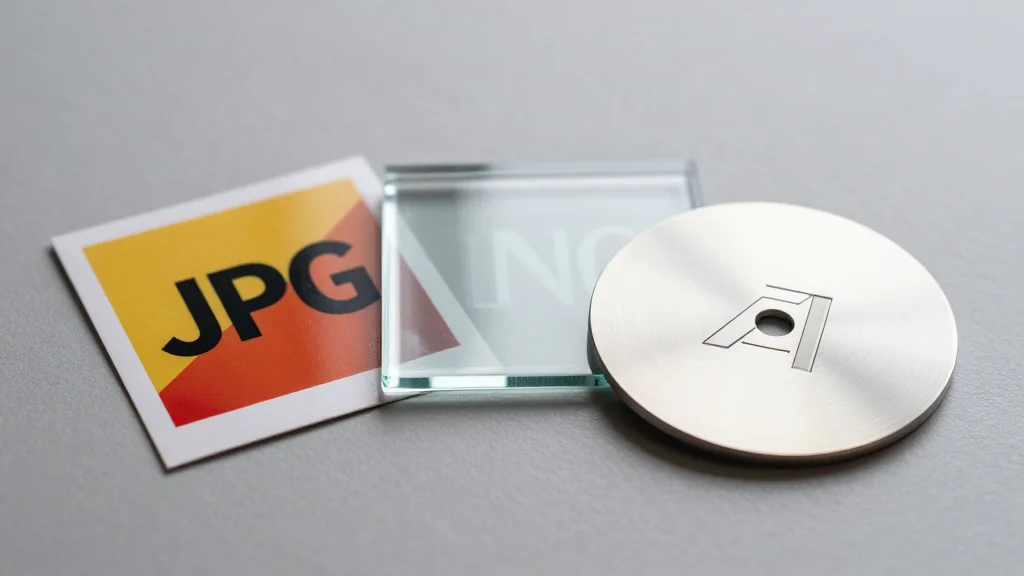
- •JPEG offers small files, ideal for product photos on web
- •PNG provides lossless quality and transparency for logos and graphics
- •WebP delivers superior compression, faster loads, and broad browser support
- •TIFF is lossless and high‑resolution, suited for print materials
- •Vector AI files keep logos scalable without pixelation for branding
Pulse Analysis
In the competitive world of ecommerce, image performance is as important as product quality. Large, unoptimized files can inflate page load times, triggering higher bounce rates and hurting search‑engine rankings. Search engines like Google factor page speed into rankings, and shoppers expect instant visual feedback. By selecting the appropriate file format—balancing compression with visual fidelity—retailers can deliver crisp product images while keeping bandwidth low, directly influencing conversion metrics and overall user experience.
Understanding the technical trade‑offs of each format empowers marketers to match assets to their intended channel. JPEG remains the workhorse for photographic product shots because its lossy compression yields small files with acceptable quality for web display. PNG’s lossless compression and alpha‑channel support make it ideal for logos, icons, and graphics that require transparent backgrounds. WebP, supported by most modern browsers, offers superior compression ratios, delivering JPEG‑level quality at 30‑40% smaller sizes and even supports animation. For high‑resolution print collateral, TIFF’s lossless nature preserves detail, while AI and SVG vector files guarantee infinite scalability for branding elements without pixelation. HEIF/HEIC provides Apple‑device users with higher‑quality images at reduced sizes, though conversion may be needed for broader compatibility.
Looking ahead, the shift toward next‑gen formats like AVIF and broader WebP adoption will further shrink file footprints without sacrificing quality. Ecommerce platforms should integrate automated image‑processing pipelines that detect source format, apply appropriate compression, and generate fallback versions for legacy browsers. Tools such as Shopify’s Image Resizer, Cloudinary, or Imgix can streamline this workflow, ensuring that every visual asset—whether a thumbnail, hero banner, or downloadable PDF—arrives optimized for the fastest possible load time while preserving the brand’s visual integrity.
Complete Guide to Image File Types
Comments
Want to join the conversation?