
Key Takeaways
- •Native transfers available in POS version 10.20.
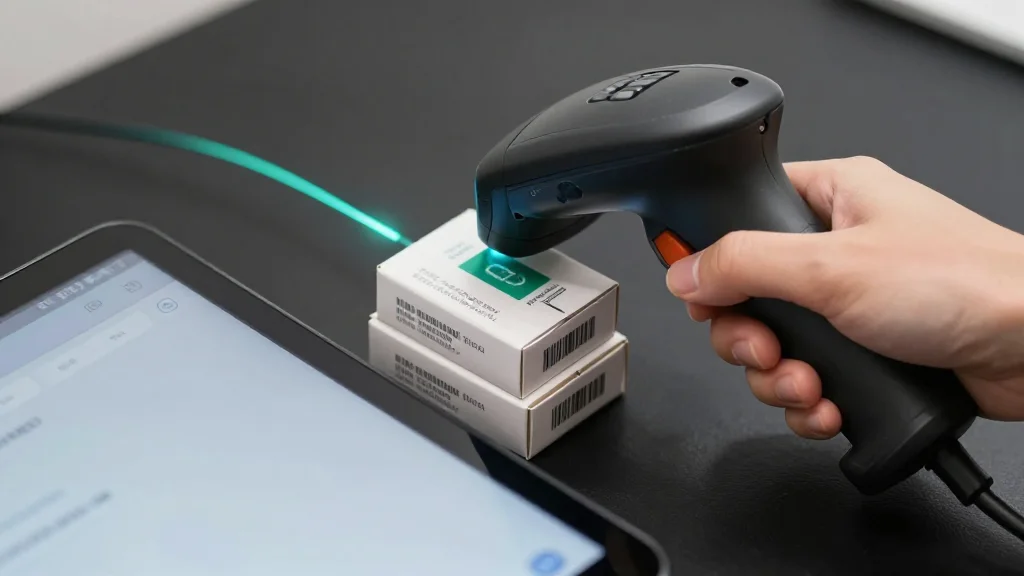
- •Staff can scan items for inbound/outbound shipments.
- •Real-time status updates eliminate admin panel reliance.
- •Streamlines in‑store inventory accuracy and speed.
- •Enhances omnichannel fulfillment across Shopify ecosystem.
Pulse Analysis
Effective inventory management has long been a bottleneck for brick‑and‑mortar retailers, especially those juggling multiple sales channels. Prior to this release, Shopify merchants had to exit the POS environment to log transfers in the admin console, a process that introduced delays and increased the chance of data entry errors. By integrating transfer functionality directly into the POS, Shopify addresses a critical pain point, aligning its hardware offering with the expectations of modern, fast‑moving retail floors.
Version 10.20 equips store associates with a simple scan‑and‑send interface, allowing them to both dispatch goods to other locations and receive inbound stock without leaving the sales screen. Real‑time status updates appear instantly, giving managers a live view of inventory flow and reducing reliance on after‑hours reconciliation. The hands‑free workflow not only accelerates turnaround times but also improves accuracy, as barcode scanning minimizes manual entry mistakes. For staff, the change translates into fewer steps per transaction and a clearer picture of stock levels during peak periods.
Strategically, the native transfer feature bolsters Shopify’s position against rivals like Square and Lightspeed, which already offer integrated inventory movement tools. Retailers pursuing an omnichannel strategy can now synchronize storefront and fulfillment center inventories with a single touch, supporting faster order fulfillment and better customer experiences. As the ecosystem evolves, the move hints at further POS enhancements—potentially automated reorder triggers and AI‑driven demand forecasting—cementing Shopify’s role as a comprehensive commerce platform.
Shopify adds native inventory transfers to POS
Comments
Want to join the conversation?