BIM Pure - Latest News and Information

The video demonstrates how Autodesk Revit now supports importing OBJ mesh files generated from point‑cloud data, allowing users to embed scanned geometry directly into Revit families. Aubin walks through the workflow: select a limit box around a point‑cloud segment, send it to Autodesk’s cloud service (or local drive) to create a mesh, then decimate the model by 98 % to keep file size manageable while preserving visual quality. He shows coarse, medium and fine display settings and explains how to assign visibility rules so only the low‑poly version loads during regular navigation. Key examples include a keystone that originally contained millions of triangles, which Autodesk flagged as too large for shipment, and a salvaged architectural detail captured via photogrammetry rather than laser scanning. Aubin notes that textures often disappear during conversion and that the OBJ import lacks scaling controls, requiring careful unit selection. For BIM practitioners, this capability bridges the gap between as‑built documentation and parametric modeling, enabling realistic renderings and accurate clash detection without bloating the central model. However, the current limitations—texture loss, fixed scale, and reliance on cloud credits—highlight areas where Revit must evolve to fully support high‑resolution scanned assets.

The video follows a BIM‑focused creator traveling to Buenos Aires (spelled Buenoseris) and Montevideo to meet Slantis, a fast‑growing Latin‑American firm that refuses the label “architecture studio” and instead markets itself as a technology company reshaping design workflows. Founded in 2015 by...

The BIM Pure Live episode featured Maria Makri, innovation lead at Dark Arkitekter, discussing how the Oslo‑based firm is integrating artificial intelligence into its architectural workflow. Makri explained that the office created an internal AI task force to automate repetitive...

The video introduces the new Environment for Revit course on the BIMpure platform, focusing on a hands‑on tutorial of the alignment tool that lets users model site pathways directly within Revit. Nick walks viewers through the five‑step workflow: sketching a layout...

The video is a replay of a live master class on Revit keynotes and annotation legends, hosted by Brian Mackey, focusing on best practices for creating, scheduling, and managing keynotes, tags, and generic annotation families. Mackey explains that generic annotation families...
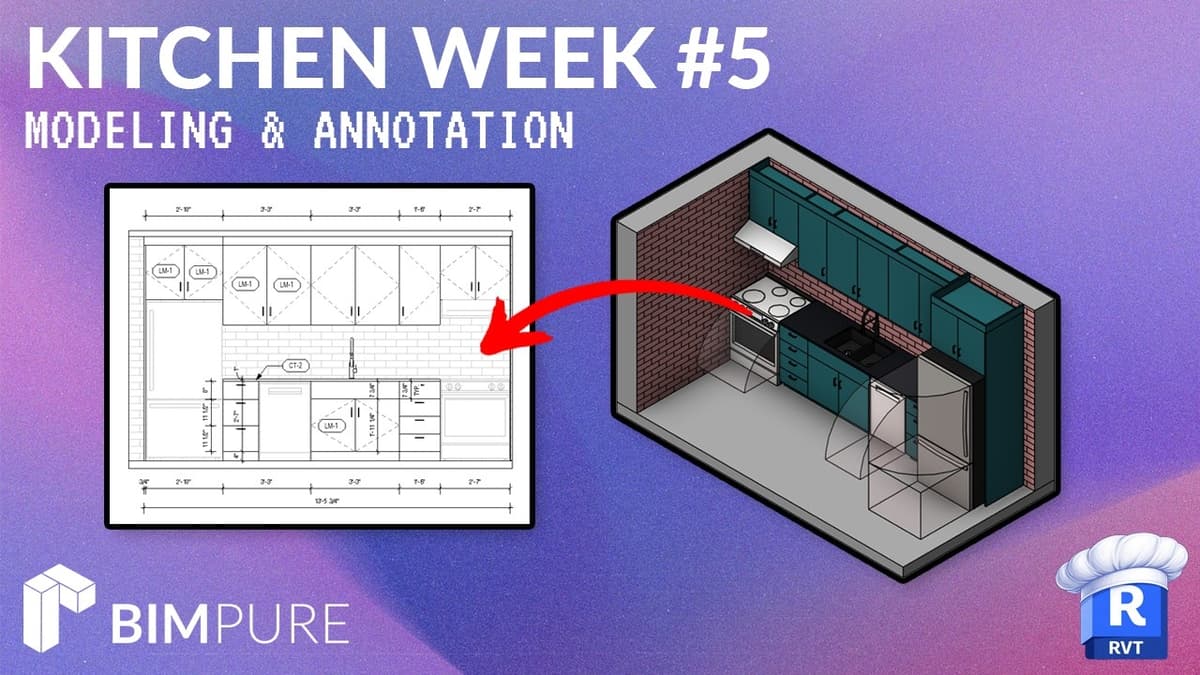
The video is the final installment of Nick’s Revit Kitchen Week series, walking viewers through a complete kitchen model—from the alley‑style layout to full annotation—using Autodesk Revit. Nick demonstrates a disciplined workflow: he begins by drawing red reference lines with exact...
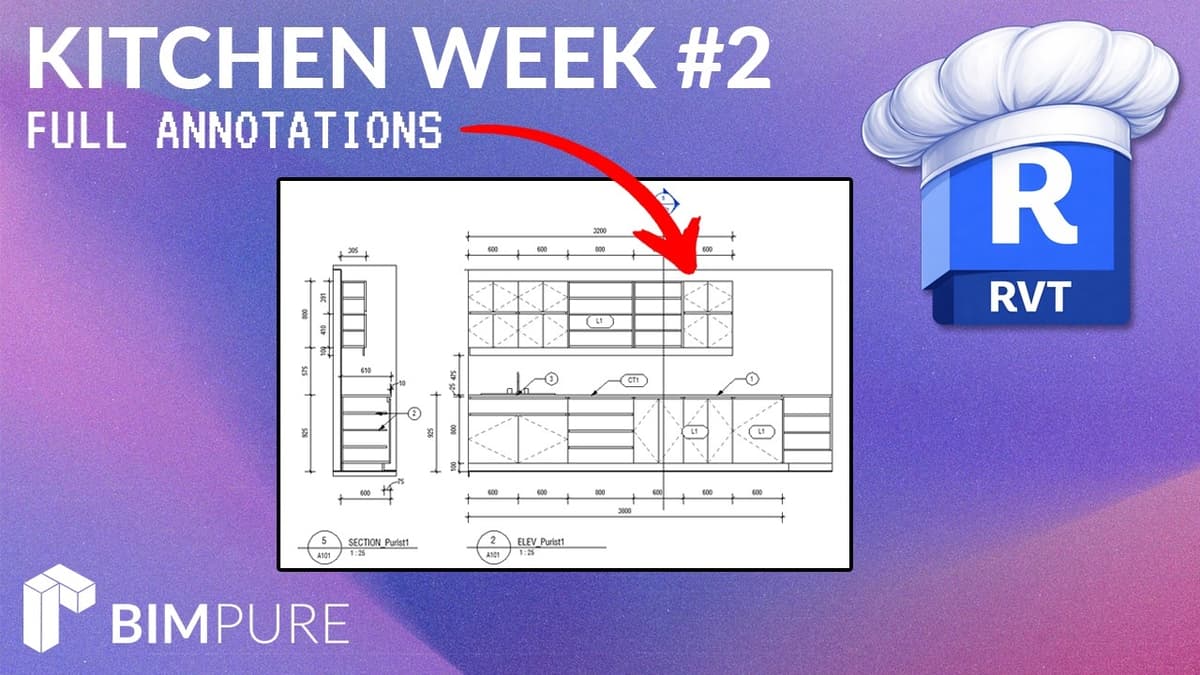
The second video in BIMure’s Kitchen Week series walks users through annotating a fully modeled kitchen and assembling a complete documentation sheet in Revit. It builds on the first episode’s modeling workflow and focuses on sheet creation, callout placement, elevation...
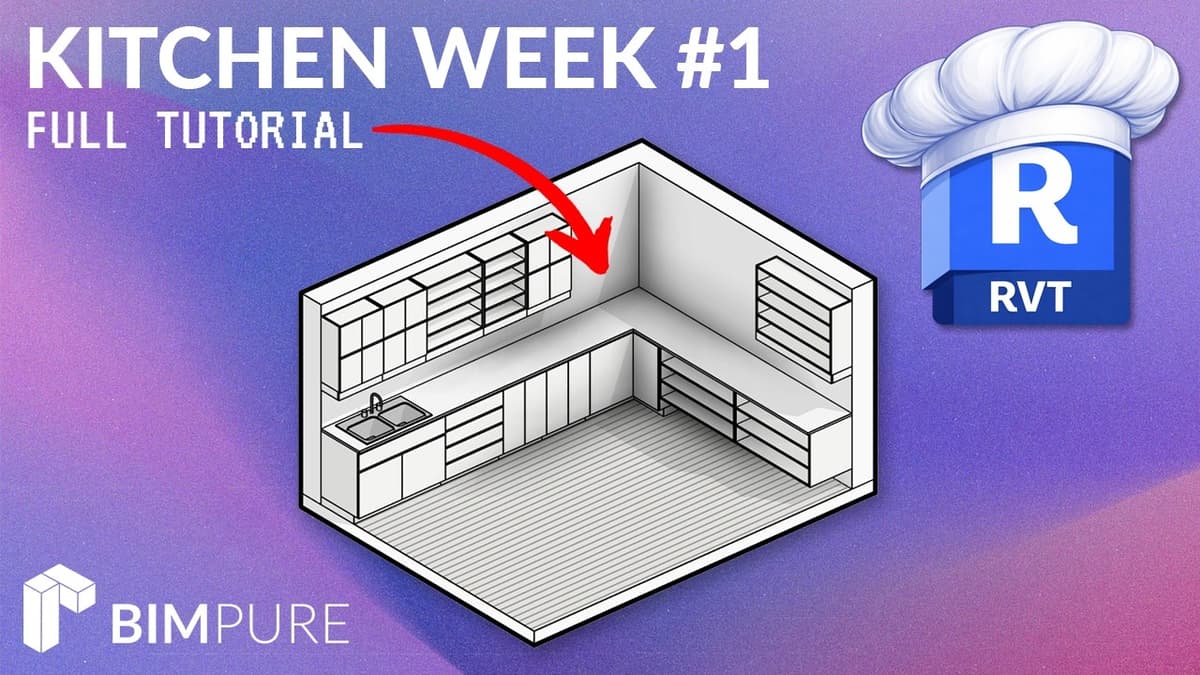
The video is a step-by-step Revit tutorial showing how to recreate the PURIST kitchen using BIMPUR’s new casework family. The presenter models the floor plan corner, places base, corner and top cabinets, creates a countertop and positions a sink, then...
BIMpure is hosting two live 90-minute master classes with BIM consultant and Autodesk University award-winner Brian Mackey focused on Revit keynotes and annotation systems. The first session covers pros and cons of annotation techniques—symbols, tags and keynotes—while the second drills...


