Ryan Laley - Latest News and Information

The video walks developers through adding Steam achievements to an Unreal Engine 5 project by extending a previously built activity tracker. It explains why achievement writes must occur in the PlayerController rather than the GameMode, and shows how to bind the activity‑recorded event to the WriteAchievementProgress node. Key steps include casting to the custom GameMode, binding the activity event, feeding the activity tag directly into the achievement name field, and setting the progress value to 100 so Steam treats each call as a simple increment. The presenter stresses that the Steam stat identifier must match the gameplay tag exactly (e.g., "activity.winds.mmicimic") and demonstrates configuring the Steam backend with a new achievement, setting minimum and maximum values to 10 for a "win 10 games" goal. He also highlights practical examples: creating the achievement in Steam’s dashboard, adjusting the progress parameter to 1 for proper incrementing, and using Blueprint nodes like ReadAchievements, GetCachedAchievementsDescription, and GetAchievementProgress to retrieve and display achievement data in‑game. Viewers are invited to request parsers for tag conversion or suggest new activity‑tracker use cases. Overall, the tutorial provides a repeatable pattern for linking in‑game events to Steam’s achievement system, emphasizing name consistency, early initialization, and UI feedback. This lowers the barrier for indie studios to add polished achievement tracking, boosting player retention and potential revenue streams.

The Ryan Laley Games podcast marked Mario Day on March 10, using the occasion to reminisce about the iconic plumber’s legacy and its pervasive influence across the gaming industry. Co‑hosts Ryan and Bill riffed on the holiday’s origins—spelling “MAR10”—while weaving...

The video walks developers through building an Activity Tracker in Unreal Engine 5.7, a foundational component for stats, achievements, and tutorial cues. It starts by showing how to create hierarchical Gameplay Tags—such as PlayerActions.Jump or Tutorial.LearnControls—in the project settings, then moves...

Ryan Laley hosted a live Unreal Engine support livestream, fielding real‑time questions from developers while showcasing his indie horror game “Mimic” available on Steam and Epic Games. He promoted multiple revenue streams, including Patreon, Ko‑fi, and paid one‑on‑one sessions, and...
The Ryan Laley Games Podcast episode #15 tackles a perennial question: is Pokémon still a good game? Host Ryan and co‑host Bill launch the conversation with personal anecdotes, then pivot to a broader assessment of the franchise’s relevance in today’s...
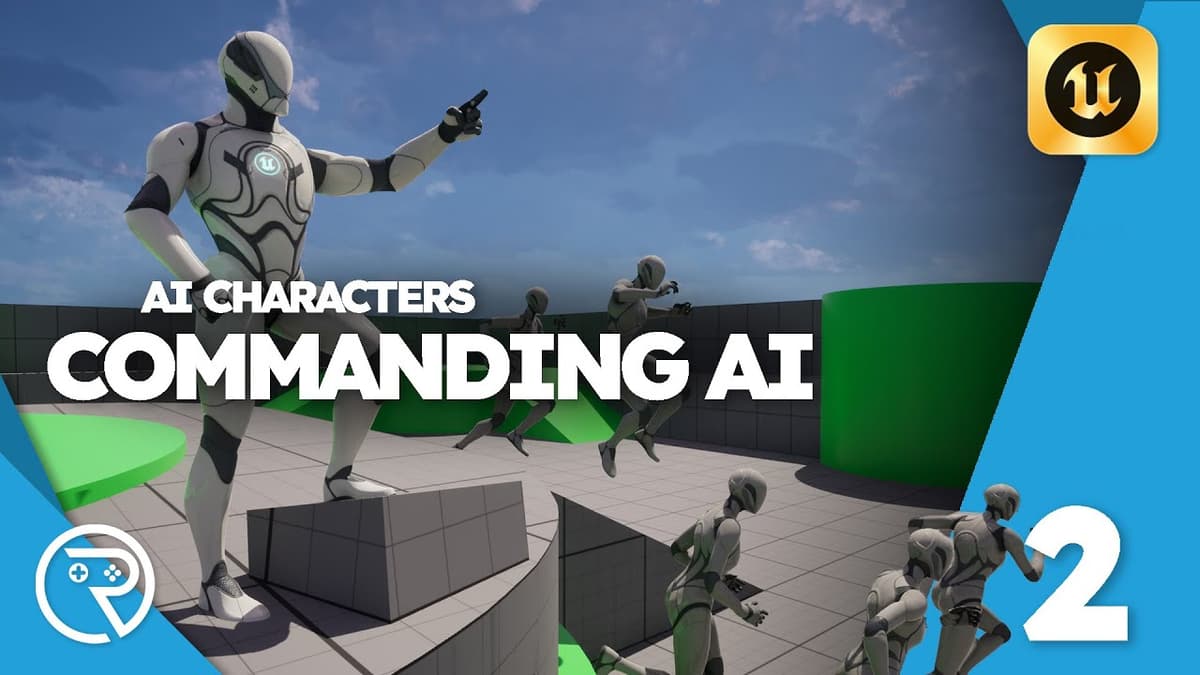
The video walks through adding a "Move To" command to AI units in Unreal Engine 5, continuing a Pikmin‑style series that teaches developers how to command gathered allies. Key steps include creating a new function in the AI interface, using two line...
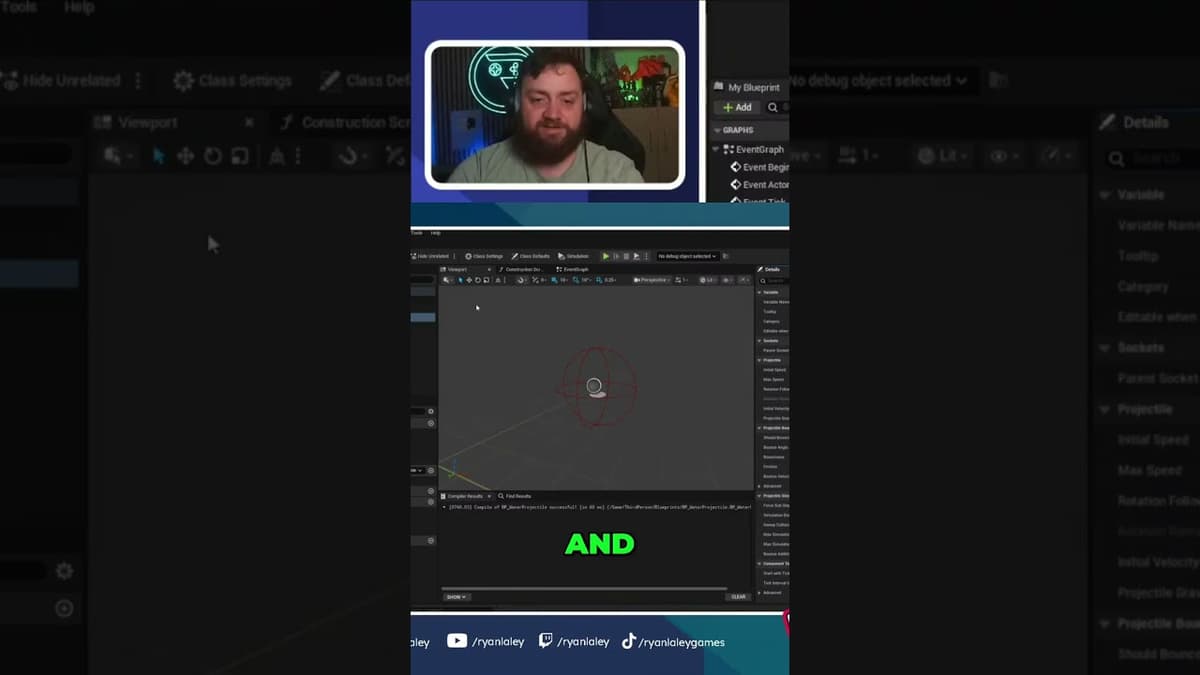
The video demonstrates a workaround for generating hit events in Unreal Engine's Niagara system, which by default does not support direct impact detection. The creator builds a Blueprint class for a water projectile, adds a sphere collision component, sets it to...
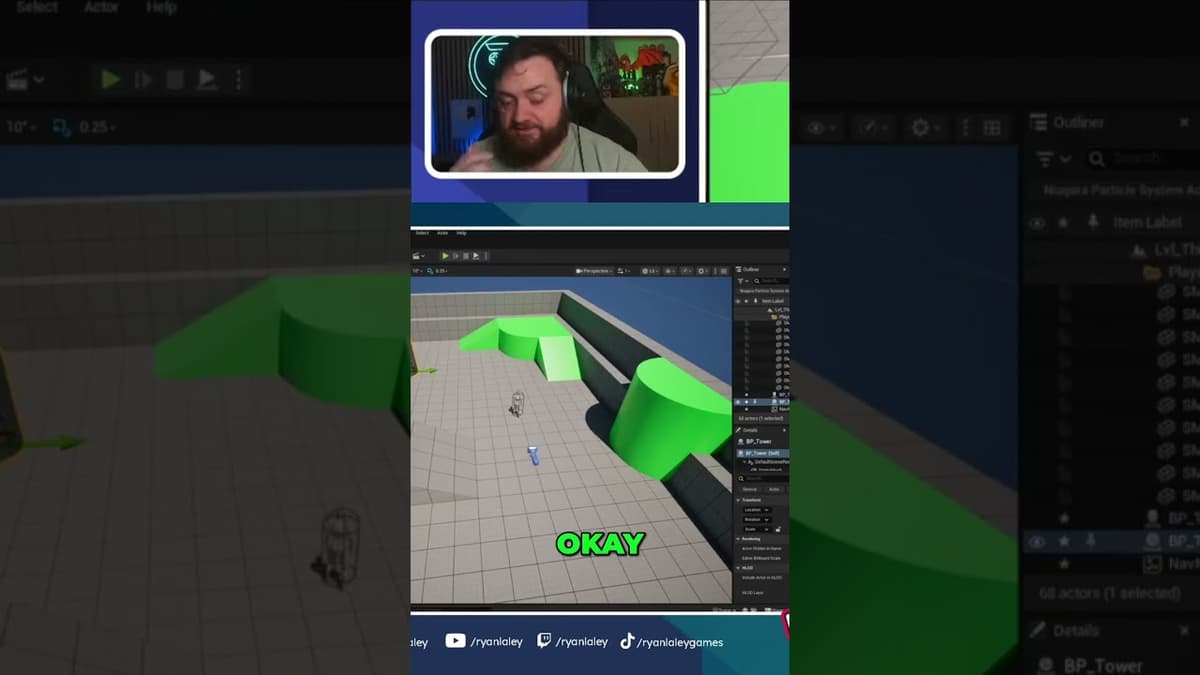
The video walks through building a basic enemy AI in Unreal Engine that patrols to a designated area and attacks a tower‑defense tile. It starts by covering essential groundwork—adding a Nav Mesh Bounds Volume to cover the entire level, enabling...

World of Warcraft has stayed relevant by shifting from a raid‑centric design to a player‑choice, multi‑path live service. Blizzard introduced clear roadmaps and diversified post‑level content—systems beyond traditional raiding—that give players multiple meaningful ways to engage. These changes, paired with...
The livestream was a real‑time Q&A focused on Unreal Engine development, where the host fielded community questions about networking, gameplay mechanics, and career advice while battling slow editor load times. Key technical takeaways included using PlayerState for automatic name replication, sending...
The Ryan Laley Games podcast episode dives into the perennial design dilemma of in‑game collectibles, asking listeners to pinpoint what makes a collectible feel satisfying versus tedious. Hosts Bill and Ryan riff on personal pet peeves—from the forced key‑hunt...

The video walks through completing a pinball flipper in Unreal Engine 5 by replacing the default complex collision with simple, auto‑convex collision so the mesh can interact with physics. After enabling Simulate Physics, the creator locks the flipper’s linear axes and...


