
My OLED TV Looked Washed Out Until I Found This One Picture Setting
Dynamic tone mapping (DTM) is a frame‑by‑frame HDR feature that many modern OLED TVs, including LG’s G3, ship with but often leave disabled. When enabled, DTM dynamically adjusts peak brightness, pushing OLEDs toward their 2000‑nit ceiling and delivering punchier images without sacrificing the panel’s legendary blacks. The author discovered that activating DTM transformed a washed‑out viewing experience into a vivid, contrast‑rich one across movies, streaming, and games. The tweak is simple, yet it dramatically improves perceived HDR performance on OLED displays.
3 Tech Companies that Make Your Gadgets More Expensive
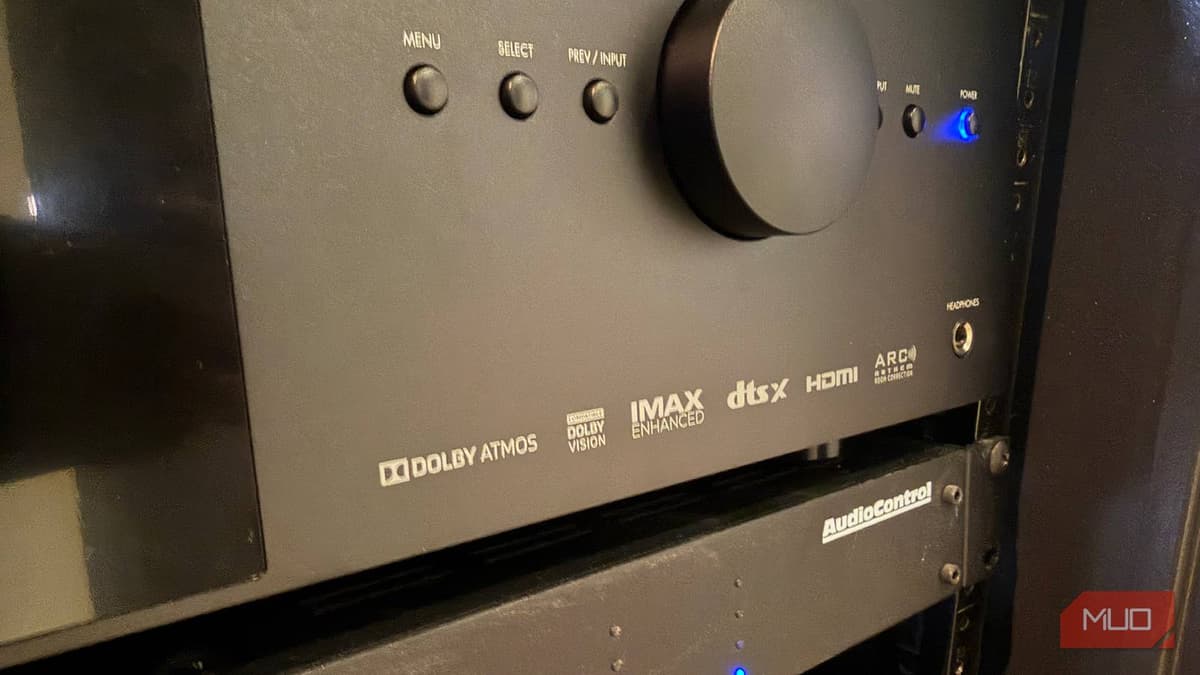
A recent MakeUseOf column highlights three licensing entities—HDMI Licensing Administrator, Dolby, and Qualcomm—whose fees add to the cost of smartphones, laptops, and TVs. HDMI charges per‑port licensing fees, Dolby requires paid certifications for Vision and Atmos, and Qualcomm levies a...

This Free CAD Software Runs in Your Browser and Puts Expensive Programs to Shame
SolveSpace is a free, open‑source parametric CAD tool that runs both as a lightweight desktop app and directly in a web browser. It uses a constraint‑based solver, letting users define geometric relationships instead of manually dragging shapes. The software supports...
Your Old Smartphone Is Secretly the Best Smart Home Device You Already Own
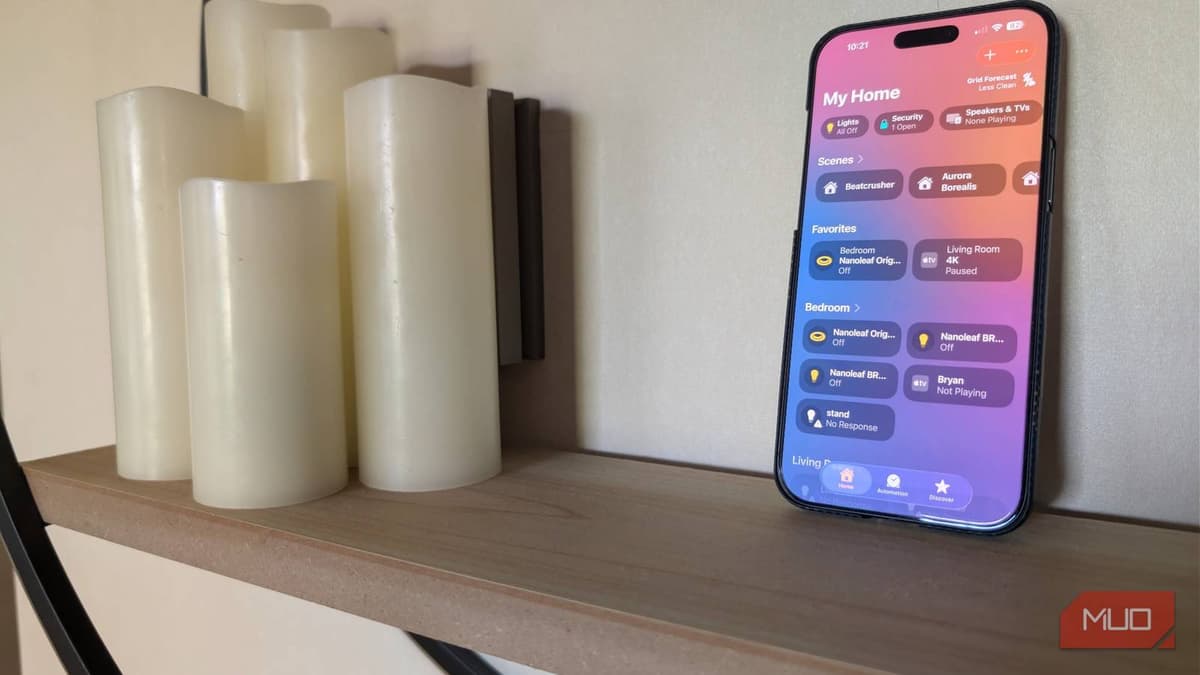
The article shows how an unused iPhone—or any old smartphone—can be turned into a dedicated smart‑home controller, especially for Apple HomeKit. By resetting the device, enabling Guided Access, and mounting it, users get an always‑on touch panel that eliminates the...
I Changed One Setting in Device Manager and My Wi-Fi Jumped From 260 Mbps to 430 Mbps
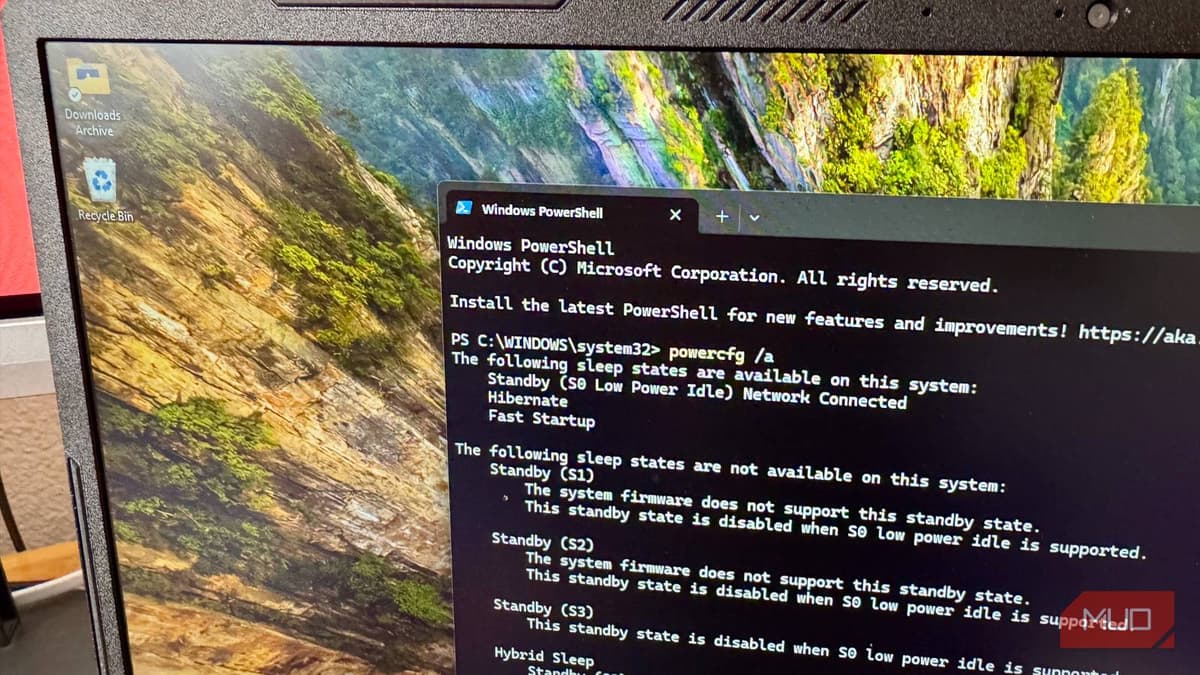
Windows laptops that use Modern Standby (S0) often keep the Wi‑Fi adapter in a power‑saving mode even while the system is active, which can cut throughput by half. By opening Device Manager and changing the adapter’s advanced property—MIMO Power Save...
Your CPU Is Throttling Itself, and One BIOS Toggle Will Fix It
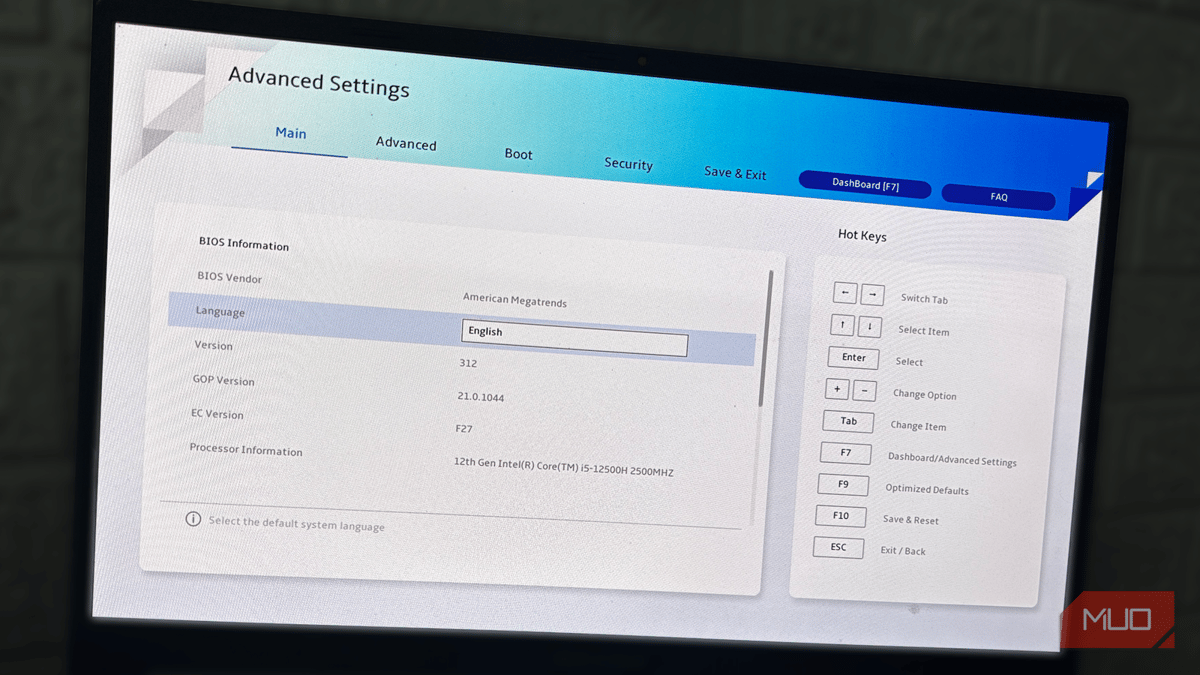
Modern CPUs often hit their advertised boost speeds for only about a minute before a hidden BIOS power‑limit (PL1) throttles performance. The default PL1 setting is deliberately conservative, dropping the package power from the short‑burst PL2 level and causing a...
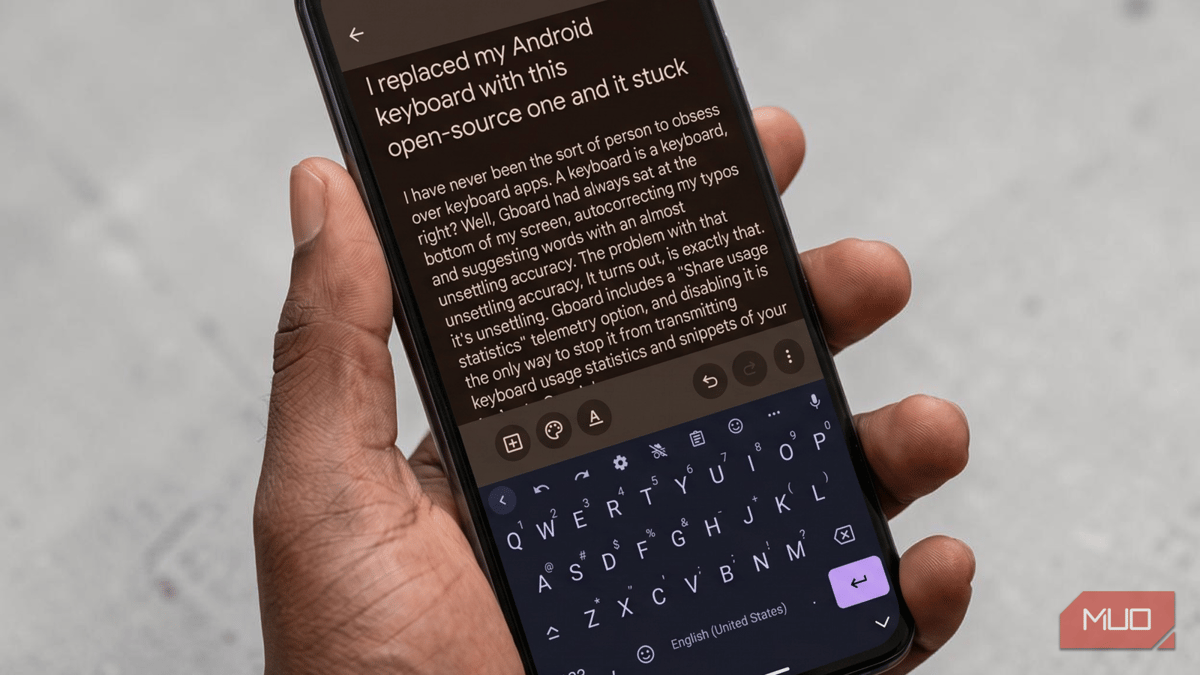
I Replaced My Android Keyboard with This Open-Source One and It Stuck
FlorisBoard is a free, open‑source Android keyboard that prioritizes privacy by keeping all data on the device and publishing its code under the Apache 2.0 license. Users can install it via F‑Droid or a sideloaded APK and enjoy extensive theming options,...
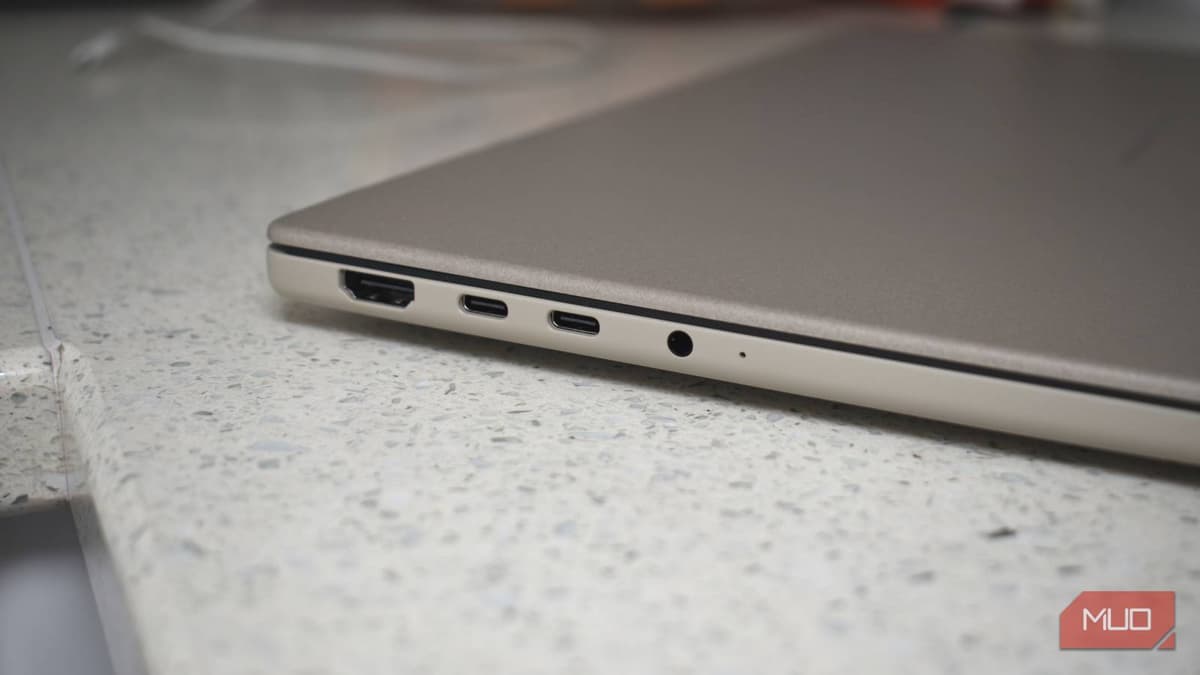
Your Laptop's USB Port Is Probably Slower than Advertised — Here's How to Verify It
Modern laptops often bundle fast and slow USB ports under the same USB‑C connector, leaving users unsure which port will deliver advertised speeds. Confusing naming conventions—from USB 2.0 to USB4 Version 2.0 and Thunderbolt 5—mask real‑world performance, which can vary dramatically based on controller,...

Your Android Phone Might Have 12GB of RAM but Run Slower because of It — This One Setting Is Why
Android manufacturers bundle a feature called RAM Plus (or Memory Extension) that turns part of internal storage into virtual RAM. While it can help budget phones with 4‑6 GB of RAM, on flagship devices with 8 GB or more it often slows app...
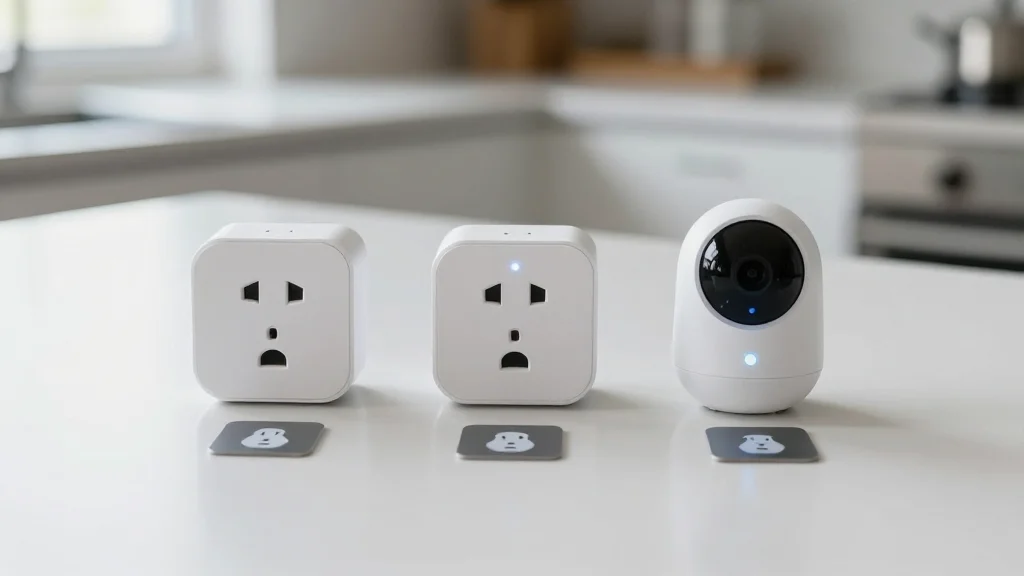
I Automated 8 Household Tasks with $3 NFC Tags and Freed up Hours Every Week
A DIY enthusiast used $3 NFC tags to automate eight routine household tasks, linking them to iPhone Shortcuts and Android NFC tools. The tags trigger actions such as playing music, opening recipes on a 15‑inch display, starting timers, launching a...
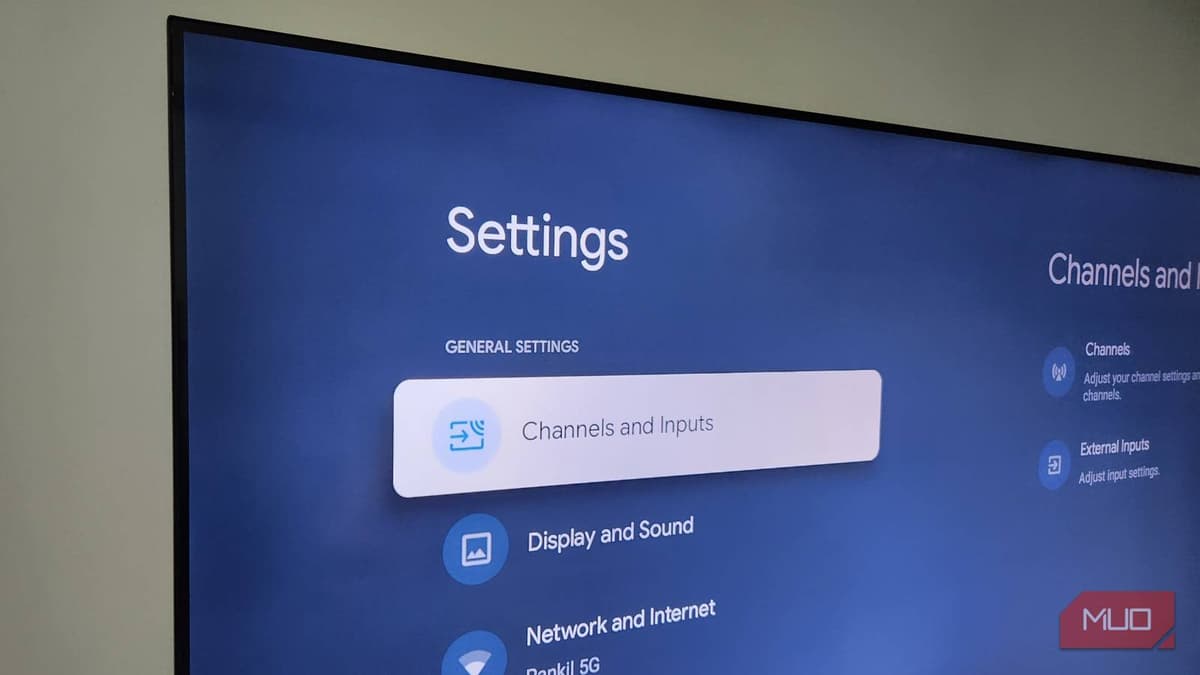
Your Android TV Has a One-Click Speed Boost Hiding in Plain Sight
Android TVs gradually lose responsiveness as app and system cache files pile up over weeks. The built‑in one‑click cache‑clear function—found under Settings > System > Internal shared storage—removes these temporary files in seconds, restoring performance. The article also recommends periodic restarts, uninstalling unused or...
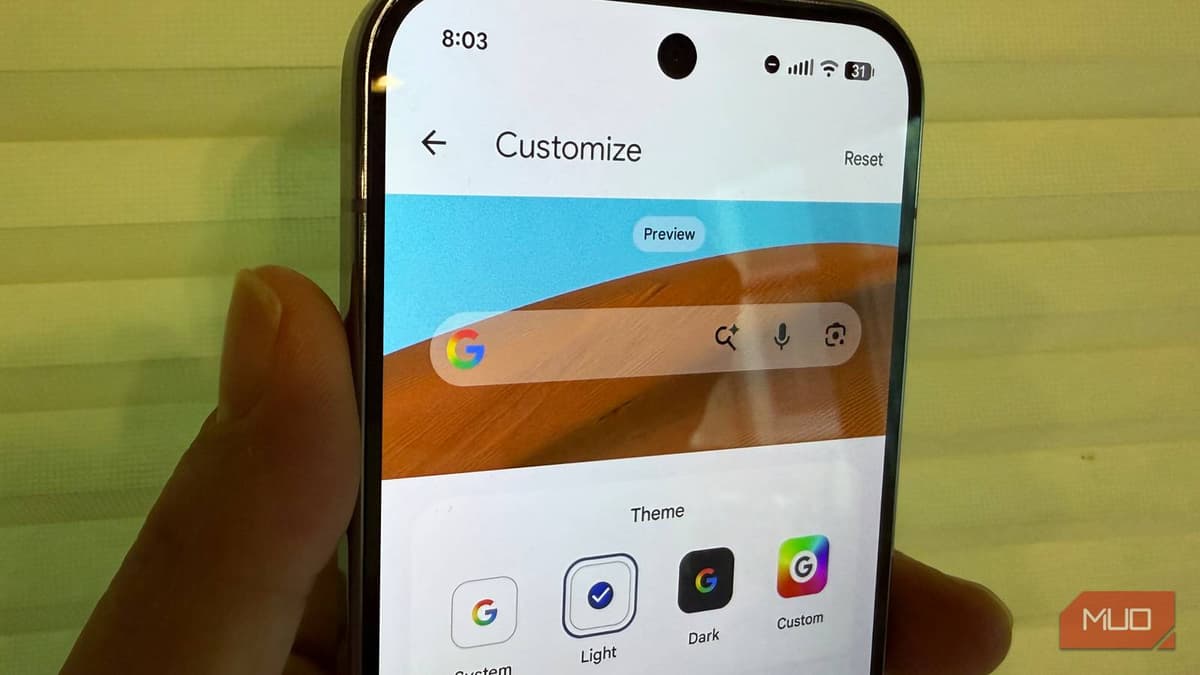
Your Google Search Widget Has 3 Hidden Features You're Probably Missing
Google’s persistent Search widget on Android now offers deeper personalization, letting users switch between System, Light, Dark, or fully custom color themes and adjust transparency. A third shortcut button can be set to one of twelve options—including Homework, Translate, and...
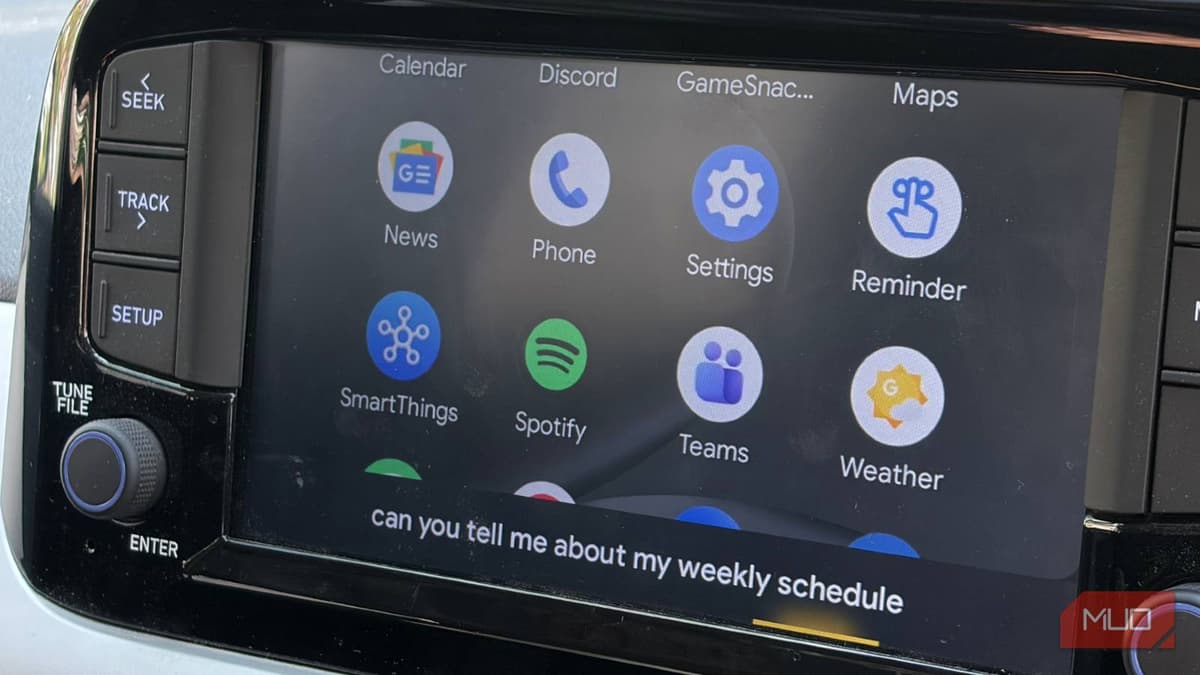
I Turned on One Setting in Android Auto and Now I Won't Drive without It
Google’s Gemini Live AI is now embedded in Android Auto, letting drivers hold open‑ended conversations while on the road. The assistant can manage complex, multi‑step requests—such as locating a fast charger near a coffee shop—by reasoning through several conditions before...
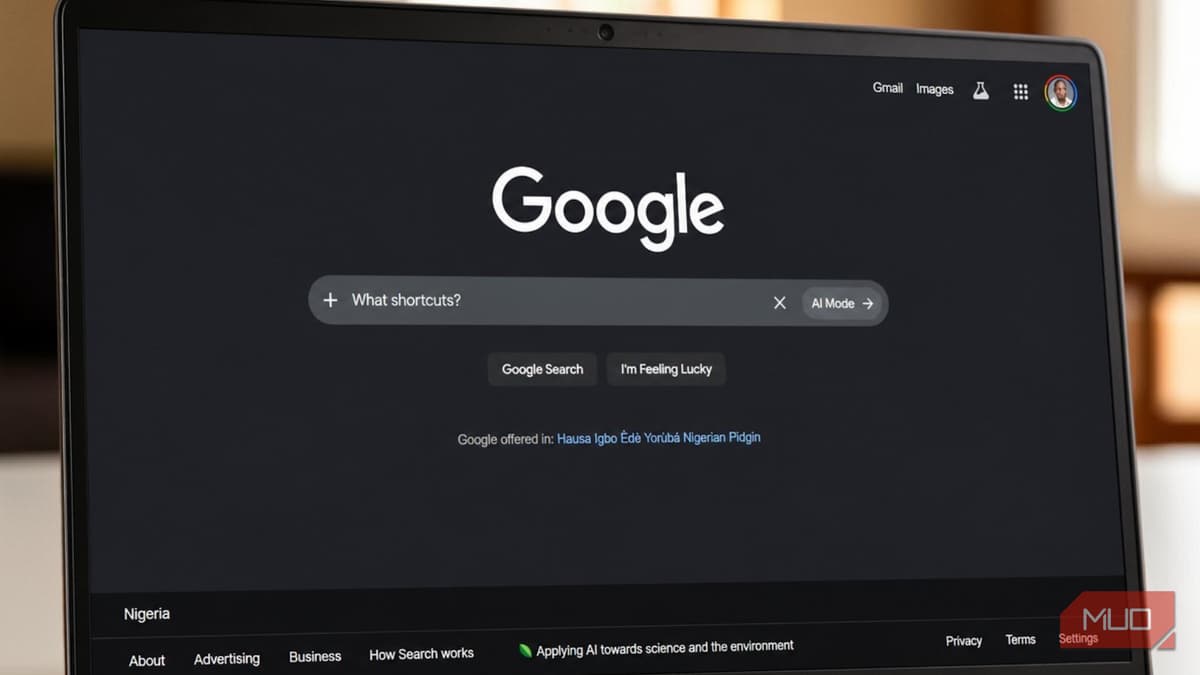
I Used Google Search Every Day for Years and Never Knew These Shortcuts Existed
The article reveals a suite of hidden Google Search operators—quotation marks, the minus sign, site:, before:/after:, and AROUND(X)—that transform generic queries into precise, time‑filtered results. It also highlights lesser‑known built‑in tools like a chromatic tuner and metronome accessible directly from...

Your Samsung TV Has a Secret Menu that Does 5 Things You Actually Need
Samsung TVs hide a service menu that can be accessed with model‑specific remote codes. The menu offers functions such as a full factory reset, toggling Hotel Mode, detailed color and white‑balance calibration, viewing panel usage hours, and advanced settings like...
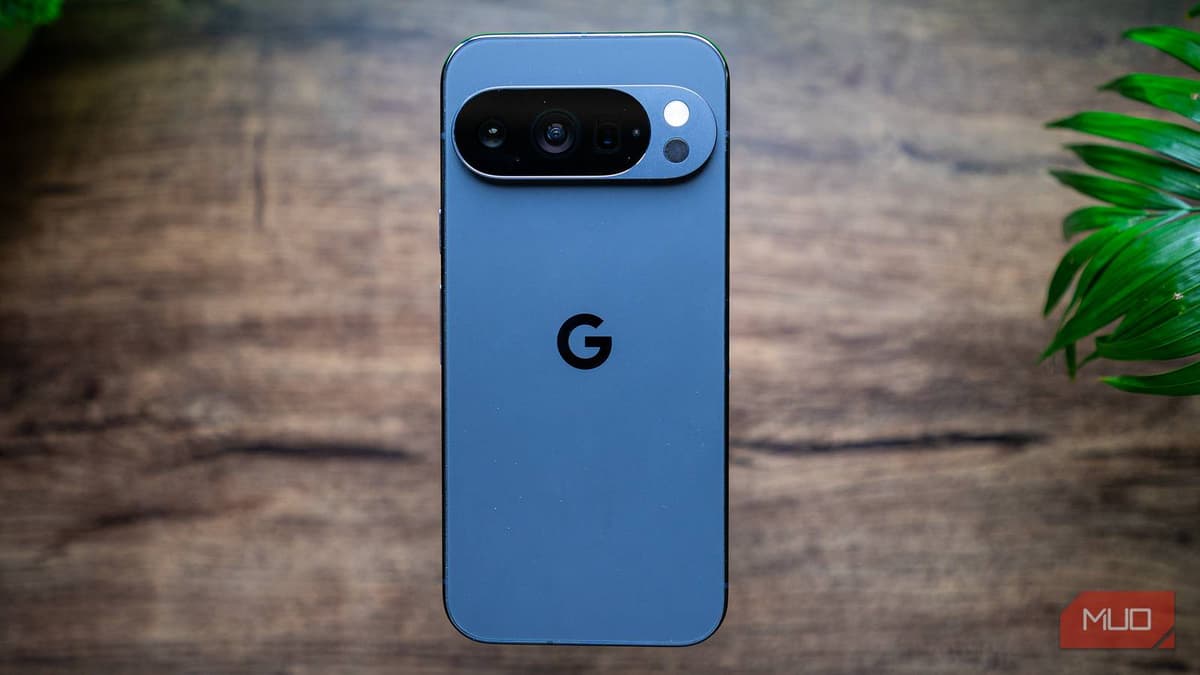
I Spent Hours Customizing Android to Feel Like Pixel and Realized I Should Have Just Bought One
Tech writer Sagar Naresh spent several hours stripping Samsung’s One UI, installing third‑party tools like Shizuku, Canta and the Lawnchair launcher, and swapping out native apps to mimic Google’s Pixel experience. Despite achieving a superficially Pixel‑like UI, he encountered inconsistent...

5 Reasons You Should Ditch Cloudflare and Run Your Own DNS Server
The article argues that relying on Cloudflare’s 1.1.1.1 DNS exposes users to privacy risks and service outages, and recommends running a self‑hosted DNS resolver such as Pi‑hole or AdGuard Home. It cites a 2020 KPMG audit that found Cloudflare retained...
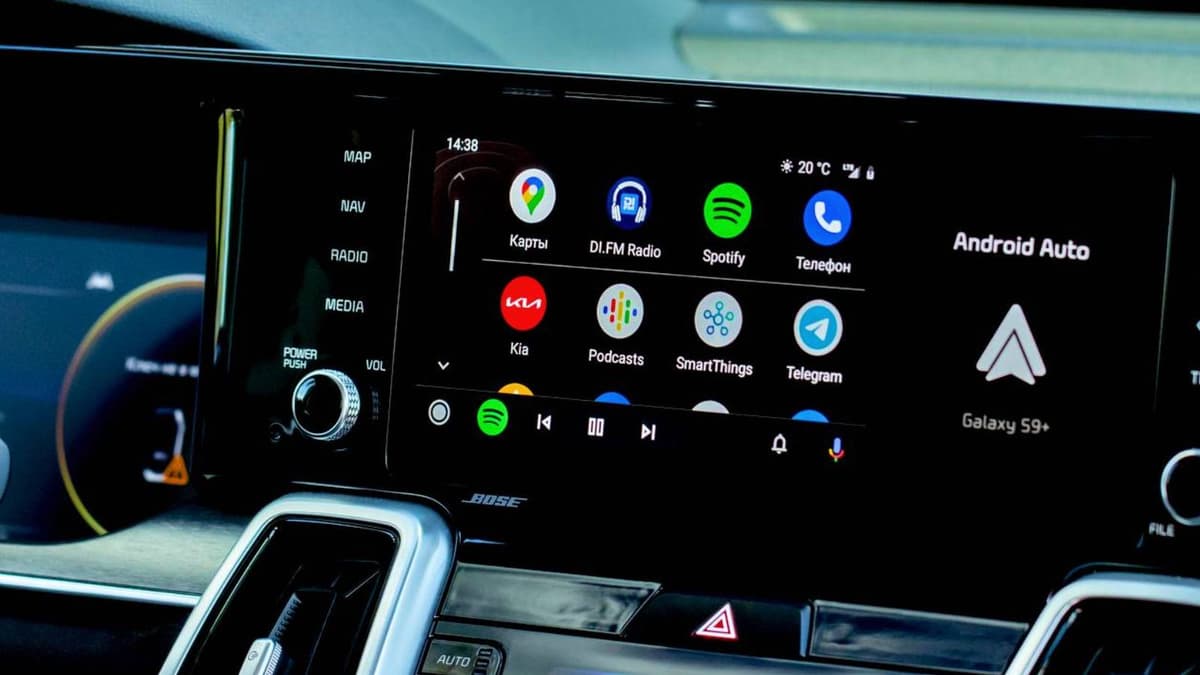
I Fixed My Android Auto Lag and the Cause Was Embarrassingly Simple
Android Auto lag often stems from three simple oversights: a low‑quality USB‑C cable, unchecked background apps on the phone, and accumulated cache or missed updates. Cheap charging cables lack the shielding and data rates needed for the continuous video stream...
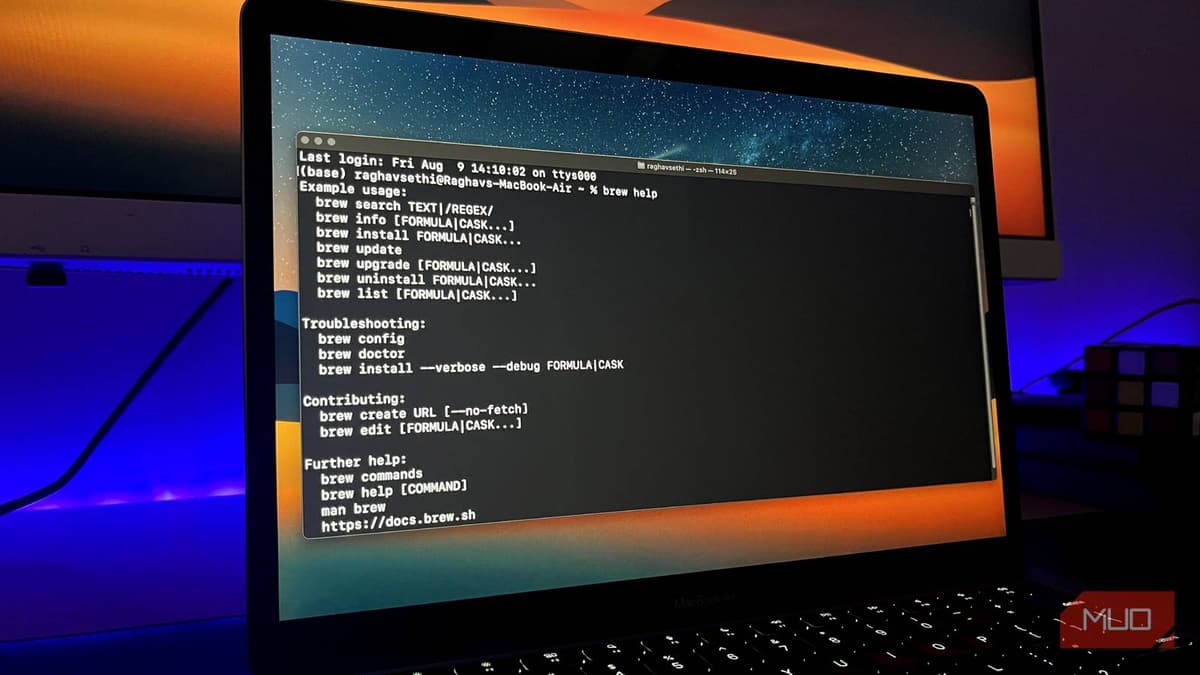
How One Fake Google Ad Can Silently Steal Your Mac’s Passwords
A fake Google ad for Homebrew directs users to a cloned website that asks them to paste a Terminal command, which installs the MacSync infostealer. MacSync can bypass Apple’s built‑in defenses and exfiltrate Keychain passwords, session cookies, and crypto‑wallet data....
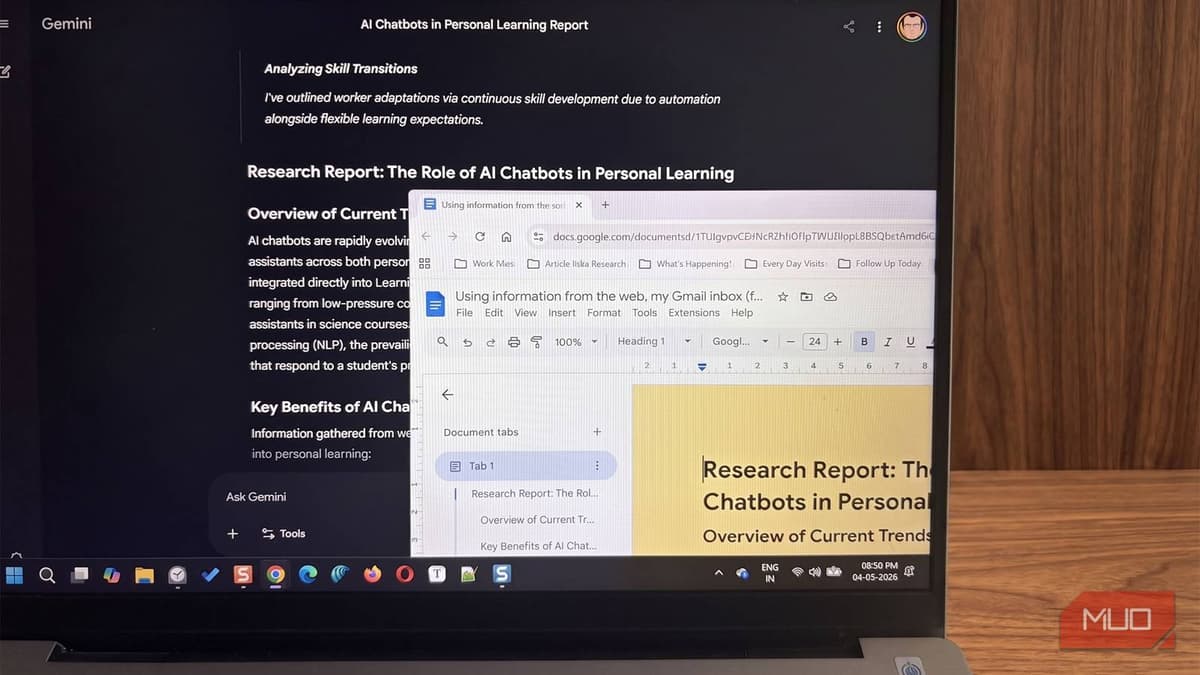
I Stopped Making Messy Research Folders After Gemini Did This Instead
Google Gemini now integrates real‑time web search, Gmail, and Drive folder access into a single prompt, delivering structured research reports in minutes. Users can enable Workspace extensions, let the model scan inboxes and Drive files, and receive citations that distinguish...

The Steam Deck OLED Beats Every Rival because of One Thing No Windows Handheld Can Match
Valve’s Steam Deck OLED, released late 2023, stands out with a 7.4‑inch 720p OLED panel that reaches 1,000 nits and runs at 90 Hz, delivering vivid HDR performance. Its Linux‑based SteamOS, bolstered by the Proton compatibility layer, runs thousands of Windows...
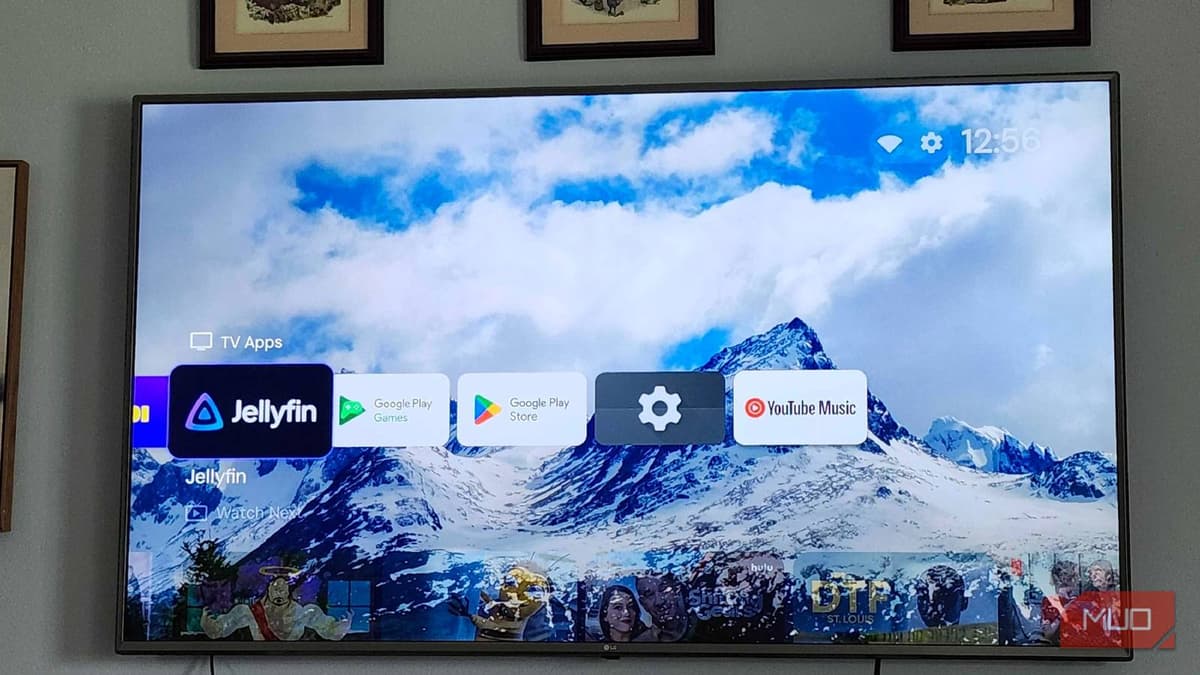
I Replaced Google TV's Home Screen with a Launcher App, and I Can't Imagine Going Back
Projectivy, an indie‑made launcher for Google TV, replaces the default home screen with a lightweight, ad‑free interface while retaining Google Assistant and Gemini functionality. Installation involves sideloading the APK and enabling an Accessibility Service, a process that takes roughly ten...
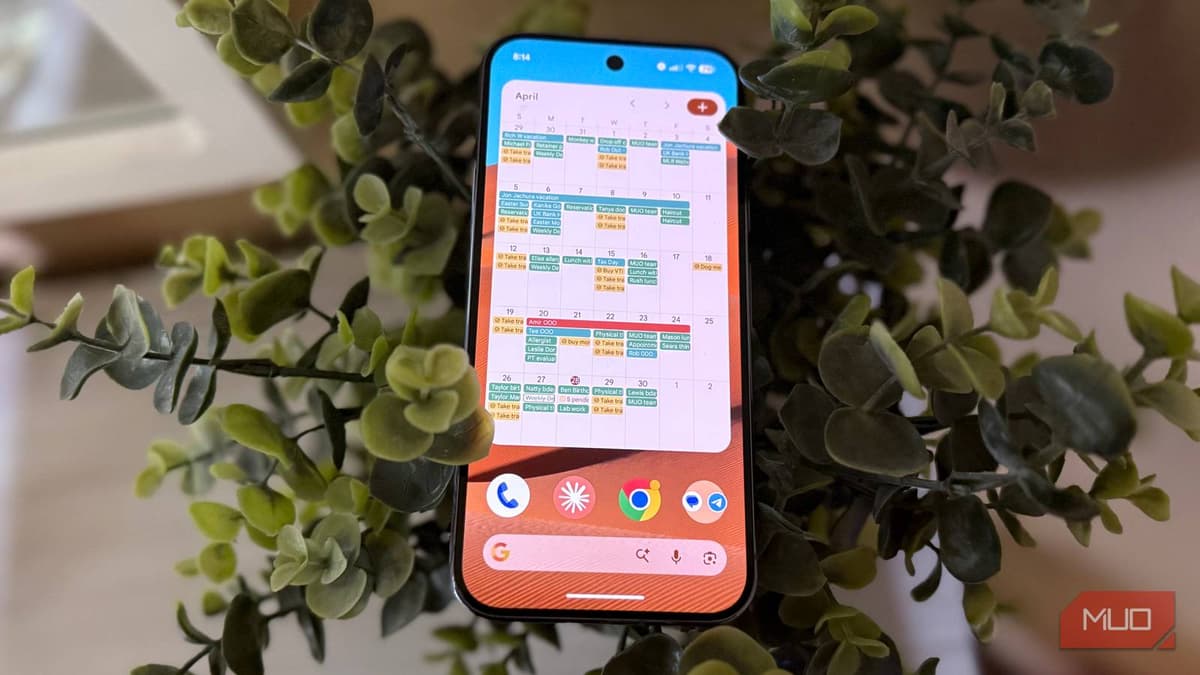
Your Android Widgets Are Hiding Buttons You've Never Tapped
MakeUseOf highlights three Android widgets that conceal extra functionality when enlarged. Expanding the YouTube Music widget reveals a ten‑album speed‑dial, while a larger Google Keep widget adds quick‑capture buttons for photos, voice notes, checklists, and drawings. The article encourages users...
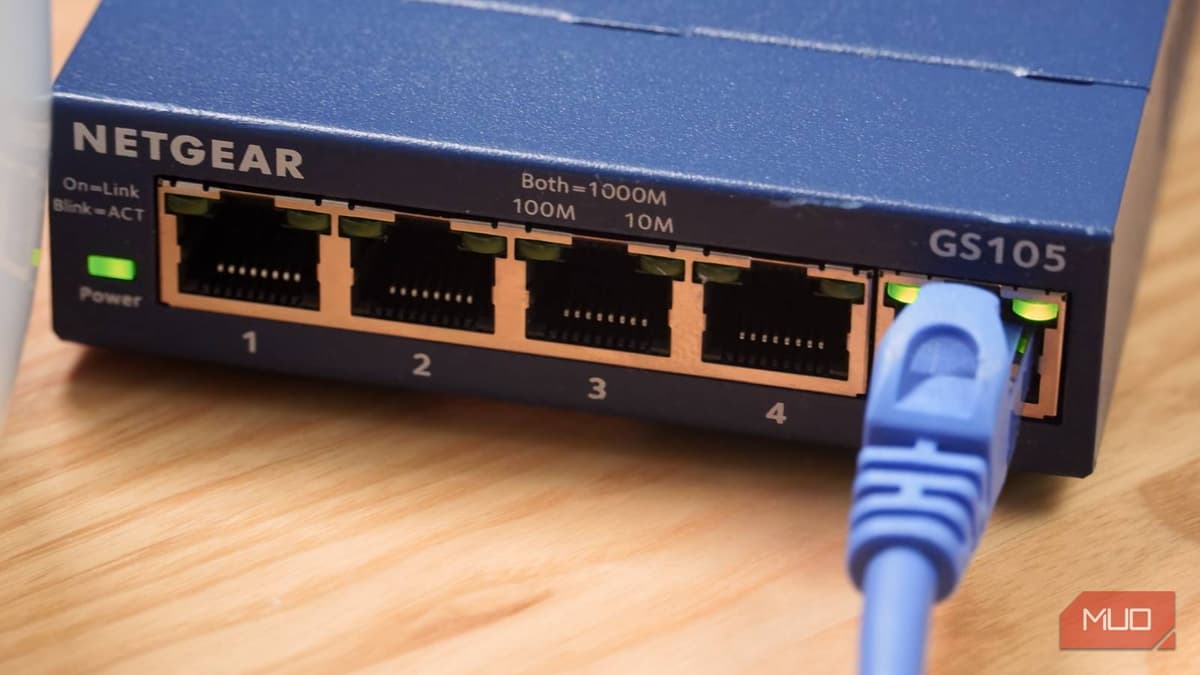
I Didn't Know There Were Two Kinds of Network Switches Until I Almost Bought the Wrong One — Here's What...
The article explains that network switches fall into two categories—unmanaged and managed—and why the distinction matters when purchasing. Unmanaged switches are plug‑and‑play devices that cover speeds from 100 Mbps to 2.5 Gbps, making them ideal for most home networks. Managed switches add...
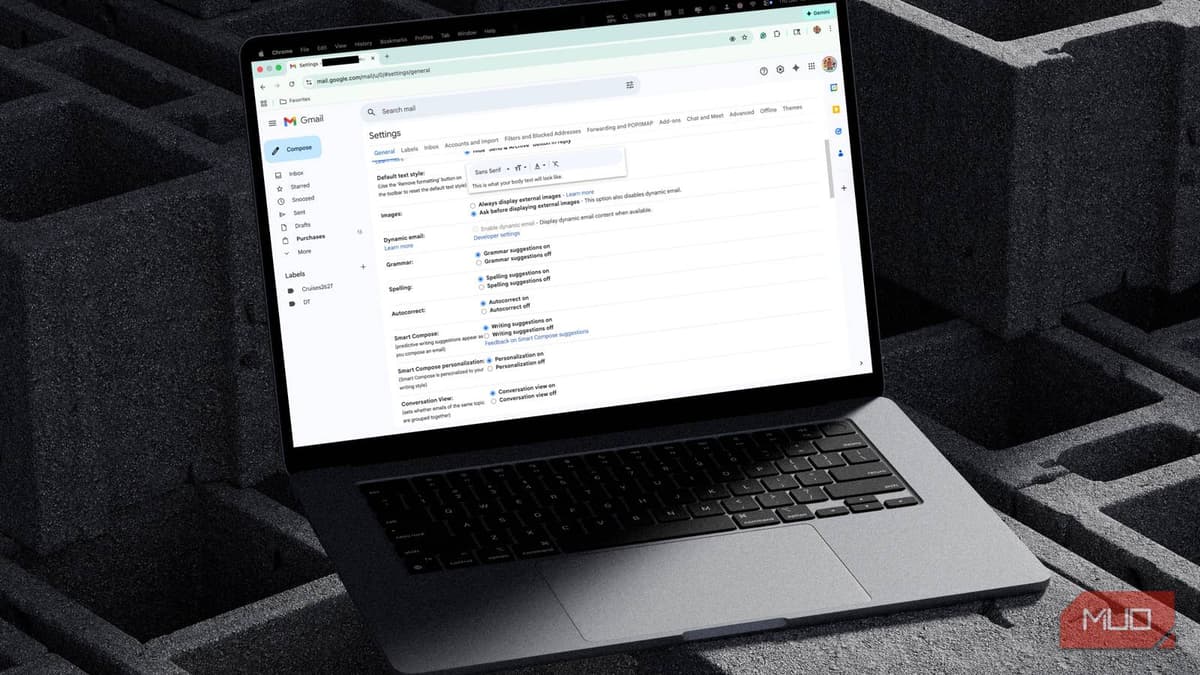
This Open-Source AI App Cleans Out My Inbox, and Doesn't Steal My Data
Inbox Zero is an open‑source AI email assistant that cleans inboxes while keeping data private. Users can self‑host the tool or pay roughly $20 per month for a managed instance, avoiding the data‑selling practices of free competitors. The app excels at detecting...

This App Lets Me Use My Android Phone in Ways I Couldn't Even Imagine
MacroDroid is an Android automation app that lets users create custom macros using a visual three‑part framework of triggers, actions, and constraints. The free tier permits up to five macros, while a one‑time $5 Pro upgrade removes limits, disables ads,...
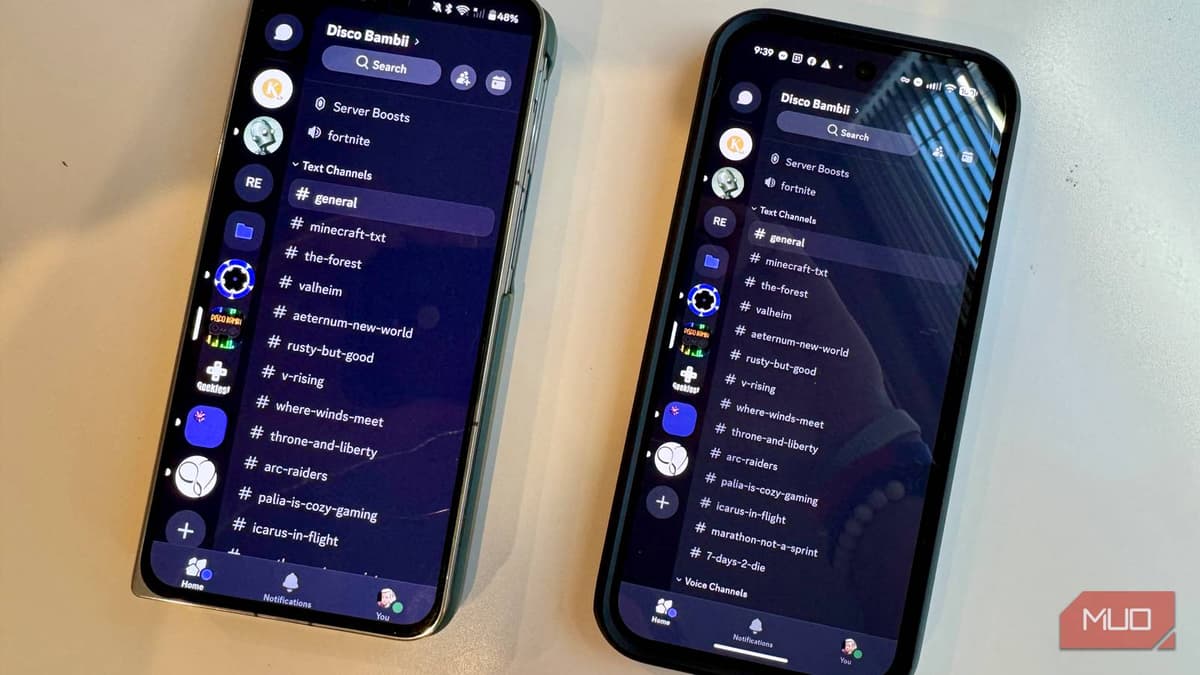
Why the Same Android App Works Differently on Different Phones
Since 2021 Google has required all new Play Store apps to be uploaded as Android App Bundles (AAB). When a user taps Install, Play’s Dynamic Delivery slices the bundle and generates a device‑specific APK based on CPU architecture, GPU, screen...

Excel's Automation Features Are Faster than ChatGPT, but Most People Never Find Them in the Menus
Microsoft Excel packs a suite of automation tools that can outpace generic AI solutions like ChatGPT for routine data tasks. Features such as Power Query, PivotTables, Office Scripts, Flash Fill, and dynamic array functions let users import, clean, analyze, and...
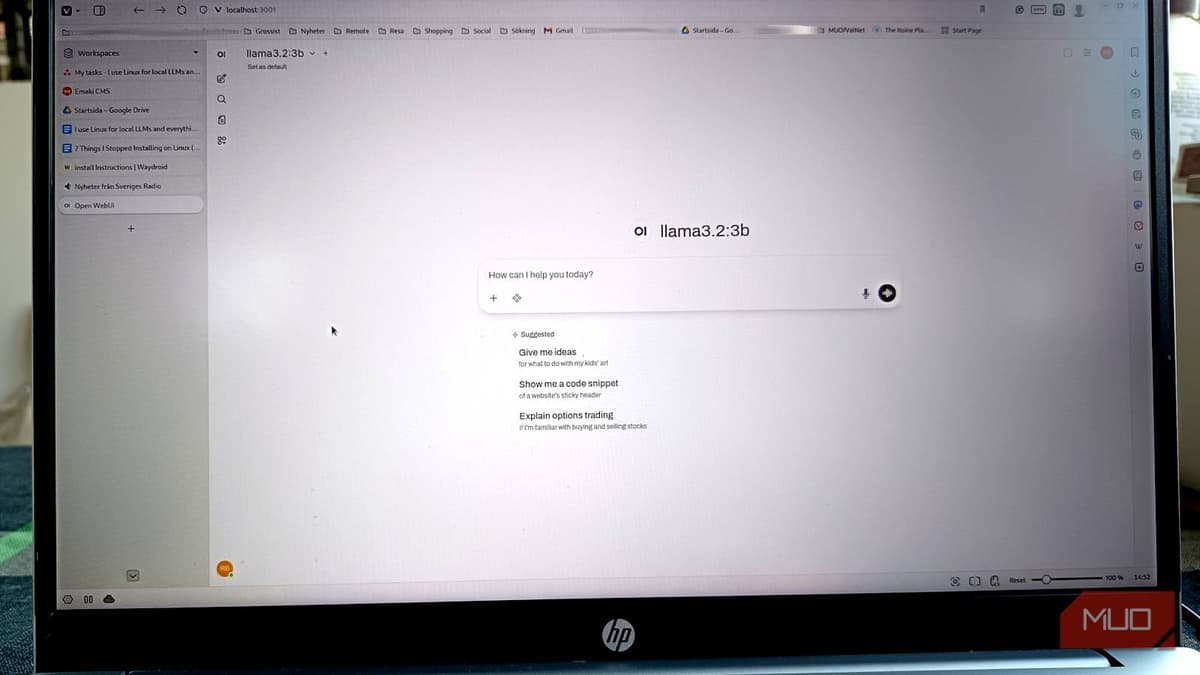
I Switched to Linux for Local LLMs and Setup that Took Hours on Windows Took Minutes
The author migrated from Windows to Linux for running local large language models with Ollama and found the Linux experience dramatically faster and more reliable. On Windows, the installer often defaults to CPU, requires WSL2, Docker configuration, and manual GPU...
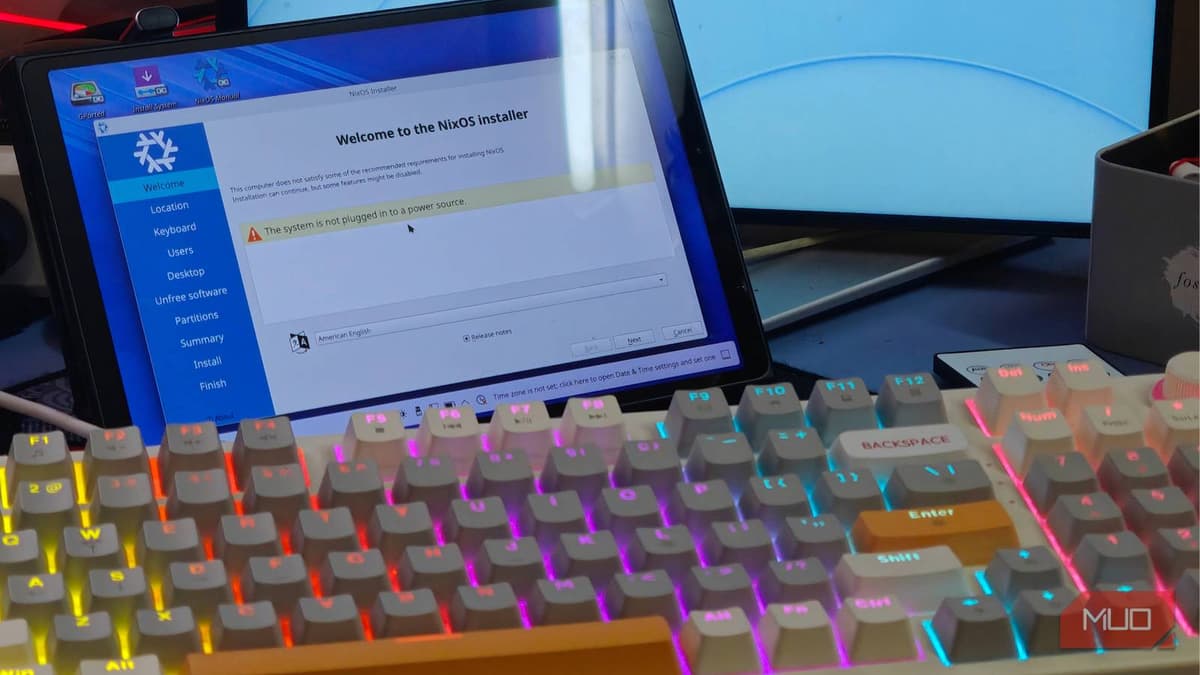
I Installed NixOS on My Gaming Handheld and Immediately Regretted It
A tech enthusiast installed NixOS on the new Lenovo Legion Go handheld, completing the base installation without issue but encountering significant hurdles configuring game‑mode features. By leveraging the Jovian‑NixOS project, the Steam Deck UI can be added, yet it requires the...

The Best Star Wars TV Show Isn't The Mandalorian — and George R.R. Martin Agrees
Star Wars: Andor has emerged as the franchise’s most acclaimed series, praised for its gritty, political storytelling that sidesteps traditional lightsabers and Force lore. The two‑season run, helmed by Tony Gilroy and starring Diego Luna, cost roughly $645 million but earned...
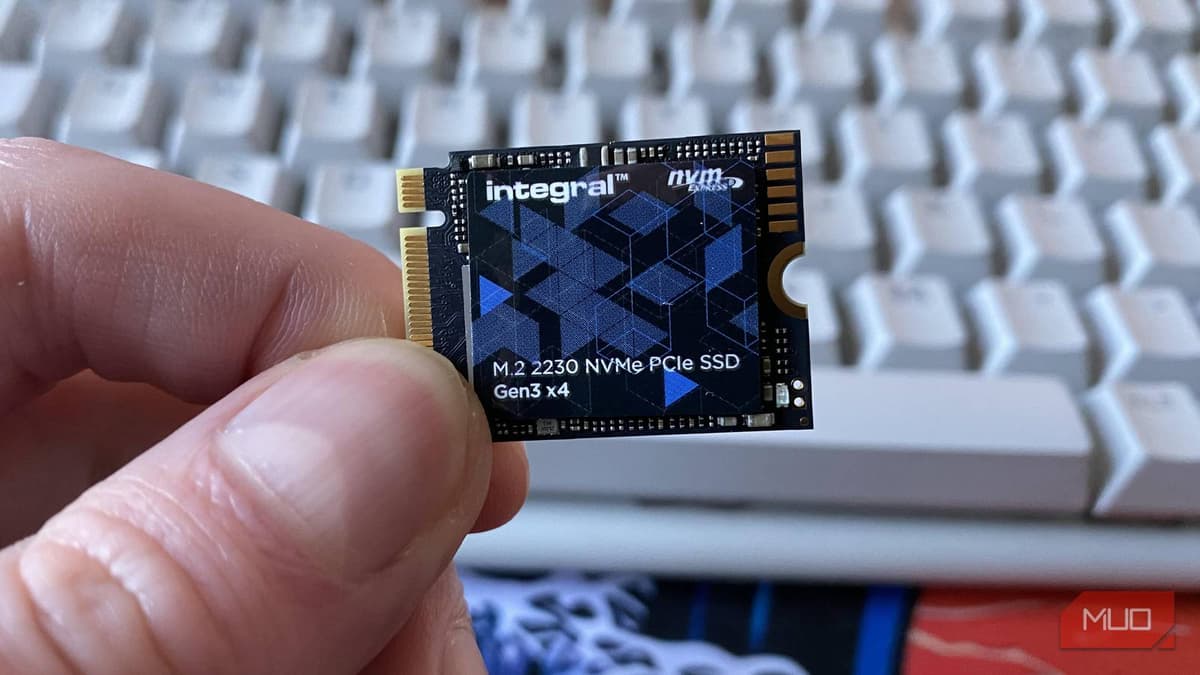
I Tracked the Resale Value of Every Part in My PC Build and This One Really Surprised Me
The article tracks the resale value of SSDs and reveals that prices have surged dramatically, with a 2 TB Sabrent Rocket 4.0 Plus jumping from $310 in 2020 to $997 today. The spike is attributed to soaring AI-driven demand for NAND flash...
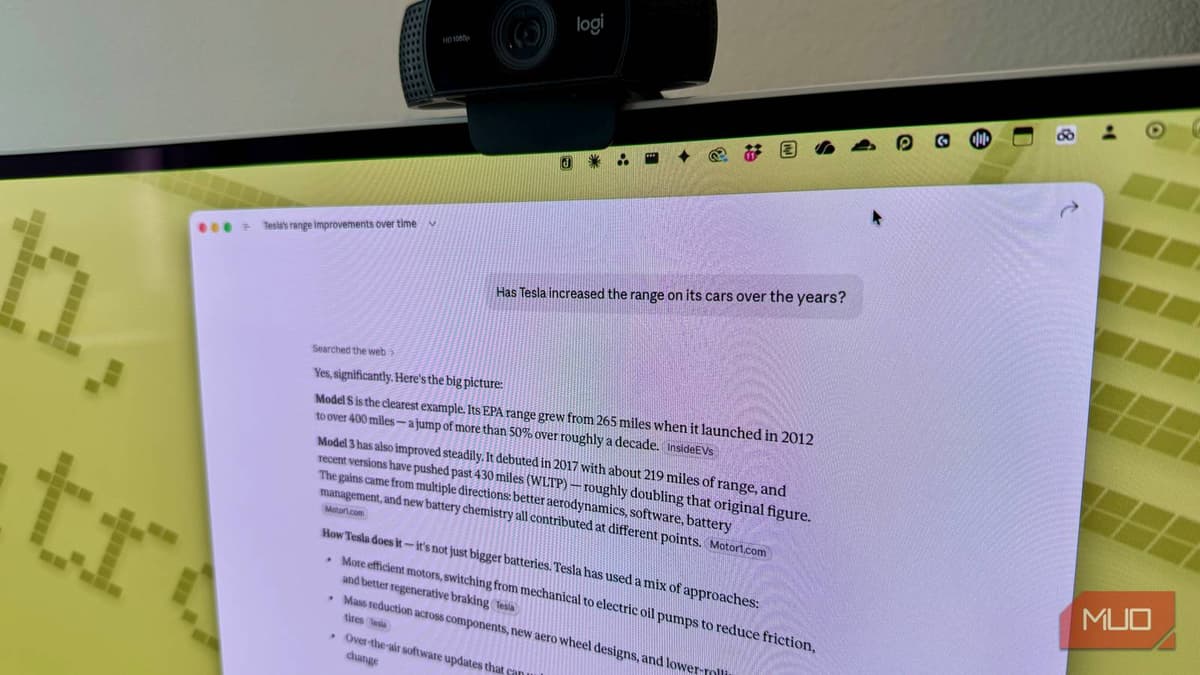
I Replaced 5 Apps With Claude AI — and I'm Not Going Back
Rob LeFebvre reports that Claude AI has replaced five separate productivity tools—Grammarly, Adobe Acrobat, note‑taking apps like Notion and Obsidian, Readwise Reader, and basic research aggregators. Claude’s context‑aware editing, 200,000‑token document handling, Projects workspace, and Research modes let him consolidate...
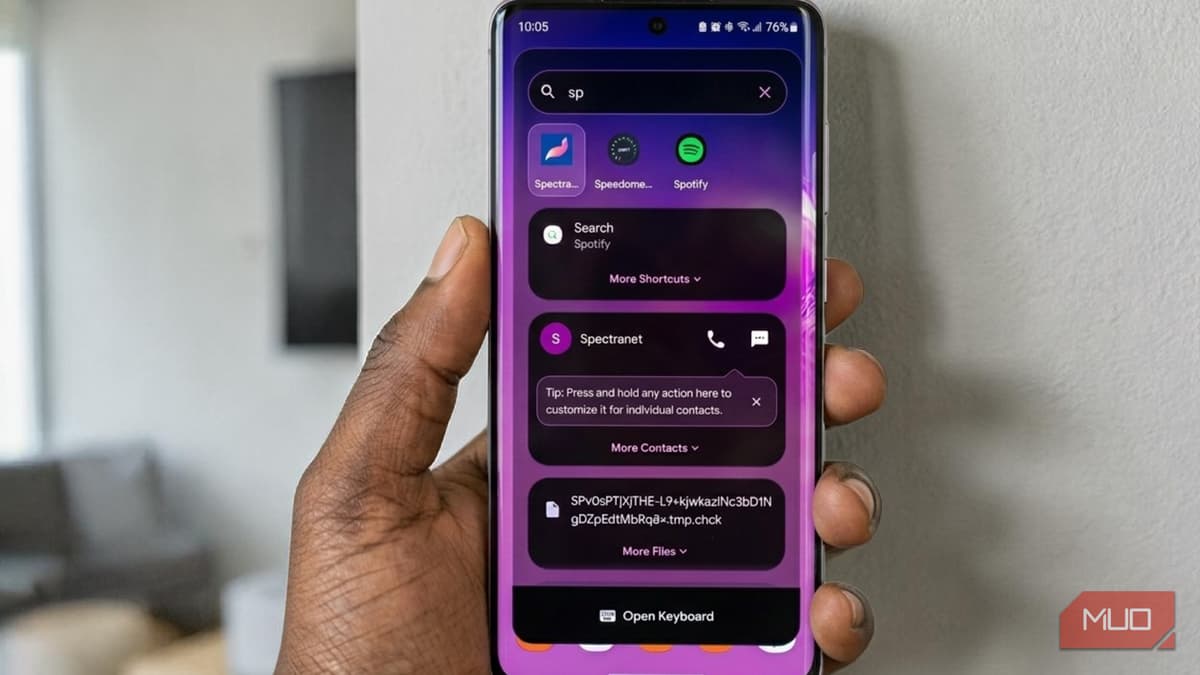
This Universal Search App Turned My Phone Into a Spotlight-Like Experience
Quick Search is an Android app that provides a universal, Spotlight‑like search bar, accessible via an optional overlay that floats over any screen. The onboarding process lets users grant optional permissions—usage, contacts, files, and calendar—while assuring that data stays on...
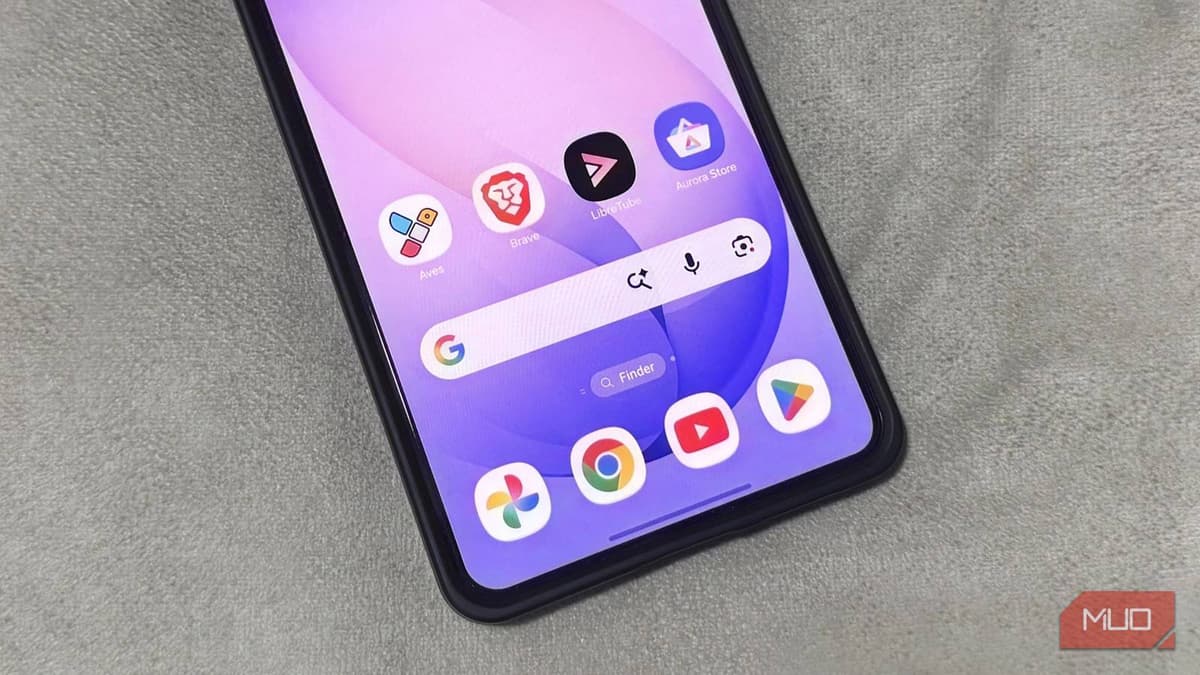
I Didn’t Expect Open-Source Apps to Beat Google Apps on My Phone — but They Did
A wave of open‑source Android apps is proving they can out‑perform Google’s native offerings. Tools like LibreTube, Aves Gallery, LeanType, Brave, and Aurora Store deliver ad‑free video, clean media management, AI‑enhanced typing, built‑in privacy, and Play Store access without a...
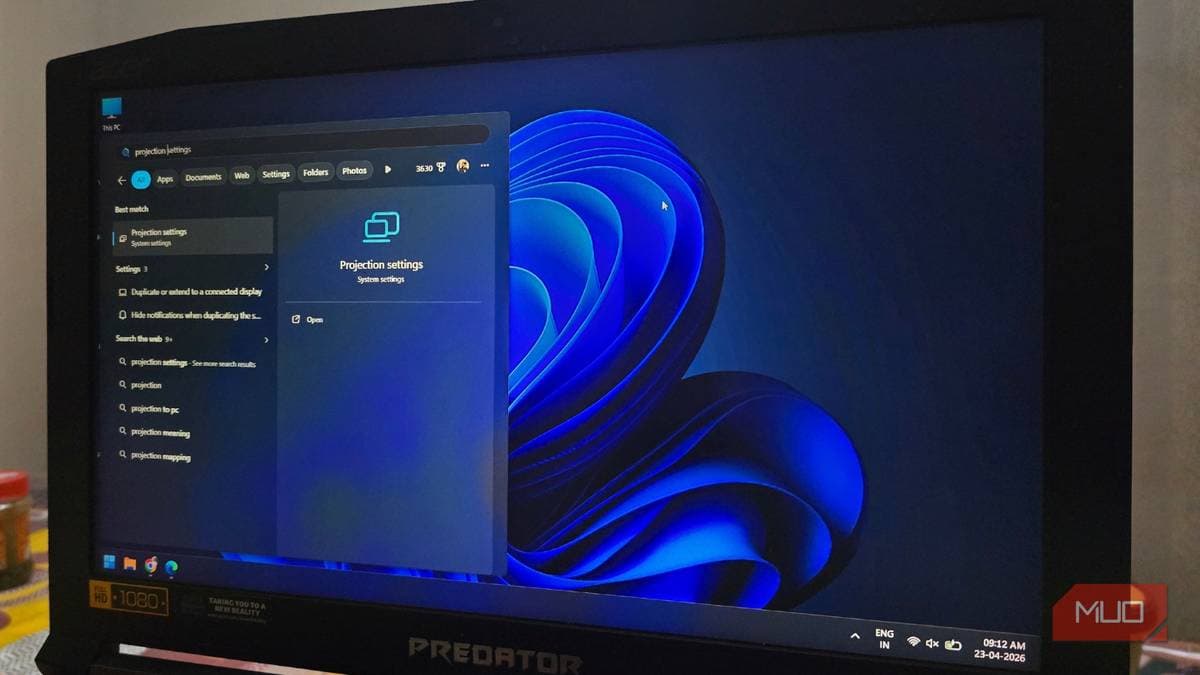
Your Windows PC Can Already Stream to Your TV without Any Extra Hardware — Here’s How to Set It Up
Microsoft’s Miracast feature, built into Windows 10 and 11, lets users wirelessly stream a laptop’s screen to a compatible smart TV without extra hardware. The technology uses Wi‑Fi Direct, creating a direct link that doesn’t require an internet connection or a shared...
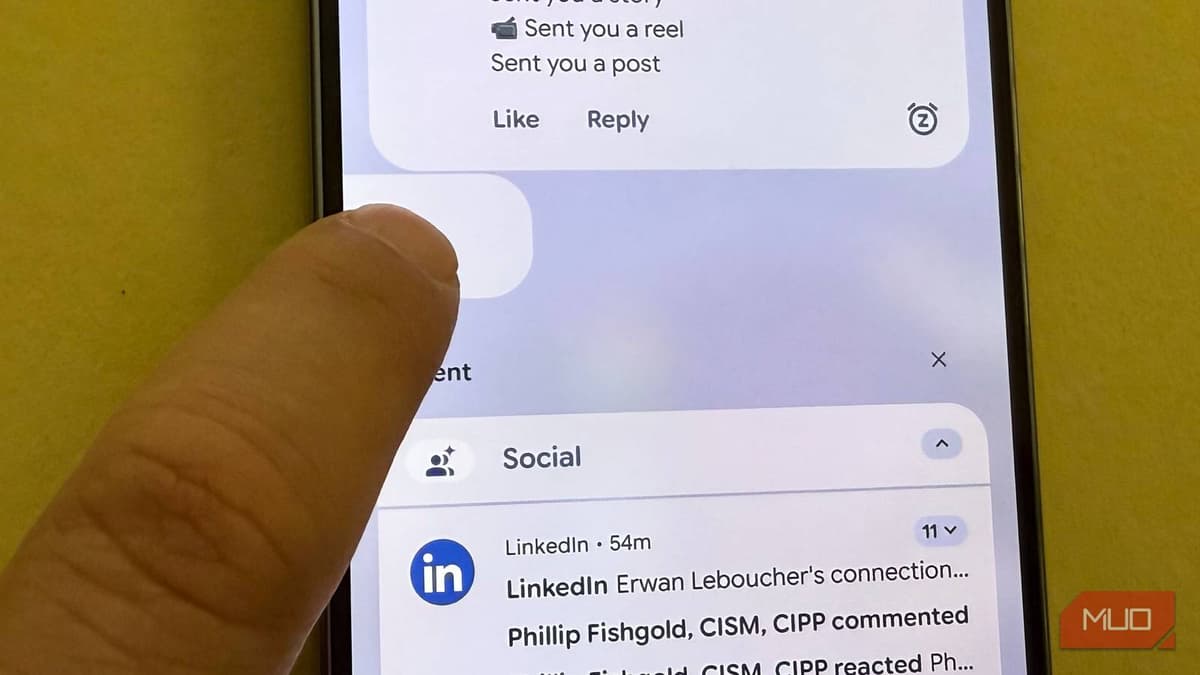
Stop Swiping Away Android Notifications — There's a Smarter Way to Deal with Them
Android’s built‑in notification snoozing and history tools let users temporarily hide alerts and retrieve them later, reducing interruption fatigue. The snooze button—displayed as a small alarm clock—appears only after users enable the feature, which is off by default on both...
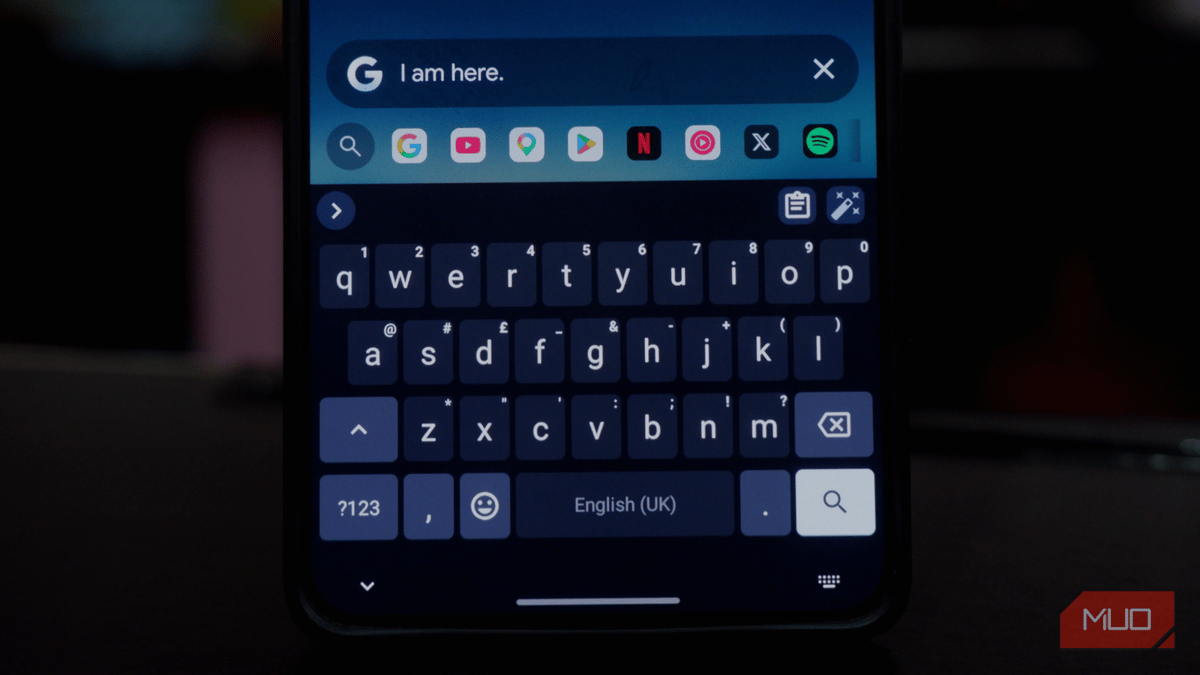
This Free, Offline-First Android Keyboard Gives You Privacy Gboard Will Never Offer
LeanType is a free, open‑source Android keyboard that offers offline‑first AI proofreading and translation, positioning itself as a privacy‑focused alternative to Google’s Gboard. Users must side‑load the APK because the app is not on the Play Store, but once installed...
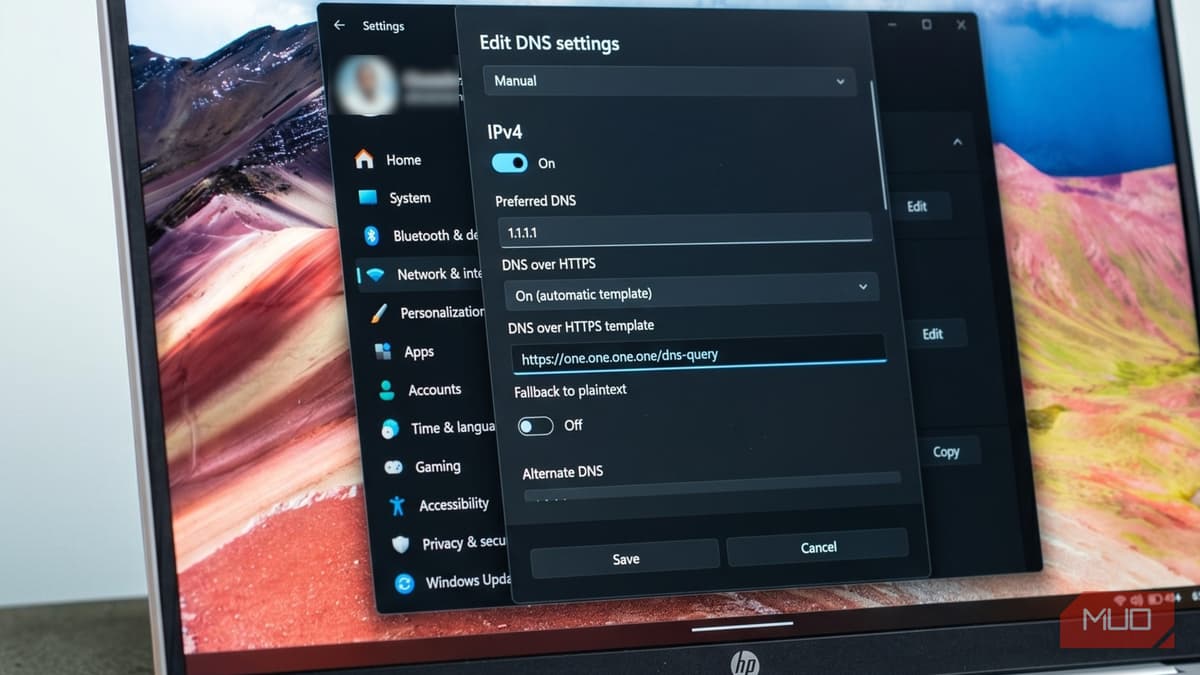
Your ISP Has Been Watching Your Browsing This Whole Time — Here's the Windows 11 Fix
ISPs in the United States can see every website you visit because most DNS requests travel in plaintext. After the 2017 repeal of the FCC's broadband privacy rules, this data collection became routine and vulnerable to spoofing or hijacking. Windows 11...
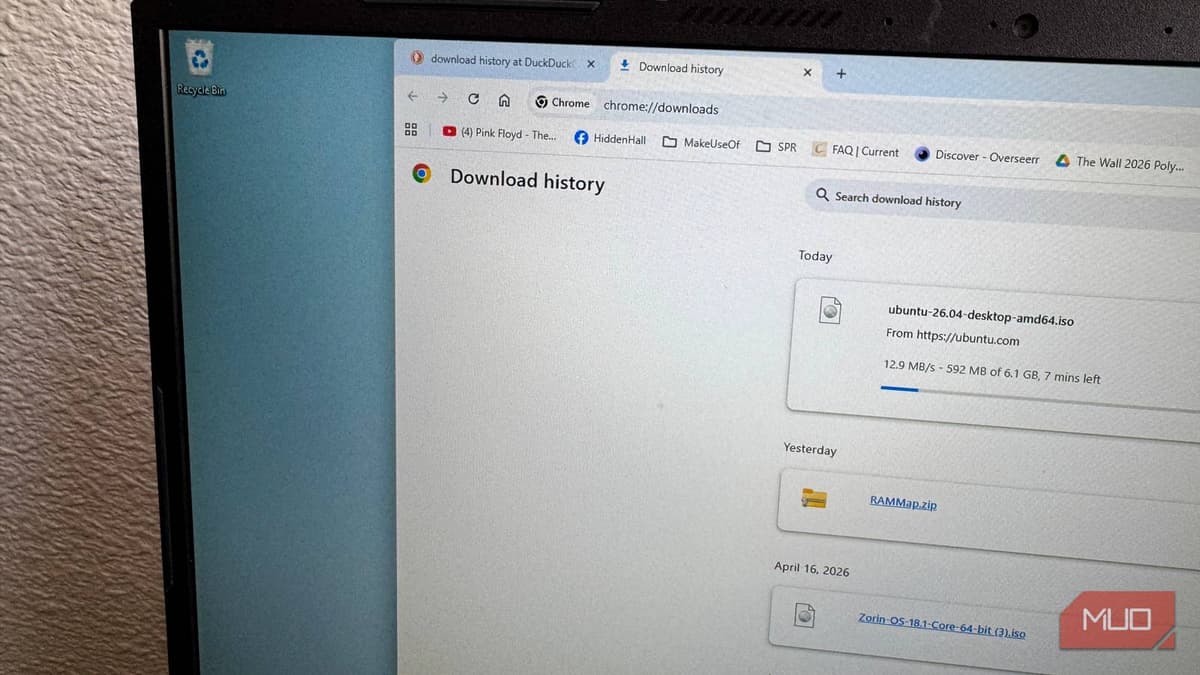
Chrome's Fastest Download Feature Is Buried in a Place Most People Never Look
Google Chrome hides a "Parallel downloading" flag in its chrome://flags page, allowing the browser to split files into chunks and download them simultaneously. Enabling the flag can noticeably speed up large downloads on Windows, macOS, Linux, Android, ChromeOS, and iOS...
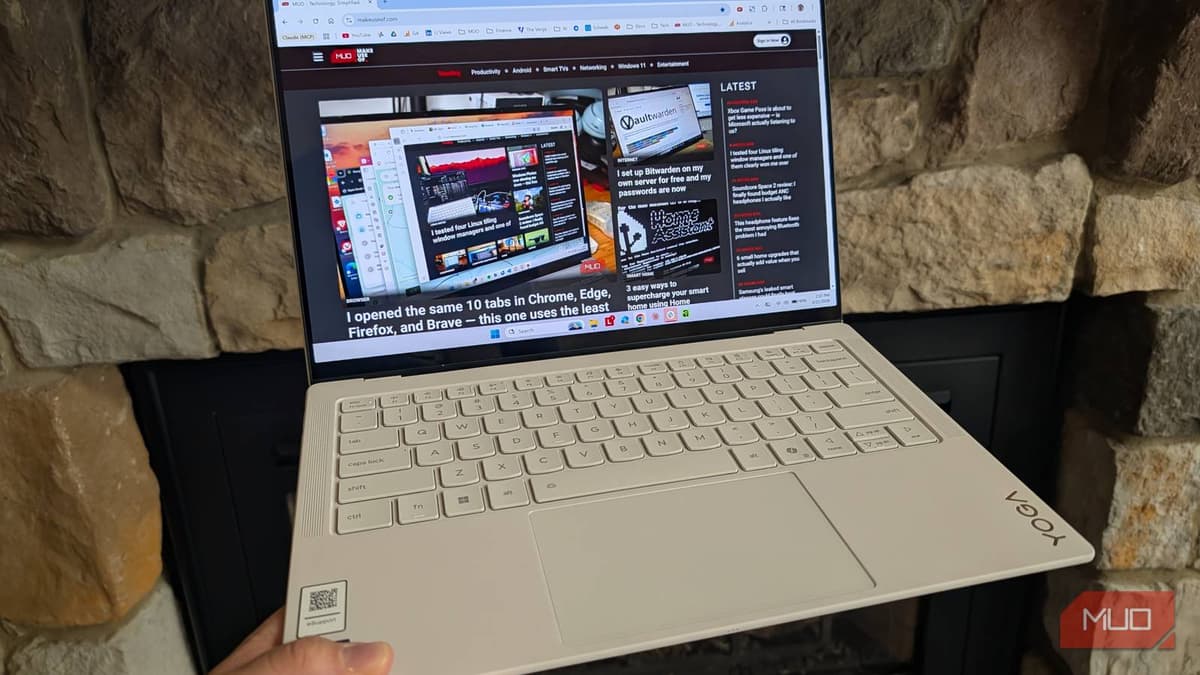
I Reviewed the Lenovo Yoga 7 Slim Ultra and It Almost Made Me Enjoy Windows Again
Lenovo’s Yoga 7 Slim Ultra is an ultra‑light 14‑inch Windows laptop weighing just 2.15 lb, equipped with a 2.8K OLED panel, Intel Core Ultra 7 355 processor, 32 GB LPDDR5X RAM, and a 75 Wh battery. The review praises its feather‑weight chassis and fast charging...
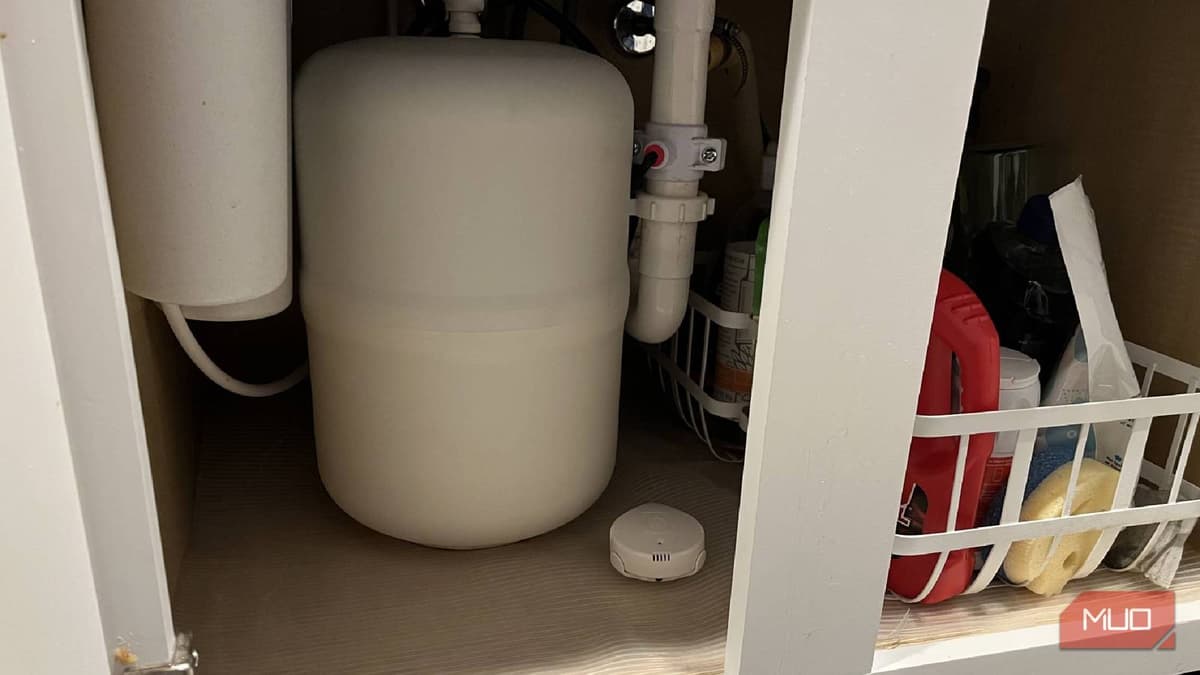
4 Smart Kitchen Gadgets that Actually Earned Their Counter Space
A growing number of smart kitchen gadgets are proving their worth beyond novelty. The Amazon Echo Show 8 serves as a Matter‑enabled Thread border router, centralizing voice control and device coordination. Moen’s smart leak detector monitors water, humidity and temperature, sending...

5 Buried Settings in Your TV that Are Ruining Your Sound
Modern televisions embed multiple audio‑processing features that often degrade sound quality, from auto‑volume compression to aggressive EQ presets. Misaligned output formats, such as sending Dolby Digital to a basic soundbar, can produce thin dialogue and muffled bass. Enabling both TV...
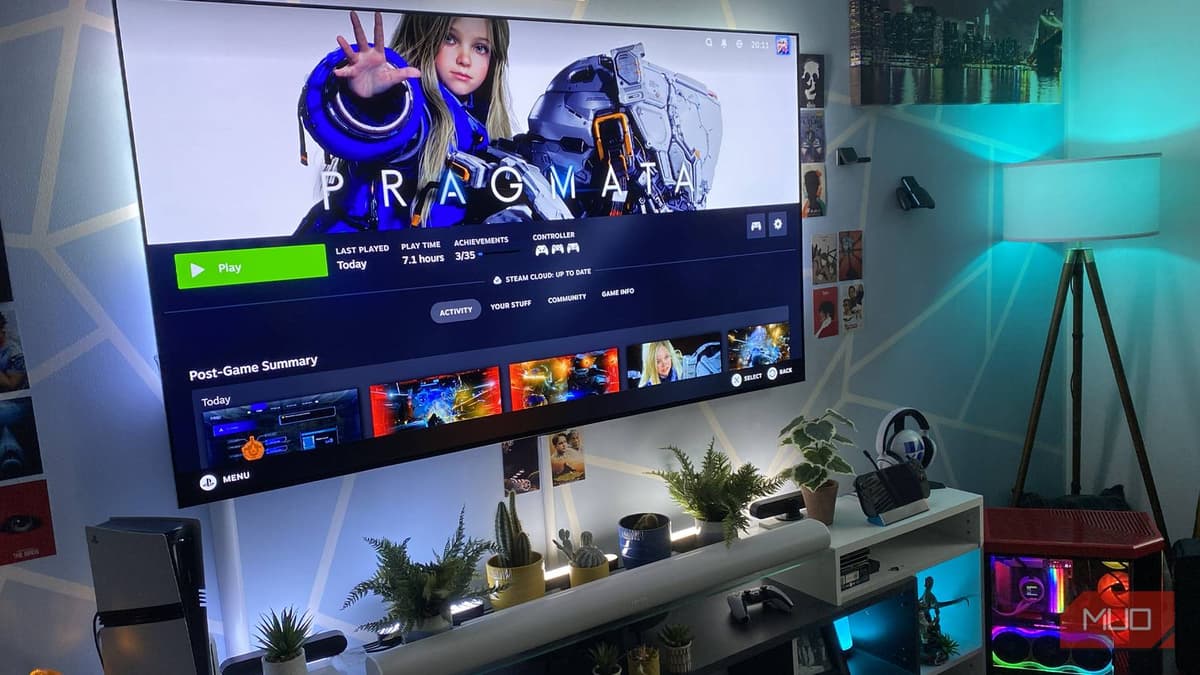
I Stopped Using My PS5 After Discovering These Steam Big Picture Features
Dave Meikleham’s guide highlights Steam Big Picture’s hidden tools that make PC gaming feel like a console. The mode lets users remap any controller, pull up screenshots instantly, record up to 120 minutes of gameplay, and set custom startup movies....
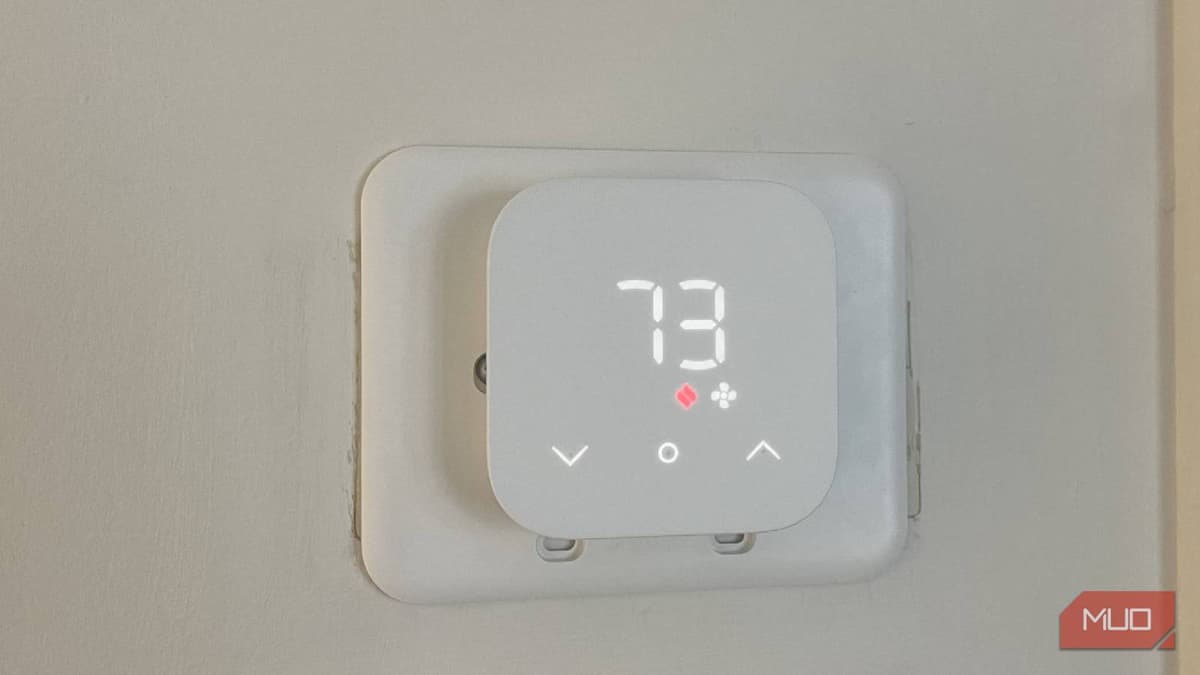
These 4 Smart Home Devices Promised to Save Me Time — They Did the Opposite
Tech writer Chris Hachey tested four smart‑home gadgets—a thermostat, an outdoor motion sensor, a universal controller, and a touchless paper‑towel dispenser—and found each added more hassle than convenience. The thermostat depended on Wi‑Fi, leaving the home vulnerable during outages, while...

Your Passwords Are Officially Obsolete, According to Britain's Top Intelligence Agency
Britain’s National Cyber Security Centre announced at CYBERUK that passwords are now obsolete and recommends passkeys as the primary authentication method. The agency cites passkeys’ speed—up to eight times faster than traditional login—and their resistance to phishing. Around 50% of...

5 USB-C Tricks that Feel Wrong Until You Try Them
USB‑C’s versatile standards—Power Delivery, Alt Mode, and USB4—enable a suite of hidden tricks beyond simple charging. Users can reverse‑charge devices, attach gigabit Ethernet adapters, power‑draw monitors with a single cable, charge laptops from high‑wattage power banks, and record 4K ProRes...

I Stopped Reaching for ChatGPT when Excel Could Do It Three Times Faster
In a recent MakeUseOf column, author Yadullah Abidi argues that Excel often outpaces ChatGPT for routine data tasks. He demonstrates how pivot tables, conditional formatting, Flash Fill, and macros deliver instant results without the back‑and‑forth of prompting an AI model....
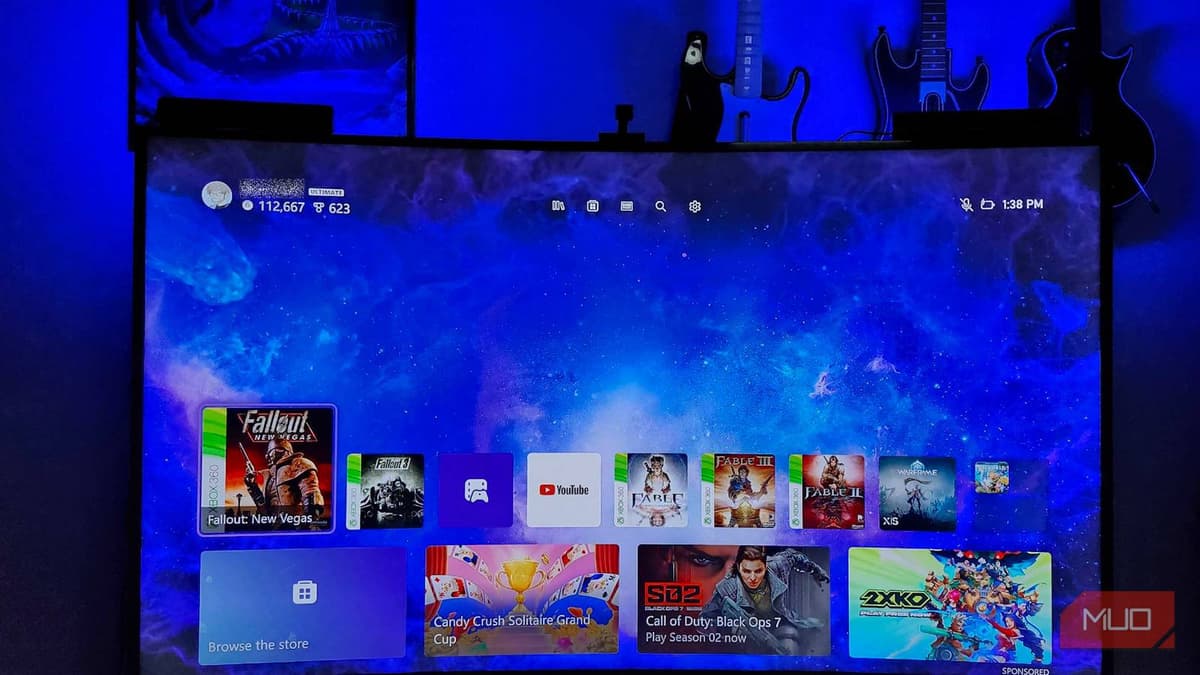
Xbox Game Pass Is About to Get Less Expensive — Is Microsoft Actually Listening to Us?
Microsoft announced a significant reduction in its Xbox Game Pass subscription fees, cutting Game Pass Ultimate to $22.99 per month and PC Game Pass to $13.99. The price cuts follow a controversial 50% increase in October 2025 that reportedly drove...

Cloud Gaming Got so Good so Fast that I Genuinely Regret Buying My Gaming Laptop
Nvidia’s GeForce Now Ultimate tier now streams RTX 5080‑class performance for $20 a month, or $200 for six months, effectively matching high‑end gaming laptops. The service caps streaming at 100 hours per month and demands at least 45 Mbps for 4K 120 FPS, with latency...